







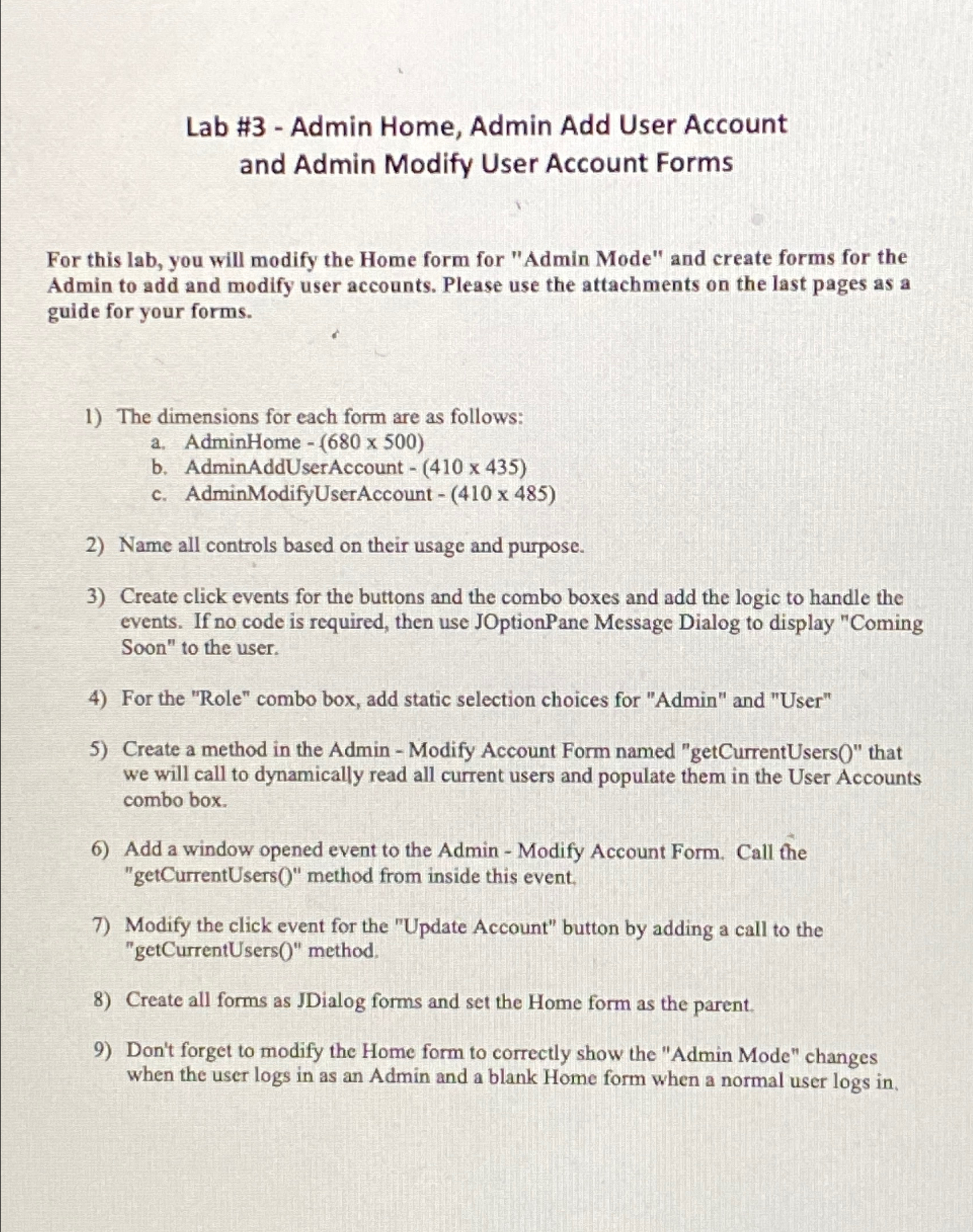
Question: Lab # 3 Java - Admin Home, Admin Add User Account and Admin Modify User Account Forms For this lab, you will modify the Home
Lab # Java Admin Home, Admin Add User Account and Admin Modify User Account Forms
For this lab, you will modify the Home form for "Admin Mode" and create forms for the Admin to add and modify user accounts. Please use the attachments on the last pages as a guide for your forms.
The dimensions for each form are as follows:
a AdminHome
b AdminAddUserAccount
c AdminModifyUserAccount
Name all controls based on their usage and purpose.
Create click events for the buttons and the combo boxes and add the logic to handle the events. If no code is required, then use JOptionPane Message Dialog to display "Coming Soon" to the user.
For the "Role" combo box, add static selection choices for "Admin" and "User"
Create a method in the Admin Modify Account Form named "getCurrentUsers that we will call to dynamically read all current users and populate them in the User Accounts combo box.
Add a window opened event to the Admin Modify Account Form. Call the "getCurrentUsers method from inside this event.
Modify the click event for the "Update Account" button by adding a call to the "getCurrentUsers method.
Create all forms as JDialog forms and set the Home form as the parent.
Don't forget to modify the Home form to correctly show the "Admin Mode" changes when the user logs in as an Admin and a blank Home form when a normal user logs in
Step by Step Solution
There are 3 Steps involved in it
1 Expert Approved Answer
Step: 1 Unlock

Question Has Been Solved by an Expert!
Get step-by-step solutions from verified subject matter experts
Step: 2 Unlock
Step: 3 Unlock
 Study Help