







Question: Write a program that uses the DrawingPanel to draw Figure 3G.21 . The window is 220 pixels wide and 150 pixels tall. The background is
Write a program that uses the DrawingPanel to draw Figure 3G.21 .
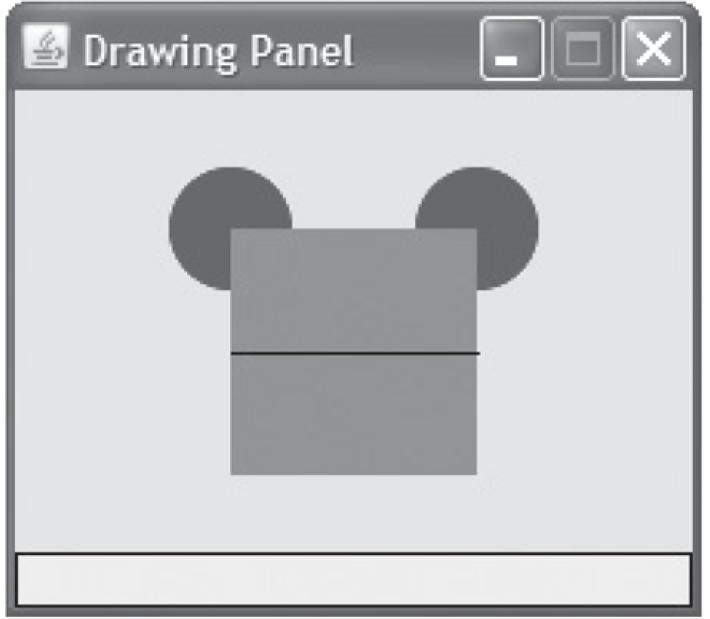
The window is 220 pixels wide and 150 pixels tall. The background is yellow. There are two blue ovals of size 40 × 40 pixels. They are 80 pixels apart, and the left oval’s top-left corner is located at position (50, 25). There is a red square whose top two corners exactly intersect the centers of the two ovals. Lastly, there is a black horizontal line through the center of the square.
Drawing Panel
Step by Step Solution
3.47 Rating (160 Votes )
There are 3 Steps involved in it
public class MickeyBox public static void main String args Drawi... View full answer

Get step-by-step solutions from verified subject matter experts
 Study Help