







Question: Modify Program 14.4 (the version including the modification in Figure 14.10 that produces a 3D cubed texture) so that it instead textures the Studio 522
Modify Program 14.4 (the version including the modification in Figure 14.10 that produces a 3D cubed texture) so that it instead textures the Studio 522 dolphin. Then observe the results. Many people when first observing the result—such as that shown on the dragon, but also even on simpler objects—believe that there is some error in the program. Unexpected surface patterns can result from “carving” an object out of 3D textures, even in simple cases.
Program 14.4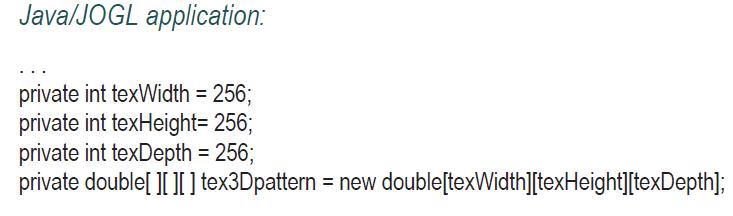
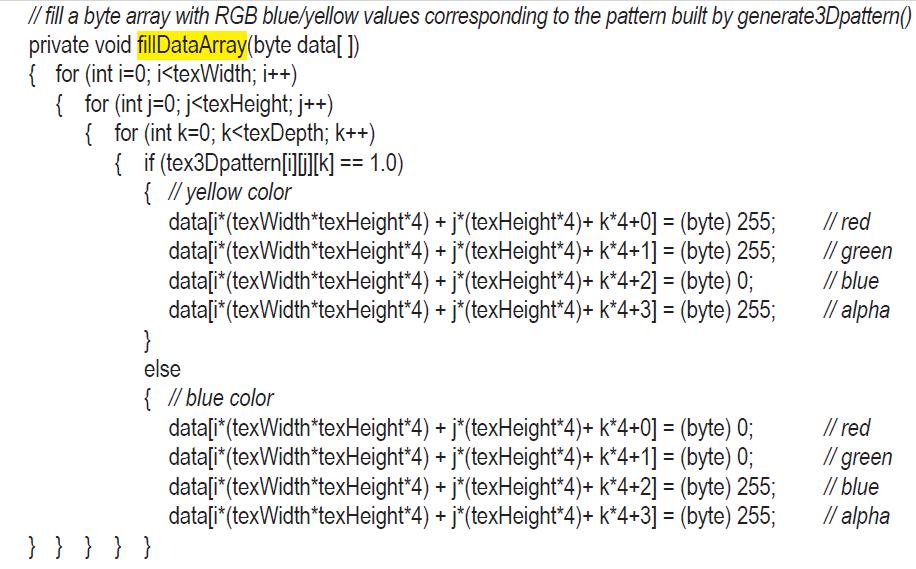
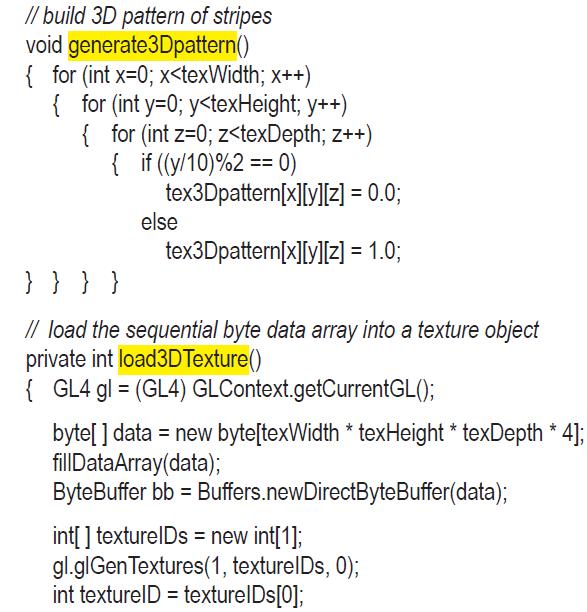

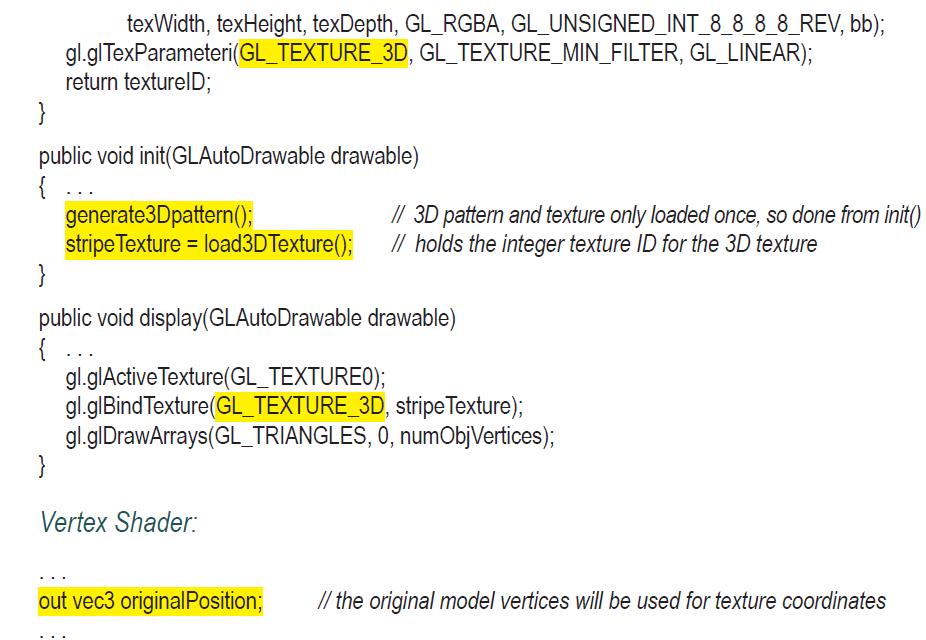
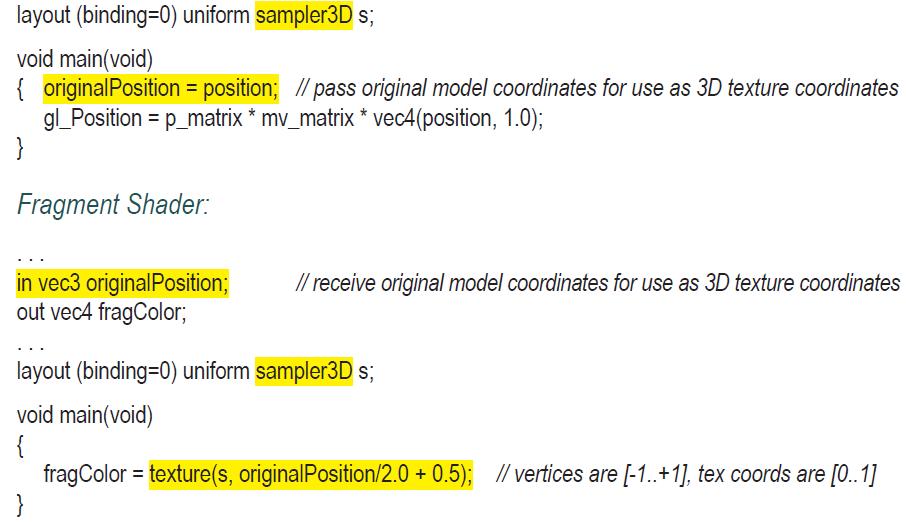
Figure 14.10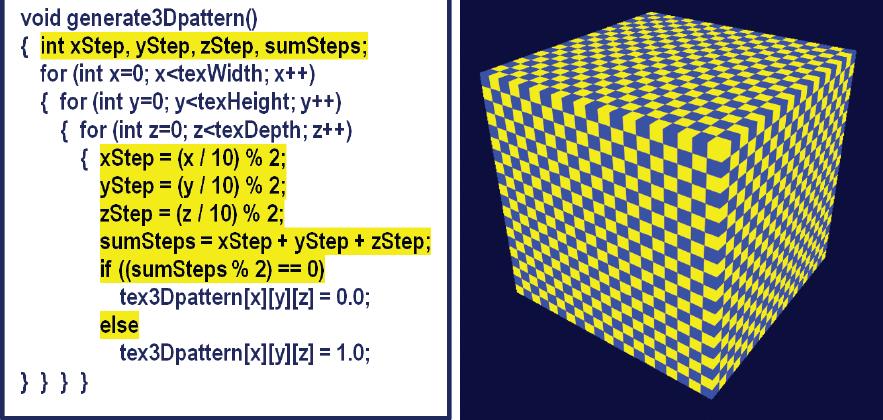
Java/JOGL application: private int texWidth = 256; private int texHeight= 256; private int texDepth = 256; private double[][][] tex3Dpattern = new double[texWidth][texHeight][texDepth];
Step by Step Solution
3.38 Rating (157 Votes )
There are 3 Steps involved in it

Get step-by-step solutions from verified subject matter experts
 Study Help