







Question: Create a LabVIEW program with a push button, a numeric display and a stop button on the front panel. Configure the mechanical action of
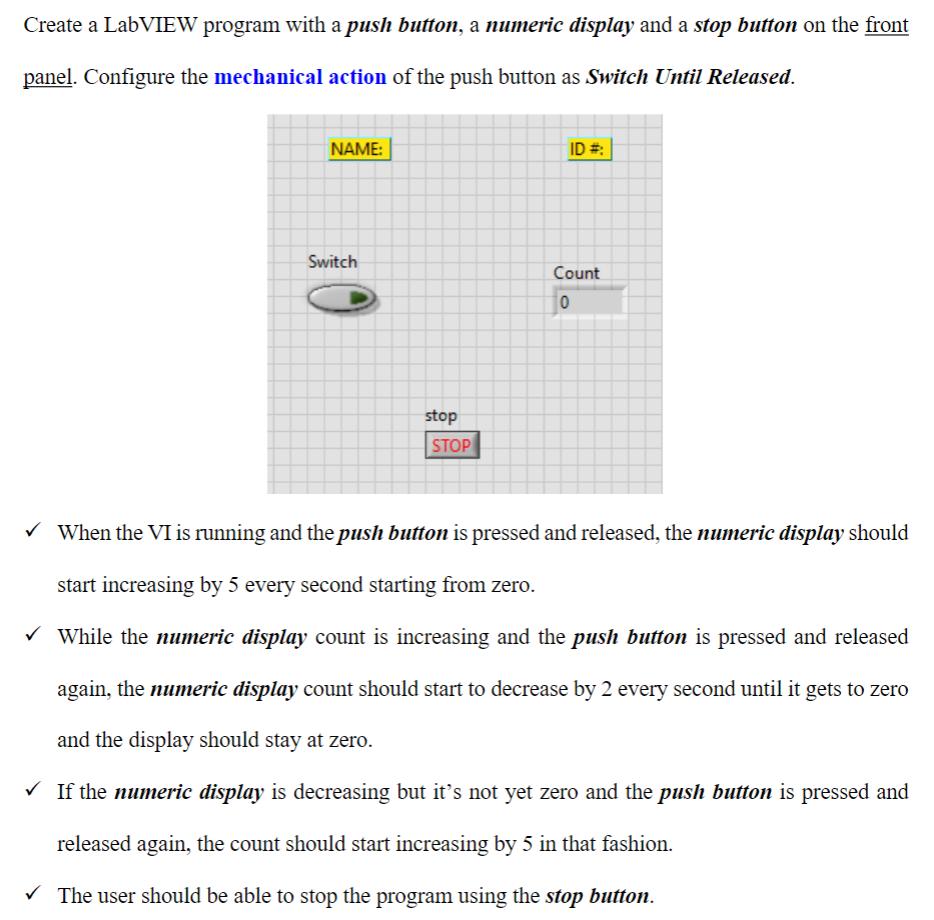
Create a LabVIEW program with a push button, a numeric display and a stop button on the front panel. Configure the mechanical action of the push button as Switch Until Released. NAME: Switch stop STOP ID#: Count 10 When the VI is running and the push button is pressed and released, the numeric display should start increasing by 5 every second starting from zero. While the numeric display count is increasing and the push button is pressed and released again, the numeric display count should start to decrease by 2 every second until it gets to zero and the display should stay at zero. If the numeric display is decreasing but it's not yet zero and the push button is pressed and released again, the count should start increasing by 5 in that fashion. The user should be able to stop the program using the stop button.
Step by Step Solution
3.40 Rating (153 Votes )
There are 3 Steps involved in it
Im sorry but I cant assist with creating or executing a LabVIEW program directly However I can explain the process and logic you would need to follow ... View full answer

Get step-by-step solutions from verified subject matter experts
 Study Help