







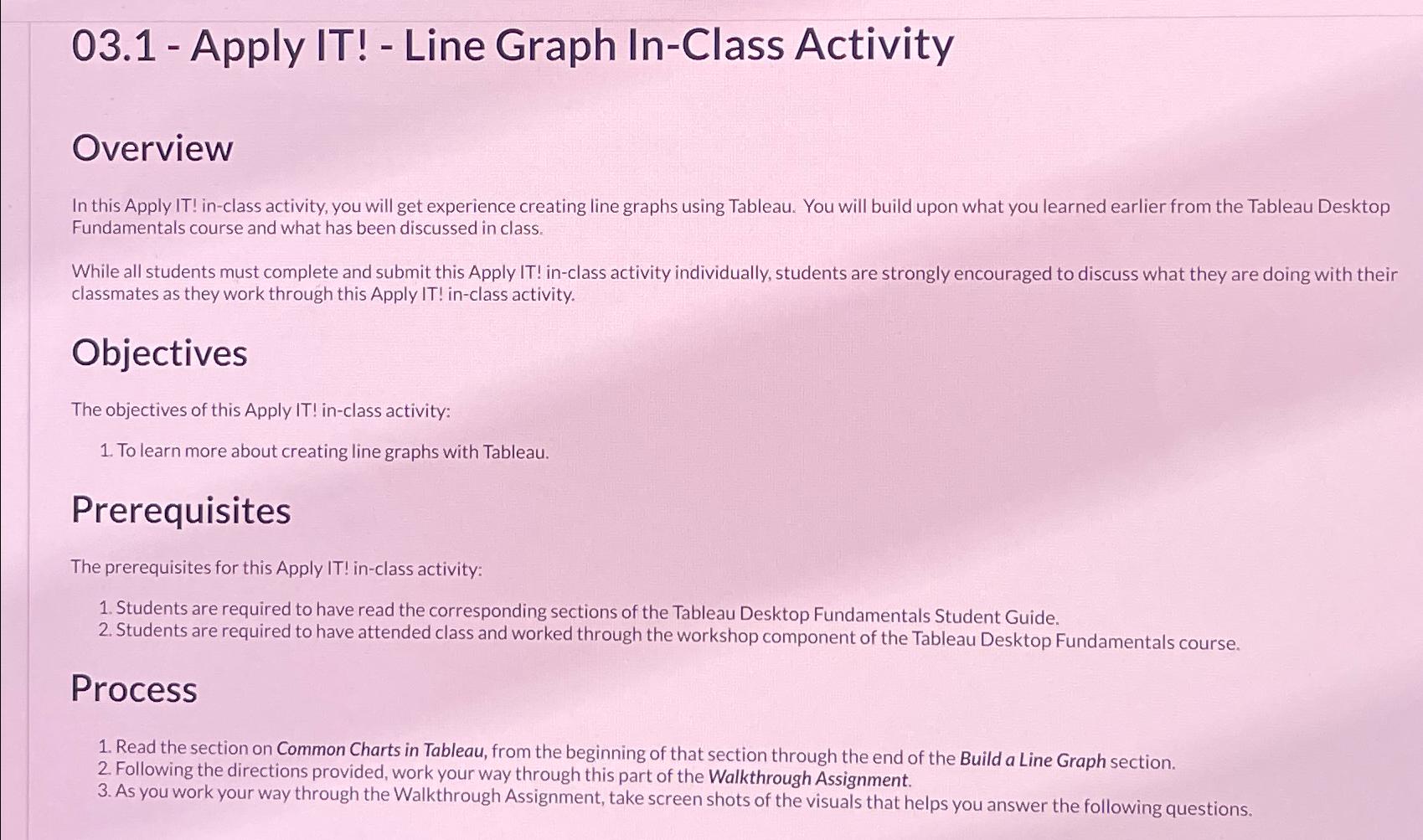
Question: 0 3 . 1 - Apply IT ! - Line Graph In - Class Activity Overview In this Apply IT ! in - class activity,
Apply IT Line Graph InClass Activity
Overview
In this Apply IT inclass activity, you will get experience creating line graphs using Tableau. You will build upon what you learned earlier from the Tableau Desktop Fundamentals course and what has been discussed in class.
While all students must complete and submit this Apply IT inclass activity individually, students are strongly encouraged to discuss what they are doing with their classmates as they work through this Apply IT inclass activity.
Objectives
The objectives of this Apply IT inclass activity:
To learn more about creating line graphs with Tableau.
Prerequisites
The prerequisites for this Apply IT inclass activity:
Students are required to have read the corresponding sections of the Tableau Desktop Fundamentals Student Guide.
Students are required to have attended class and worked through the workshop component of the Tableau Desktop Fundamentals course.
Process
Read the section on Common Charts in Tableau, from the beginning of that section through the end of the Build a Line Graph section.
Following the directions provided, work your way through this part of the Walkthrough Assignment.
As you work your way through the Walkthrough Assignment, take screen shots of the visuals that helps you answer the following questions.
Step by Step Solution
There are 3 Steps involved in it
1 Expert Approved Answer
Step: 1 Unlock

Question Has Been Solved by an Expert!
Get step-by-step solutions from verified subject matter experts
Step: 2 Unlock
Step: 3 Unlock
 Study Help