







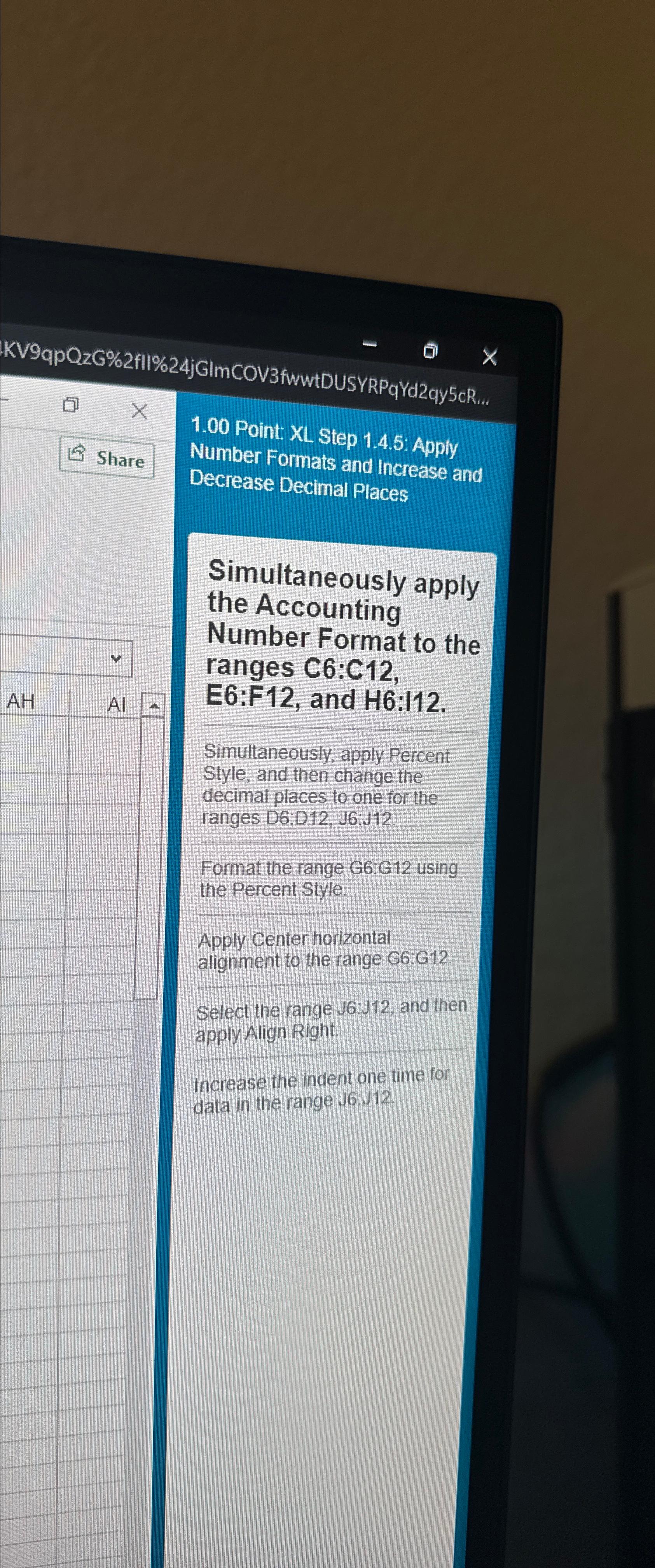
Question: 1 . 0 0 Point: XL Step 1 . 4 . 5 : Apply Number Formats and Increase and Decrease Decimal Places Simultaneously apply the
Point: XL Step : Apply Number Formats and Increase and Decrease Decimal Places
Simultaneously apply the Accounting Number Format to the ranges :: and :
Simultaneously, apply Percent Style, and then change the decimal places to one for the ranges D:D J:J
Format the range G:G using the Percent Style.
Apply Center horizontal alignment to the range GG
Select the range and then apply Align Right.
Increase the indent one time for data in the range :
Step by Step Solution
There are 3 Steps involved in it
1 Expert Approved Answer
Step: 1 Unlock

Question Has Been Solved by an Expert!
Get step-by-step solutions from verified subject matter experts
Step: 2 Unlock
Step: 3 Unlock
 Study Help