







Question: 1 . 1 7 LAB: Input and formatted output: Right - facing arrow Given two input integers for an arrowhead and arrow body, print a
LAB: Input and formatted output: Rightfacing arrow
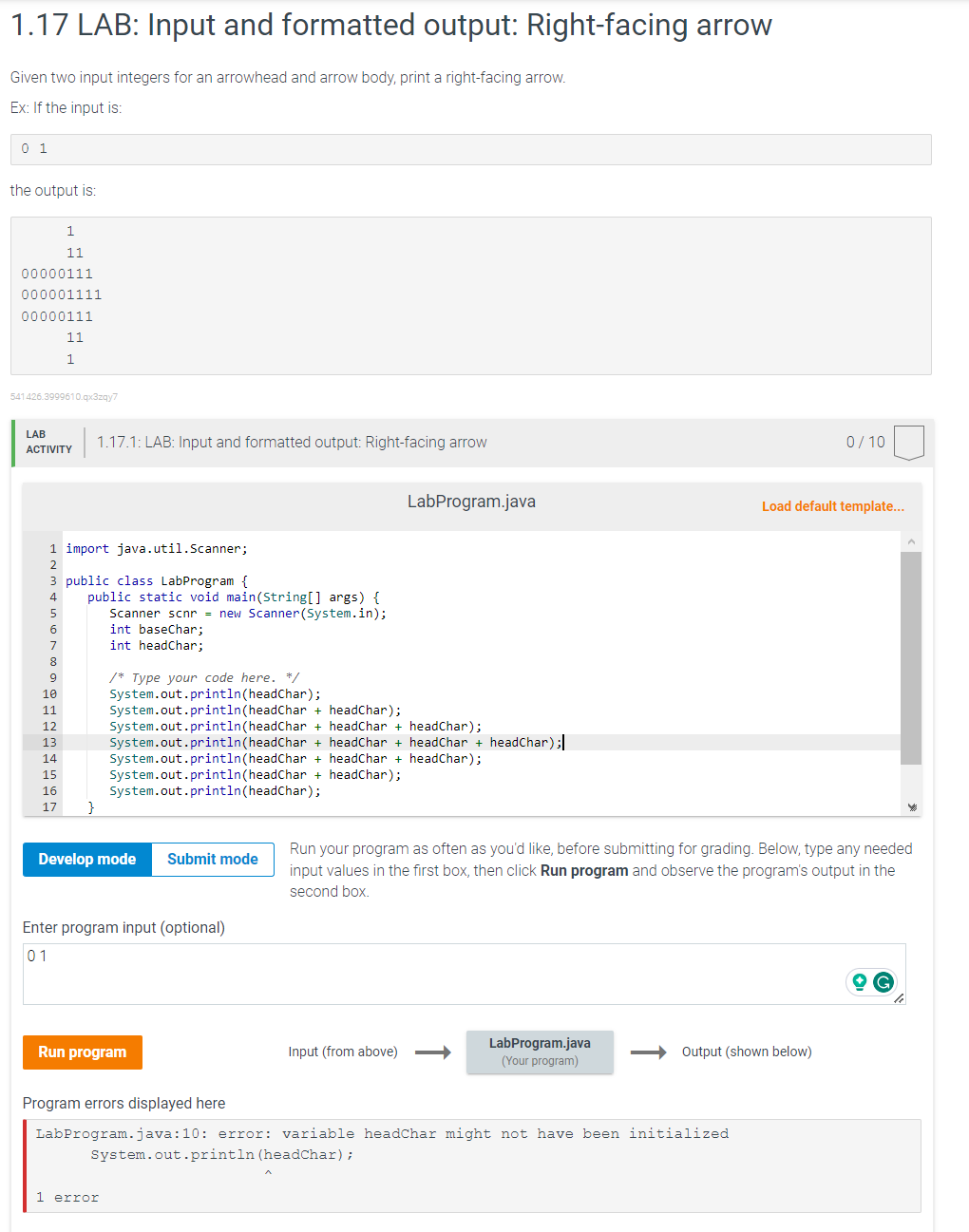
Given two input integers for an arrowhead and arrow body, print a rightfacing arrow.
Ex: If the input is:
the output is:
LAB
ACTIVITY
: LAB: Input and formatted output: Rightfacing arrow
LabProgram.java
Load default template...
import java.util.Scanner;
public class LabProgram
public static void mainString args
Scanner scnr new Scanner
System.in;
int baseChar;
int headChar;
Type your code here.
System.out.printlnheadChar;
System.out.printlnheadChar headChar;
System.out.printlnheadChar headChar headChar;
System.out.printlnheadChar headChar headChar headChar;
System.out.printlnheadChar headChar headChar;
System.out.printlnheadChar headChar;
System.out.printlnheadChar;
Run your program as often as you'd like, before submitting for grading. Below, type any needed
input values in the first box, then click Run program and observe the program's output in the
second box.
Enter program input optional
Input from above longrightarrow,longrightarrow Output shown below
Program errors displayed here
LabProgram.java:: error: variable headChar might not have been initialized
System.out.println headChar;
error
Step by Step Solution
There are 3 Steps involved in it
1 Expert Approved Answer
Step: 1 Unlock

Question Has Been Solved by an Expert!
Get step-by-step solutions from verified subject matter experts
Step: 2 Unlock
Step: 3 Unlock
 Study Help