







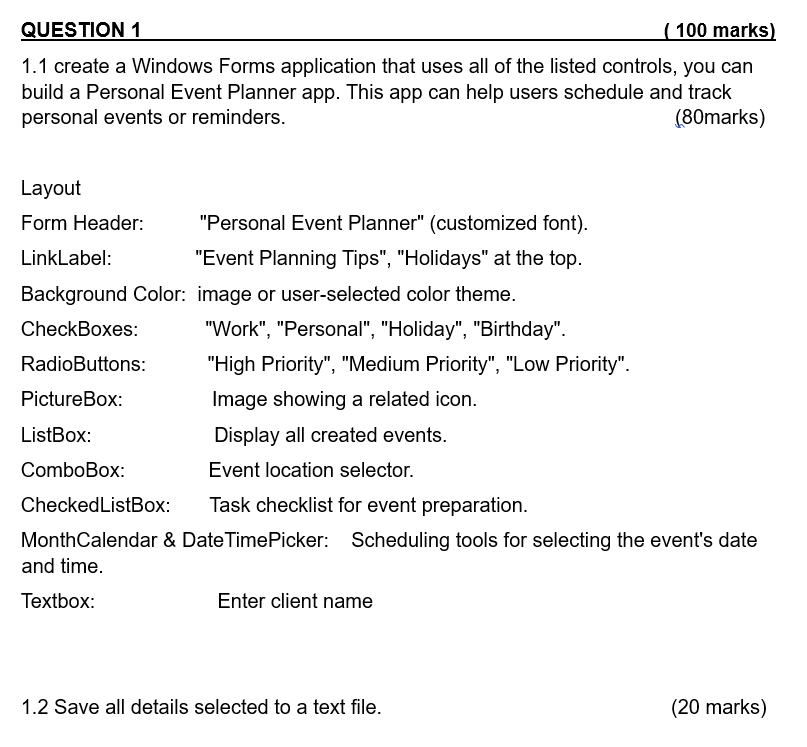
Question: 1 . 1 create a Windows Forms application that uses all of the listed controls, you can build a Personal Event Planner app. This app
create a Windows Forms application that uses all of the listed controls, you can
build a Personal Event Planner app. This app can help users schedule and track
personal events or reminders.
Layout
Form Header: "Personal Event Planner" customized font
LinkLabel: "Event Planning Tips", "Holidays" at the top.
Background Color: image or userselected color theme.
CheckBoxes: "Work", "Personal", "Holiday", "Birthday".
RadioButtons: "High Priority", "Medium Priority", "Low Priority".
PictureBox: Image showing a related icon.
ListBox: Display all created events.
ComboBox: Event location selector.
CheckedListBox: Task checklist for event preparation.
MonthCalendar & DateTimePicker: Scheduling tools for selecting the event's date
and time.
Textbox: Enter client name
Step by Step Solution
There are 3 Steps involved in it
1 Expert Approved Answer
Step: 1 Unlock

Question Has Been Solved by an Expert!
Get step-by-step solutions from verified subject matter experts
Step: 2 Unlock
Step: 3 Unlock
 Study Help