



Question: 1 2 Figure 1 . If you cannot see above figure 1 , download it here darr. Q 1 - 1 ( 2 points )
Figure
If you cannot see above figure download it here darr.
Q points We would like to create MySQLs codes for seven entities and relationships, as the ERD presents in figure Please specify the order to complete this entire ERD.
Step : make Table
Step : make Table
Step : make L Table
Step : make Table Step : make TableQ points Create SQL codes to create the following four entities: Album, Artist, Label, & Song.
Hint: You should consider the order of entity creations as you answered
Hint: You can find the "type" information of attributes in figure
Write your SQL code:
Edit View Insert Format Tools Table
p
O words
Q points Now, consider we want to track new information Star Rate and Genre. Therefore, you need to create two new entities: "StarRate" and "Genre."
In the "StarRate" entity, we will keep two attributes StarID as PK and StarRate. PK should be char and Raterelated attribute should be INT. We want to track the star rate for albums and songs as well. Therefore, we want to link the "StarRate" entity with "Song" and "Album" entities.
In the "Genre" entity, we want to save two attributes GID as PK and GenreName PK should be char and GenreName should be varchar In "Song" entity, we want to track its genre. Therefore, we want to make a relationship between "Song" and "Genre" entities.
Using ALTER and Create, please complete creating "StarRate" and "Genre" entities, modifying required entities, and linking the entities among "Song", "Album", "StarRate", and "Genre".
Write your SQL code:
Edit View Insert Format Tools Table
pt
ParagraphQuestion
pts
Q point List all the information in Artist. When you list the information, you must sort the result by ArtistName in descending order.
Write your SQL code:
Edit View Insert Format Tools Table
Paragraph
p
words
Q point List all the information on the song and genre entities, but not GID. In addition, when you retrieve such information, the length of each song should be longer than minutes.
Write your SQL code:
Edit View Insert Format Tools Table
p
words
Q points List all the information on the album with the star rate of the album where the album was released between and
Hint; if you want to retrieve date after you can use date ##
Write your SQL code:
Edit View Insert Format Tools Table
pt Paragraph
B
p
words
Q points List unique artist names, each of their DOBs, and each label name. We assume that each artist belongs to only one label. When you retrieve such information, you only want to see an artist whose name has me or DJ
Write your SQL code:
Edit View Insert Format Tools Table
pt Paragraph
p
words
Q points Consider the groups of labels where each label has multiple artists. You want to see unique label names and aggregate information such as how many artists each label has and the CEO's name we assume that each CEO belongs to only one label.
Write your SQL code:
Edit
View
Insert
Format
Tools
Table
pt
Paragraph
p
words
Q points Consider the groups of albums where each album has multiple songs. You want to see the unique album name and aggregate information such as the total number of songs and the average length of the songs where each album has more than stars as well as each song has more than and equal to stars.
Write your SQL code:
Edit View Insert Format Tools Table
pt Paragraph
B I
p
words
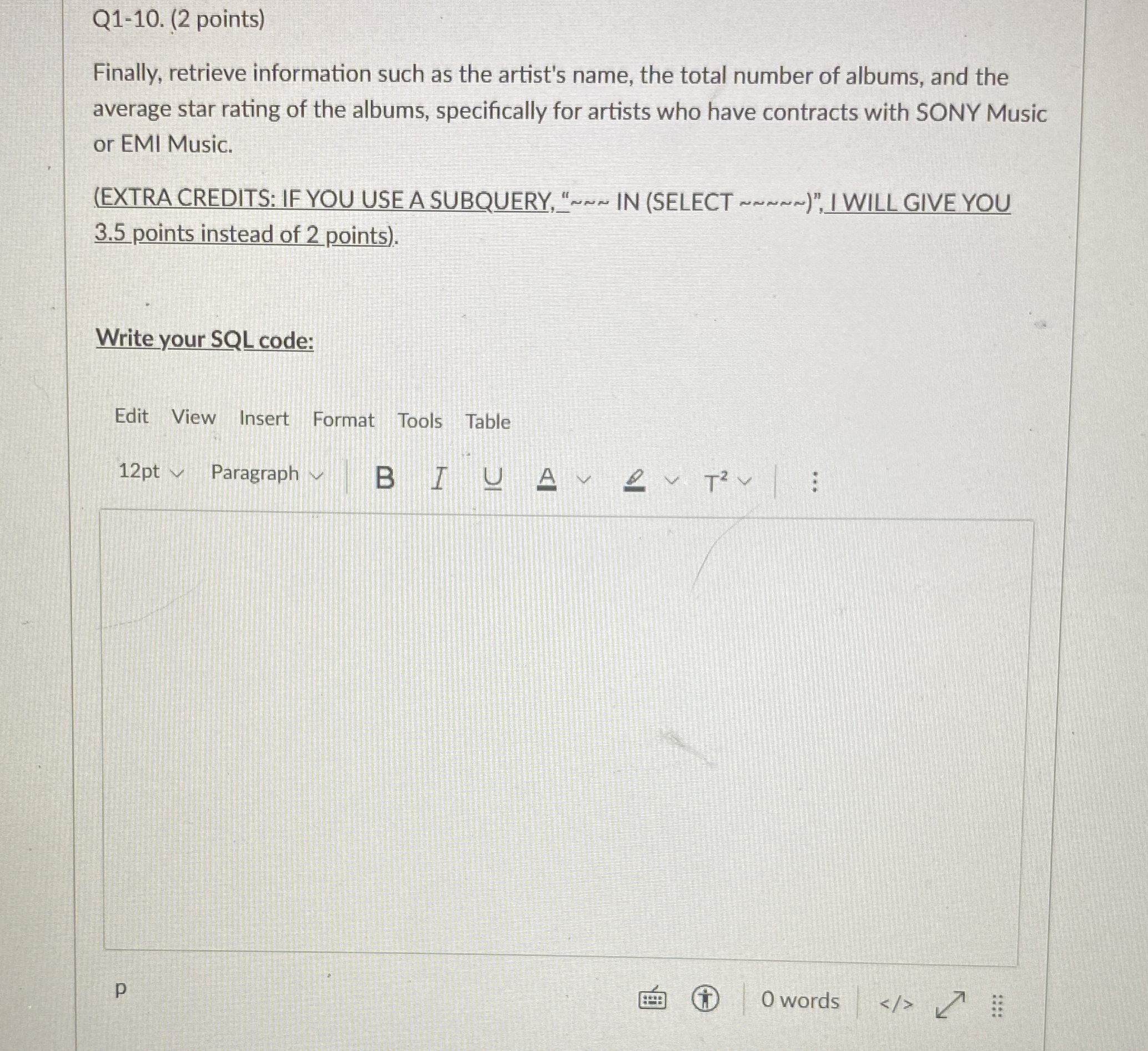
Q points
Finally, retrieve information such as the artist's name, the total number of albums, and the average star rating of the albums, specifically for artists who have contracts with SONY Music or EMI Music.
EXTRA CREDITS: IF YOU USE A SUBQUERY, IN SELECT points instead of points
Write your SQL code:
Edit View Insert Format Tools Table
Paragraph
p
words
Step by Step Solution
There are 3 Steps involved in it
1 Expert Approved Answer
Step: 1 Unlock

Question Has Been Solved by an Expert!
Get step-by-step solutions from verified subject matter experts
Step: 2 Unlock
Step: 3 Unlock