







Question: 1 . 3 . 5 Color - Filter an image The functionality of the color filter is to change the selected color in the picture
ColorFilter an image
The functionality of the color filter is to change the selected color in the picture to the color the user wants. To do that,
first the user has to choose the color by entering the RGB intensity and the threshold of the color the user wants to
modify. Also, the users have to enter the replacement value for each RGB component. All pixels in the picture with
color in the chosen range will be replaced with new color. The following shows the pseudo code for the color filter.
if in the range of targetr threshold, targetr threshold and
G in the range of targetg threshold, targetg threshold and
B in the range of targetb threshold, targetb threshold
replacer ;
replaceg ;
replaceb;
else
keep the current color
You need to define and implement the following function to do this DIP. Note that your program should check boundary
for the new color values, ie the intensity should be in the range of
color filter
void ColorFilterunsigned char RWIDTHHEIGHT
unsigned char GWIDTHHEIGHT
unsigned char BWIDTHHEIGHT
int targetr int targetg int targetb int threshold,
int replacer int replaceg int replaceb;
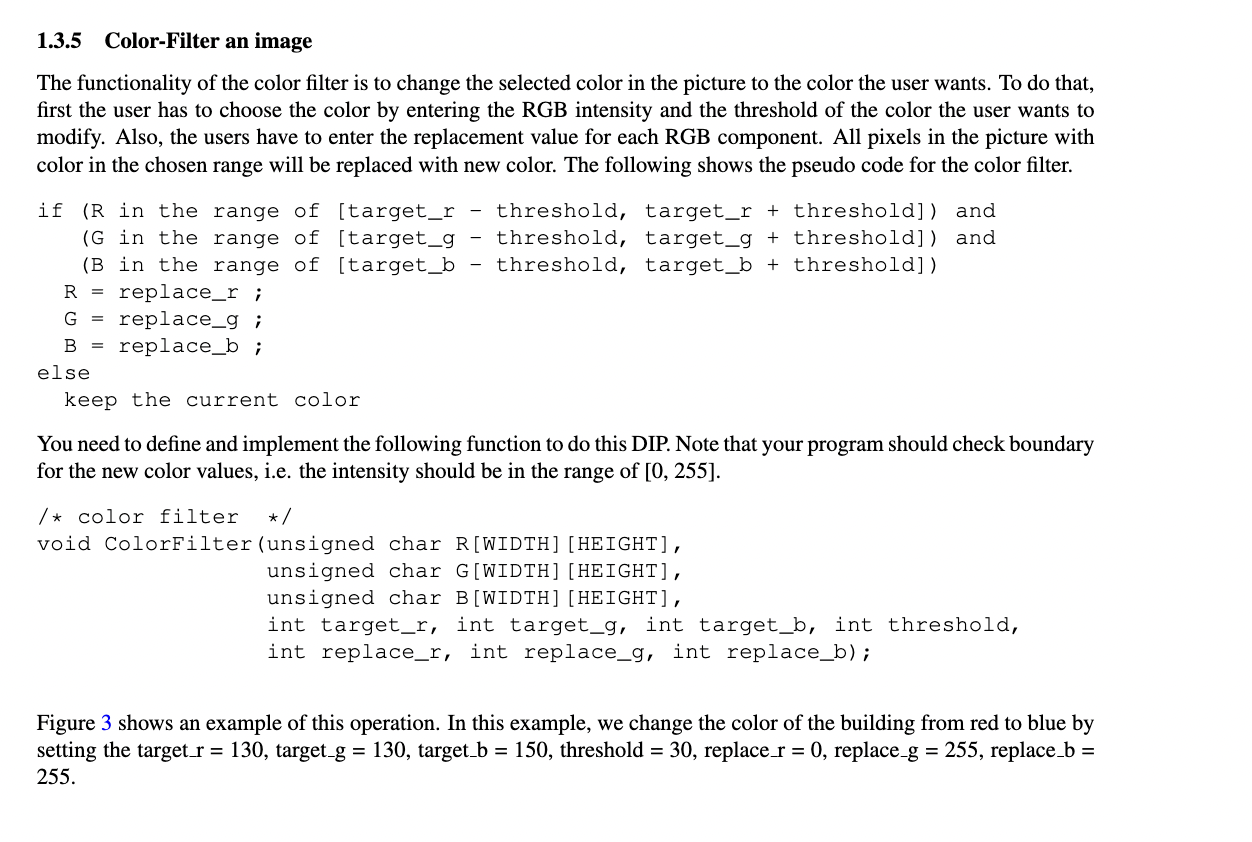
Figure shows an example of this operation. In this example, we change the color of the building from red to blue by
setting the target target target threshold replace replace replace
Step by Step Solution
There are 3 Steps involved in it
1 Expert Approved Answer
Step: 1 Unlock

Question Has Been Solved by an Expert!
Get step-by-step solutions from verified subject matter experts
Step: 2 Unlock
Step: 3 Unlock
 Study Help