







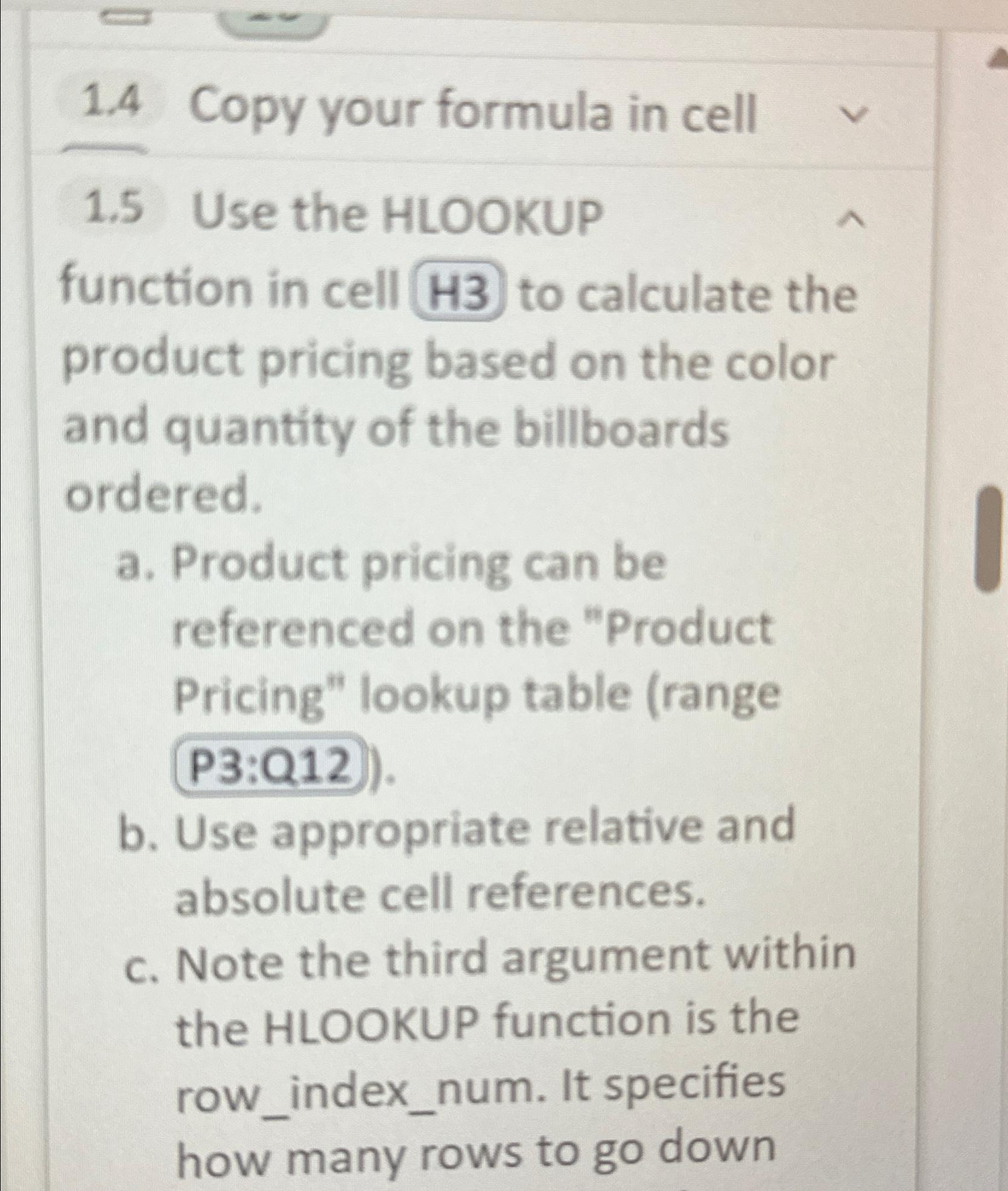
Question: 1 . 4 Copy your formula in cell 1 . 5 Use the HLOOKUP function in cell H 3 to calculate the product pricing based
Copy your formula in cell
Use the HLOOKUP function in cell to calculate the product pricing based on the color and quantity of the billboards ordered.
a Product pricing can be referenced on the "Product Pricing" lookup table range
b Use appropriate relative and absolute cell references.
c Note the third argument within the HLOOKUP function is the rowindexnum. It specifies how many rows to go down
Step by Step Solution
There are 3 Steps involved in it
1 Expert Approved Answer
Step: 1 Unlock

Question Has Been Solved by an Expert!
Get step-by-step solutions from verified subject matter experts
Step: 2 Unlock
Step: 3 Unlock
 Study Help