







Question: 1 9 Session 4 Post Assessment GMETRIX 1 / 6 ( ID: 3 6 0 6 0 4 ) Mark For Review Skip On cell
Session Post Assessment
GMETRIX
ID:
Mark For Review
Skip
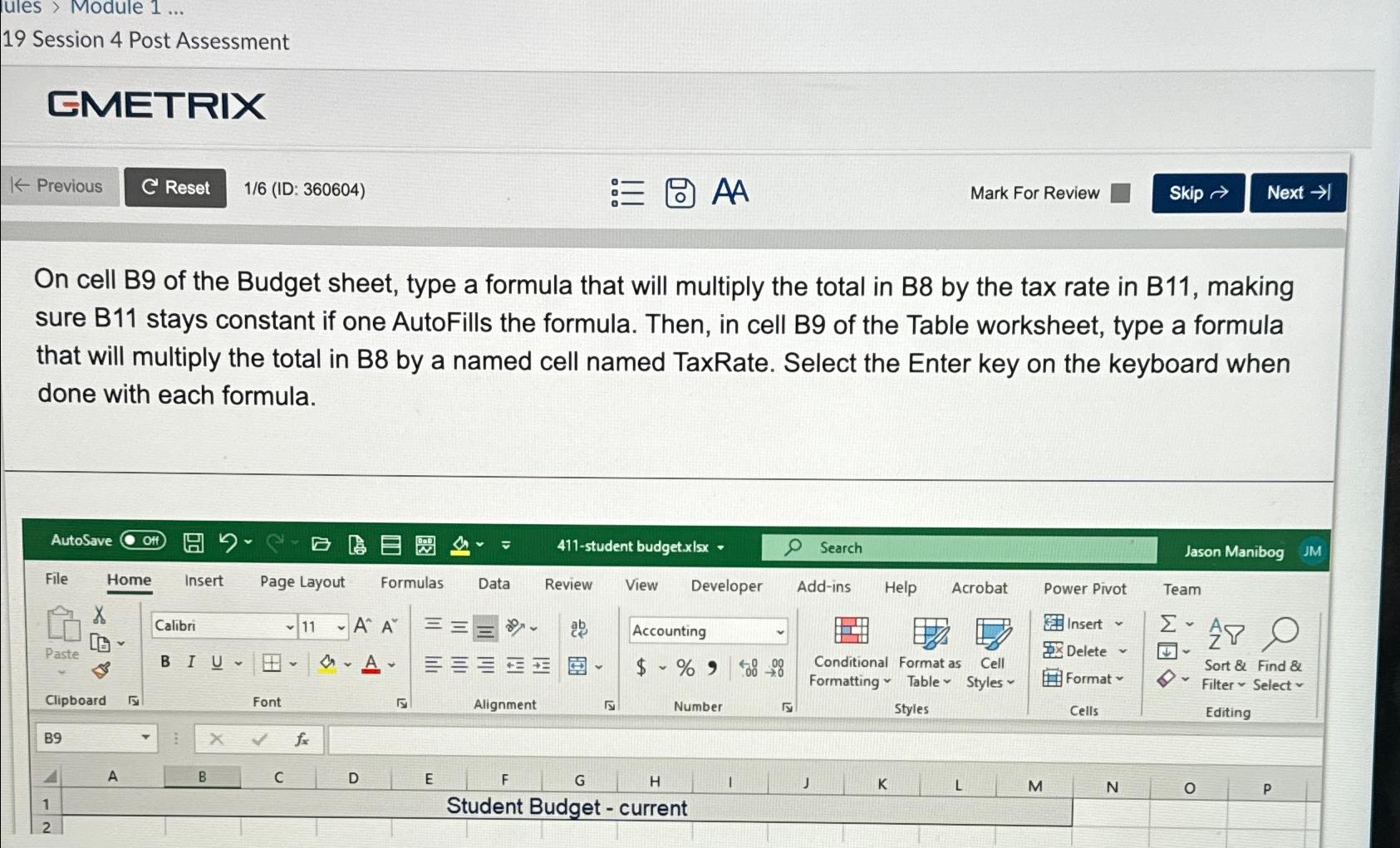
On cell B of the Budget sheet, type a formula that will multiply the total in B by the tax rate in B making sure B stays constant if one AutoFills the formula. Then, in cell B of the Table worksheet, type a formula that will multiply the total in B by a named cell named TaxRate. Select the Enter key on the keyboard when done with each formula.
Step by Step Solution
There are 3 Steps involved in it
1 Expert Approved Answer
Step: 1 Unlock

Question Has Been Solved by an Expert!
Get step-by-step solutions from verified subject matter experts
Step: 2 Unlock
Step: 3 Unlock
 Study Help