







Question: - - # 1 Add a statement below to DROP the database if it exists - - # 2 Add a statement below to CREATE
# Add a statement below to DROP the database if it exists
# Add a statement below to CREATE the database
# Add a statement to USE the database
class table statementCREATE TABLE IF NOT EXISTS grades.class
classid INT NOT NULL AUTOINCREMENT,
departmentcode CHAR NULL,
coursenumber INT NULL,
coursesection CHAR NULL,
coursename VARCHAR NULL,
academic quarter CHAR NULL,
academicyear INT NULL,
PRIMARY KEY classid
:
INSERT INTO grades.class departmentcode, coursenumber, coursesection,
coursename, academicquarter, academicyear
VALUES INFOWW 'Full Stack App Development', FA;
CREATE TABLE IF NOT EXISTS grades.assignment
gradeid INT NOT NULL AUTOINCREMENT,
taskme VARCHAR NULI,
pointsearned INT NOT NULL,
pointspossible INT NOT NULL,
classid INT NOT NULL,
PRIMARY KEY grade id
CONSTRAINT fkassignmentclass
FOREIGN KEY classid REFERENCES class classid
grant priviledges for mgs user
GRANT DELETE, INSERT, SELECT, UPDATE ON grades. TO mgsuser@localhost;Part : Insert records into the database
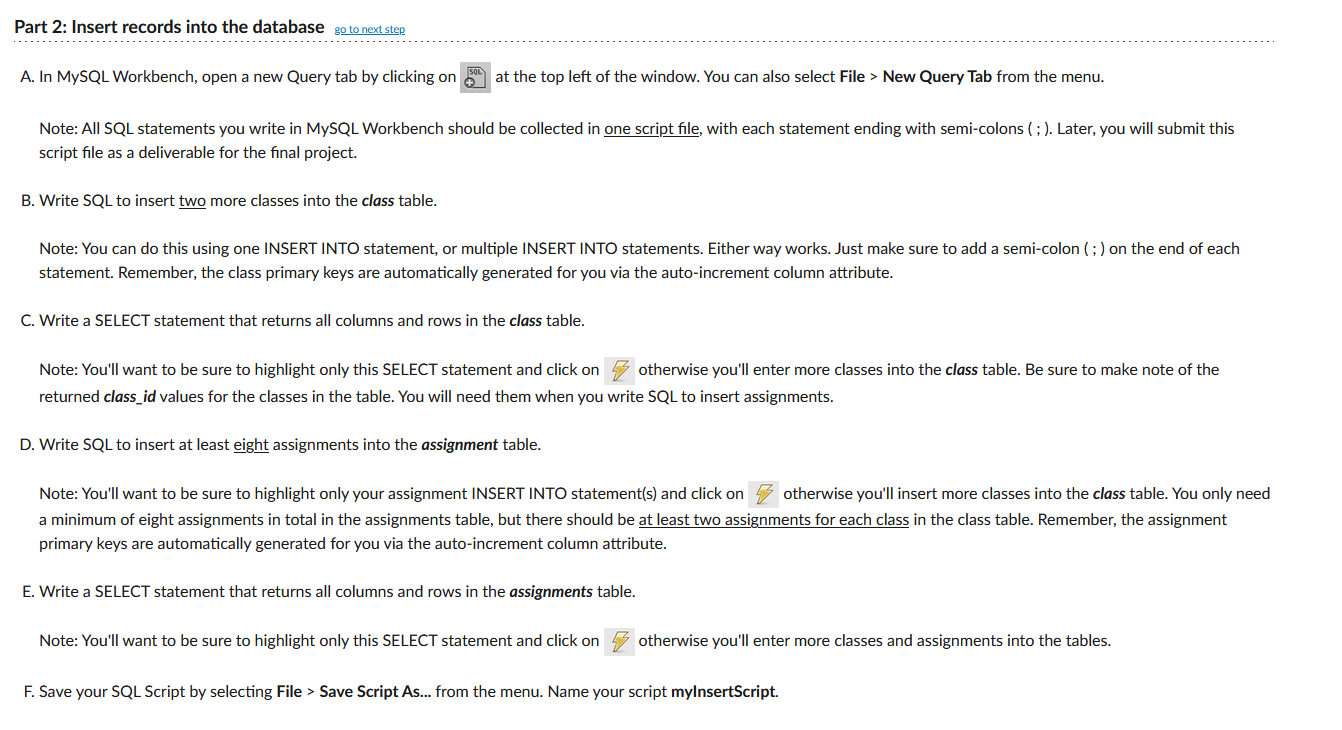
Note: All SQL statements you write in MySQL Workbench should be collected in one script file, with each statement ending with semicolons ; Later, you will submit this
script file as a deliverable for the final project.
B Write SQL to insert two more classes into the class table.
Note: You can do this using one INSERT INTO statement, or multiple INSERT INTO statements. Either way works. Just make sure to add a semicolon ; on the end of each
statement. Remember, the class primary keys are automatically generated for you via the autoincrement column attribute.
C Write a SELECT statement that returns all columns and rows in the class table.
Note: You'll want to be sure to highlight only this SELECT statement and click on
otherwise you'll enter more classes into the class table. Be sure to make note of the
returned classid values for the classes in the table. You will need them when you write SQL to insert assignments.
D Write SQL to insert at least eight assignments into the assignment table.
Note: You'll want to be sure to highlight only your assignment INSERT INTO statements and click on otherwise you'll insert more classes into the class table. You only need
a minimum of eight assignments in total in the assignments table, but there should be at least two assignments for each class in the class table. Remember, the assignment
primary keys are automatically generated for you via the autoincrement column attribute.
E Write a SELECT statement that returns all columns and rows in the assignments table.
Note: You'll want to be sure to highlight only this SELECT statement and click on
otherwise you'll enter more classes and assignments into the tables.
F Save your SQL Script by selecting File Save Script As from the menu. Name your script myInsertScript.
Step by Step Solution
There are 3 Steps involved in it
1 Expert Approved Answer
Step: 1 Unlock

Question Has Been Solved by an Expert!
Get step-by-step solutions from verified subject matter experts
Step: 2 Unlock
Step: 3 Unlock
 Study Help