







Question: . 1. Add noise to a selected image: Select a RGB image Read it Convert the image from RGB to gray scale Resize it to
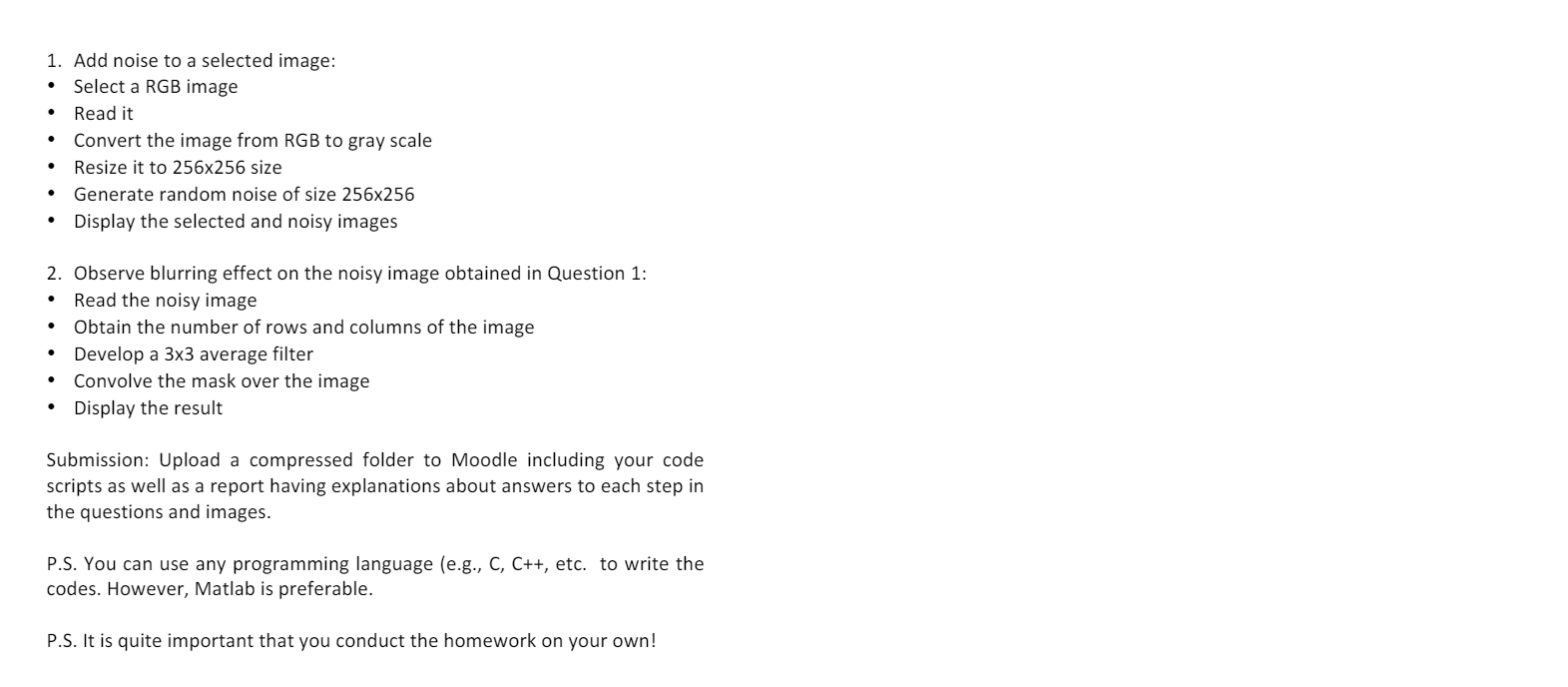
. 1. Add noise to a selected image: Select a RGB image Read it Convert the image from RGB to gray scale Resize it to 256x256 size Generate random noise of size 256x256 Display the selected and noisy images 2. Observe blurring effect on the noisy image obtained in Question 1: Read the noisy image Obtain the number of rows and columns of the image Develop a 3x3 average filter Convolve the mask over the image Display the result . Submission: Upload compressed folder to Moodle including your code scripts as well as a report having explanations about answers to each step in the questions and images. P.S. You can use any programming language (e.g., C, C++, etc. to write the codes. However, Matlab is preferable. P.S. It is quite important that you conduct the homework on your own! . 1. Add noise to a selected image: Select a RGB image Read it Convert the image from RGB to gray scale Resize it to 256x256 size Generate random noise of size 256x256 Display the selected and noisy images 2. Observe blurring effect on the noisy image obtained in Question 1: Read the noisy image Obtain the number of rows and columns of the image Develop a 3x3 average filter Convolve the mask over the image Display the result . Submission: Upload compressed folder to Moodle including your code scripts as well as a report having explanations about answers to each step in the questions and images. P.S. You can use any programming language (e.g., C, C++, etc. to write the codes. However, Matlab is preferable. P.S. It is quite important that you conduct the homework on your own
Step by Step Solution
There are 3 Steps involved in it

Get step-by-step solutions from verified subject matter experts
 Study Help