







Question: 1. Append to your statement web-page 2. Add a currency calculator to display the exchange rate for two currencies by using a button. 3. Also
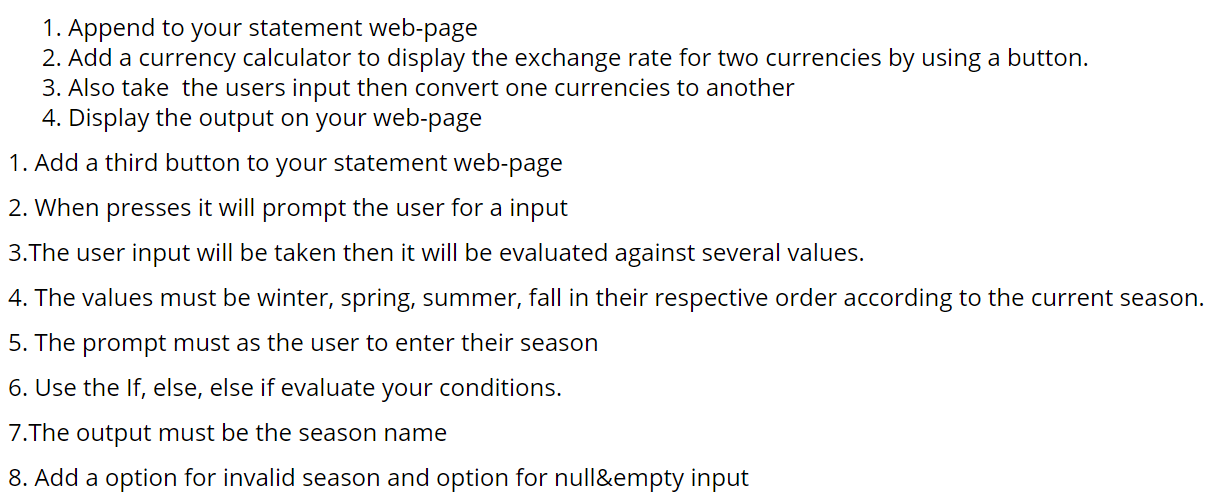
1. Append to your statement web-page 2. Add a currency calculator to display the exchange rate for two currencies by using a button. 3. Also take the users input then convert one currencies to another 4. Display the output on your web-page 1. Add a third button to your statement web-page 2. When presses it will prompt the user for a input 3.The user input will be taken then it will be evaluated against several values. 4. The values must be winter, spring, summer, fall in their respective order according to the current season. 5. The prompt must as the user to enter their season 6. Use the If, else, else if evaluate your conditions. 7. The output must be the season name 8. Add a option for invalid season and option for null&empty input
Step by Step Solution
There are 3 Steps involved in it

Get step-by-step solutions from verified subject matter experts
 Study Help