







Question: #1. Bond issue Pricing. On an Excel spreadsheet, prepare one worksheet (label it at the bottom) for bond issue pricing. Price the following three bond
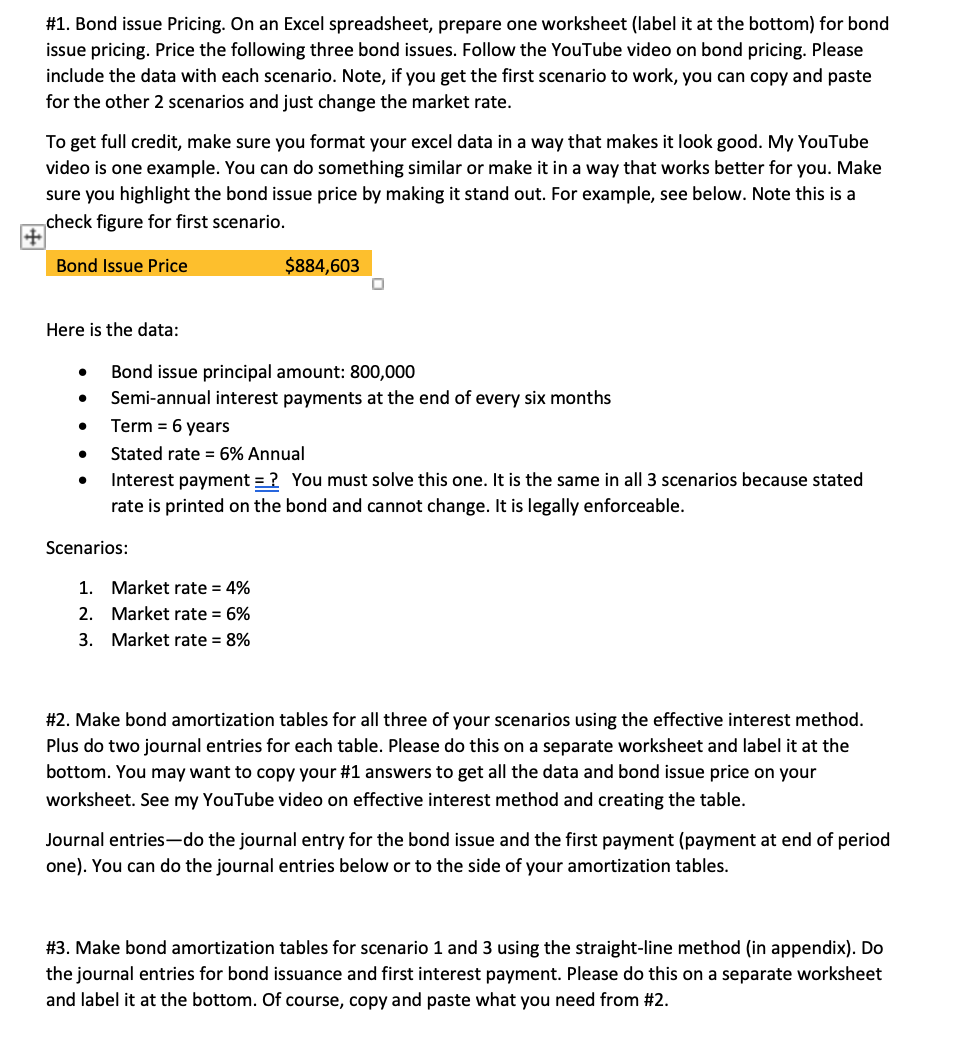
#1. Bond issue Pricing. On an Excel spreadsheet, prepare one worksheet (label it at the bottom) for bond issue pricing. Price the following three bond issues. Follow the YouTube video on bond pricing. Please include the data with each scenario. Note, if you get the first scenario to work, you can copy and paste for the other 2 scenarios and just change the market rate. To get full credit, make sure you format your excel data in a way that makes it look good. My YouTube video is one example. You can do something similar or make it in a way that works better for you. Make sure you highlight the bond issue price by making it stand out. For example, see below. Note this is a check figure for first scenario. Bond Issue Price $884,603 Here is the data: Bond issue principal amount: 800,000 Semi-annual interest payments at the end of every six months Term = 6 years Stated rate = 6% Annual Interest payment = ? You must solve this one. It is the same in all 3 scenarios because stated rate is printed on the bond and cannot change. It is legally enforceable. Scenarios: 1. Market rate = 4% 2. Market rate = 6% 3. Market rate = 8% #2. Make bond amortization tables for all three of your scenarios using the effective interest method. Plus do two journal entries for each table. Please do this on a separate worksheet and label it at the bottom. You may want to copy your #1 answers to get all the data and bond issue price on your worksheet. See my YouTube video on effective interest method and creating the table. Journal entries-do the journal entry for the bond issue and the first payment (payment at end of period one). You can do the journal entries below or to the side of your amortization tables. #3. Make bond amortization tables for scenario 1 and 3 using the straight-line method (in appendix). Do the journal entries for bond issuance and first interest payment. Please do this on a separate worksheet and label it at the bottom. Of course, copy and paste what you need from #2. #1. Bond issue Pricing. On an Excel spreadsheet, prepare one worksheet (label it at the bottom) for bond issue pricing. Price the following three bond issues. Follow the YouTube video on bond pricing. Please include the data with each scenario. Note, if you get the first scenario to work, you can copy and paste for the other 2 scenarios and just change the market rate. To get full credit, make sure you format your excel data in a way that makes it look good. My YouTube video is one example. You can do something similar or make it in a way that works better for you. Make sure you highlight the bond issue price by making it stand out. For example, see below. Note this is a check figure for first scenario. Bond Issue Price $884,603 Here is the data: Bond issue principal amount: 800,000 Semi-annual interest payments at the end of every six months Term = 6 years Stated rate = 6% Annual Interest payment = ? You must solve this one. It is the same in all 3 scenarios because stated rate is printed on the bond and cannot change. It is legally enforceable. Scenarios: 1. Market rate = 4% 2. Market rate = 6% 3. Market rate = 8% #2. Make bond amortization tables for all three of your scenarios using the effective interest method. Plus do two journal entries for each table. Please do this on a separate worksheet and label it at the bottom. You may want to copy your #1 answers to get all the data and bond issue price on your worksheet. See my YouTube video on effective interest method and creating the table. Journal entries-do the journal entry for the bond issue and the first payment (payment at end of period one). You can do the journal entries below or to the side of your amortization tables. #3. Make bond amortization tables for scenario 1 and 3 using the straight-line method (in appendix). Do the journal entries for bond issuance and first interest payment. Please do this on a separate worksheet and label it at the bottom. Of course, copy and paste what you need from #2
Step by Step Solution
There are 3 Steps involved in it

Get step-by-step solutions from verified subject matter experts
 Study Help