



Question: 1 Click on the DDB tab and enter your name in Cell C1. If Cell C1 is left blank, you will not be able
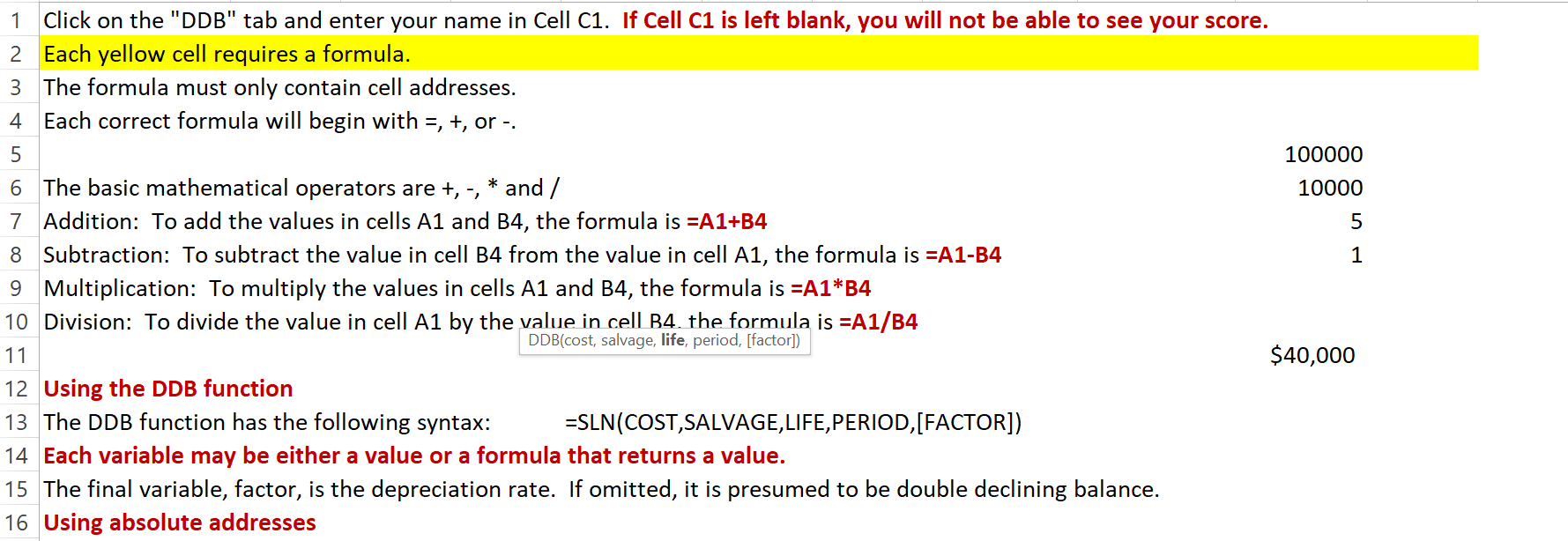
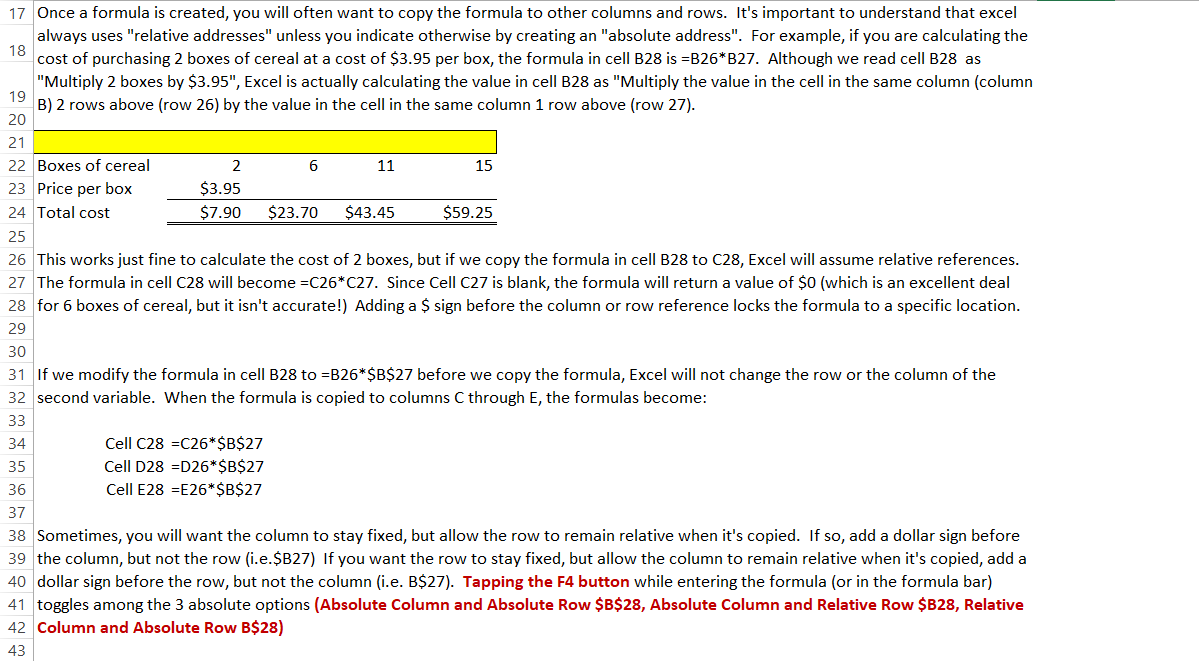
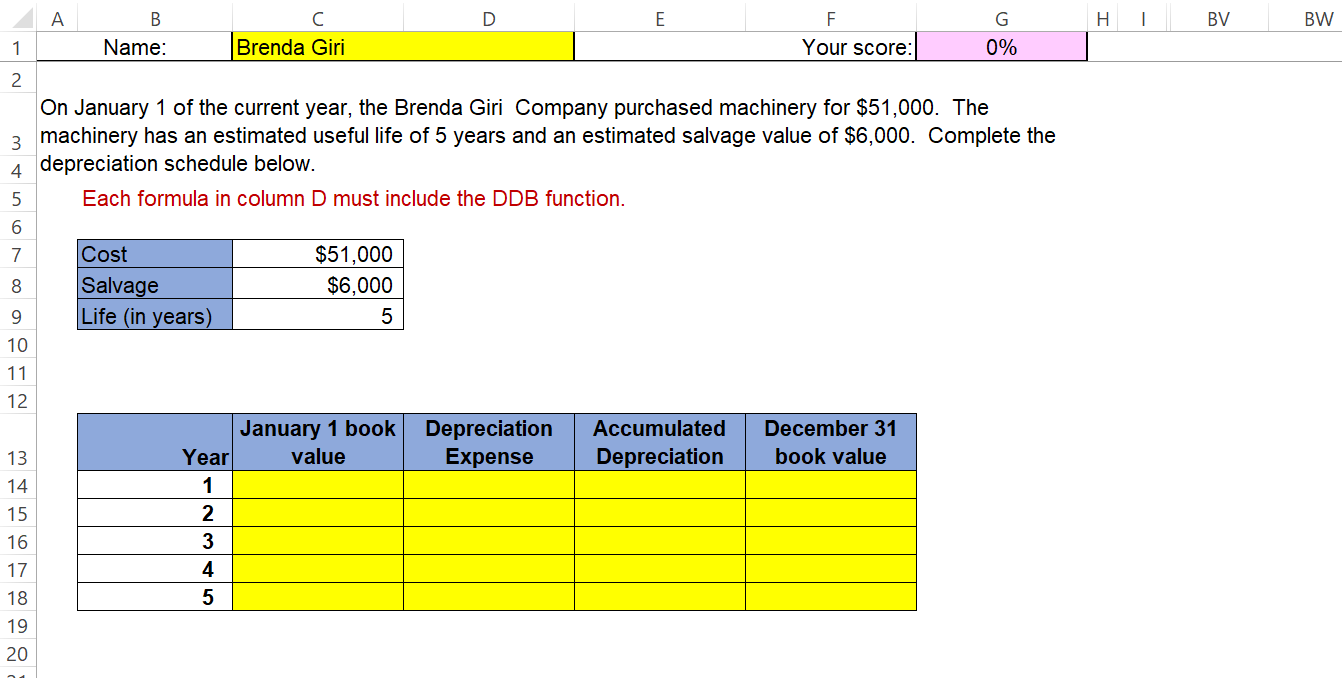
1 Click on the "DDB" tab and enter your name in Cell C1. If Cell C1 is left blank, you will not be able to see your score. 2 Each yellow cell requires a formula. 3 The formula must only contain cell addresses. 4 Each correct formula will begin with, +, or -. 5 6 The basic mathematical operators are +, -, * and/ 7 Addition: To add the values in cells A1 and B4, the formula is =A1+B4 8 Subtraction: To subtract the value in cell B4 from the value in cell A1, the formula is =A1-B4 9 Multiplication: To multiply the values in cells A1 and B4, the formula is =A1*B4 10 Division: To divide the value in cell A1 by the value in cell B4. the formula is =A1/B4 DDB(cost, salvage, life, period, [factor]) 11 12 Using the DDB function 13 The DDB function has the following syntax: =SLN(COST,SALVAGE, LIFE, PERIOD,[FACTOR]) 14 Each variable may be either a value or a formula that returns a value. 15 The final variable, factor, is the depreciation rate. If omitted, it is presumed to be double declining balance. 16 Using absolute addresses 100000 10000 5 1 $40,000
Step by Step Solution
There are 3 Steps involved in it

Get step-by-step solutions from verified subject matter experts