







Question: (1) Create a basic page in html that consists of one image Using the onClick event handler, when the user clicks on the image, change
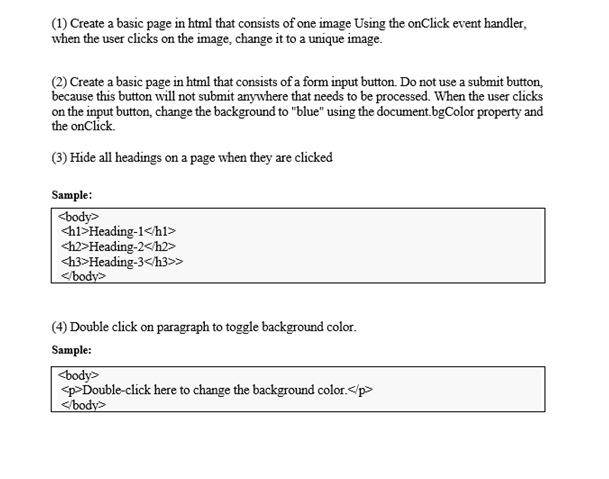
(1) Create a basic page in html that consists of one image Using the onClick event handler, when the user clicks on the image, change it to a unique image. (2) Create a basic page in html that consists of a form input button. Do not use a submit button, because this button will not submit anywhere that needs to be processed. When the user clicks on the input button, change the background to "blue" using the document.bgColor property and the onClick. (3) Hide all headings on a page when they are clicked Sample:
Heading-1 Heading-2 Heading-3> (4) Double click on paragraph to toggle background color. Sample:
Heading-2 Heading-3> (4) Double click on paragraph to toggle background color. Sample:
Heading-3> (4) Double click on paragraph to toggle background color. Sample:
Double-click here to change the background color.
Step by Step Solution
There are 3 Steps involved in it
1 Expert Approved Answer
Step: 1 Unlock

Question Has Been Solved by an Expert!
Get step-by-step solutions from verified subject matter experts
Step: 2 Unlock
Step: 3 Unlock
 Study Help