







Question: 1. Create a new database named YourName.accdb. 2. Create a table named Employees. 3. Inspect the data.csv 4. Import the data.csv file into the
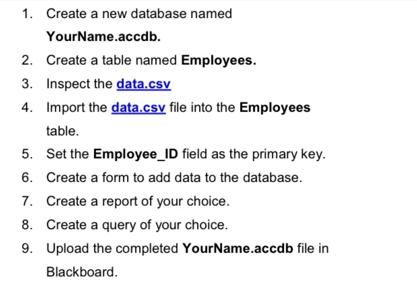
1. Create a new database named YourName.accdb. 2. Create a table named Employees. 3. Inspect the data.csv 4. Import the data.csv file into the Employees table. 5. Set the Employee_ID field as the primary key. 6. Create a form to add data to the database. 7. Create a report of your choice. 8. Create a query of your choice. Upload the completed 9. Blackboard. YourName.accdb file in
Step by Step Solution
3.43 Rating (162 Votes )
There are 3 Steps involved in it
1 Create a new database named YourNameaccdb This step involves opening Microsoft Access and creating a new blank database file The database will be na... View full answer

Get step-by-step solutions from verified subject matter experts
 Study Help