







Question: 1. Create a new program called Lab9A that will calculate the factorial for a number. a. Create an int function named calcfactorial that receives

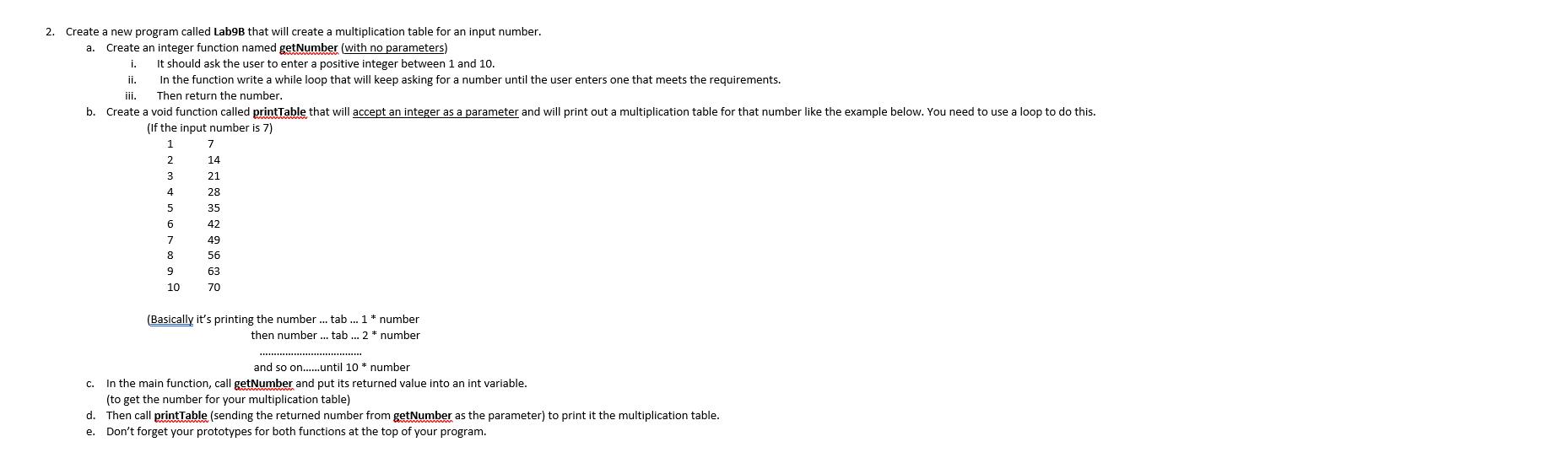


1. Create a new program called Lab9A that will calculate the factorial for a number. a. Create an int function named calcfactorial that receives an integer parameter (x) and will return the factorial for x. To compute a factorial for x, you would follow the pattern shown: = x * x-1 * x-2 *....* 2 * 1 (Ex- The factorial for 5 would be 5*4*3*2*1 which = 120) b. Create a void function named printResult that accepts 2 integer parameters (the original number & its factorial) and prints both on the same line as shown: The factorial of 5 is 120 C. In the main function: i. Declare 2 int variables: n and f ii. Ask the user to enter the value of n iii. Call calcFactorial sending n as the parameter and placing the returned value into f. iv. Then we will call printResult sending n and fas parameters. It does not return anything. Compile and test your program. If you enter 5 when it runs, the result should be 120. If you type 6 when it runs, the result should be 720. 2. Create a new program called Lab9B that will create a multiplication table for an input number. a. Create an integer function named getNumber (with no parameters) . ii. iii. b. Create a void function called printTable that will accept an integer as a parameter and will print out a multiplication table for that number like the example below. You need to use a loop to do this. (If the input number is 7) 1 It should ask the user to enter a positive integer between 1 and 10. In the function write a while loop that will keep asking for a number until the user enters one that meets the requirements. Then return the number. C. 2 3 4 5 6 7 8 9 10 7 14 21 28 35 42 49 56 63 70 (Basically it's printing the number ... tab... 1 number * then number... tab... 2 * number ************* and so on......until 10 * number In the main function, call getNumber and put its returned value into an int variable. (to get the number for your multiplication table) d. Then call printTable (sending the returned number from getNumber as the parameter) to print it the multiplication table. e. Don't forget your prototypes for both functions at the top of your program. 3. Write a new program named Lab9C that will ask the user for an integer value and add up all the odd numbers between 1 and that value. a. After the main function, create a void function named addOdds that accepts one int parameter named num. b. The function should follow the flowchart below to calculate and print the desired value. (Remember, you need to declare total inside the function, but num is the parameter, so you won't redeclare it in the function - it gets declared inside the () in the function's heading.) Back in the main method, ask the user for an integer. C. d. Call the addOdds function sending that integer as the parameter. e. Don't forget your prototype. -0-0 print total Stop No No 10 Start total = 0 num> 0? Yes (if) num is odd? (while loop) subtract 1 from num Yes add num to total 4. Write a new program called Lab9D. In this program you will ask the user for a positive integer and print out each even digit in it (in reverse order). Sample Test Cases: The input 1526 would print 62. The input 18940 would print 048. a. After the main function, create a void function named printDigits that accepts one int parameter named num. b. The function should follow the flowchart below to print the even digits of num in reverse order. C. Back in the main method, ask the user for an integer. d. Call the printDigits function sending that integer as the parameter. e. Don't forget your prototype. Use the following flowchart to write your printDigits function. (num & digit are int variables.) Stop No No Start num > 0? Yes digit = num % 10 digit % 2 = 0? num= num/10. Yes Print digit
Step by Step Solution
There are 3 Steps involved in it

Get step-by-step solutions from verified subject matter experts
 Study Help