







Question: 1. Create a PowerShell script named XXScript where XX is the initials of your first and last name. 2. The script should do the following:
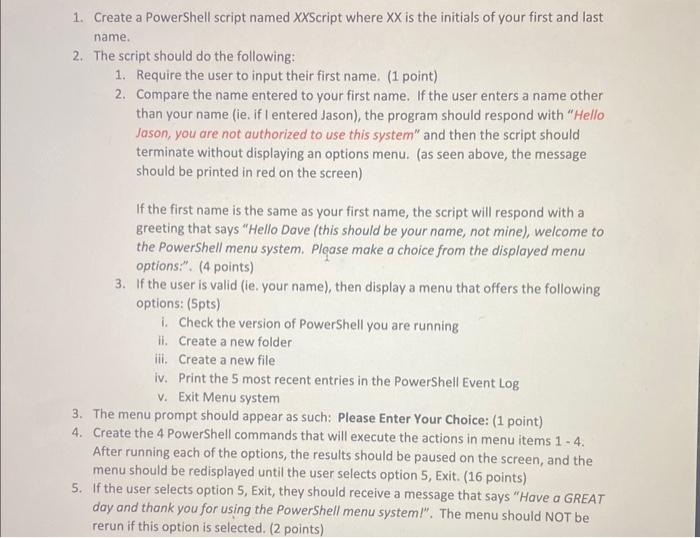
1. Create a PowerShell script named XXScript where XX is the initials of your first and last name. 2. The script should do the following: 1. Require the user to input their first name. (1 point) 2. Compare the name entered to your first name. If the user enters a name other than your name (ie. if I entered Jason), the program should respond with "Hello Jason, you are not authorized to use this system" and then the script should terminate without displaying an options menu. (as seen above, the message should be printed in red on the screen) If the first name is the same as your first name, the script will respond with a greeting that says "Hello Dave (this should be your name, not mine), welcome to the PowerShell menu system. Plgase make a choice from the displayed menu options:". (4 points) 3. If the user is valid (ie. your name), then display a menu that offers the following options: (5pts) i. Check the version of PowerShell you are running ii. Create a new folder iii. Create a new file iv. Print the 5 most recent entries in the PowerShell Event Log v. Exit Menu system 3. The menu prompt should appear as such: Please Enter Your Choice: ( 1 point) 4. Create the 4 PowerShell commands that will execute the actions in menu items 1 - 4 . After running each of the options, the results should be paused on the screen, and the menu should be redisplayed until the user selects option 5 , Exit. ( 16 points) 5. If the user selects option 5, Exit, they should receive a message that says "Have a GREAT day and thank you for using the PowerShell menu systeml". The menu should NOT be rerun if this option is selected. (2 points) the PowerShell menu system. Please make a choice from the displayed menu options:". (4 points) 3. If the user is valid (ie. your name), then display a menu that offers the following options: (5pts) i. Check the version of PowerShell you are running ii. Create a new folder iii. Create a new file iv. Print the 5 most recent entries in the PowerShell Event Log v. Exit Menu system 3. The menu prompt should appear as such: Please Enter Your Choice: ( 1 point) 4. Create the 4 PowerShell commands that will execute the actions in menu items 1 - 4 . After running each of the options, the results should be paused on the screen, and the menu should be redisplayed until the user selects option 5, Exit. (16 points) 5. If the user selects option 5, Exit, they shuld receive a message that says "Have a GREAT day and thank you for using the PowerShell menu system I". The menu should NOT be rerun if this option is selected. ( 2 points) 6. Prior to redisplaying the options menu, the screen should be paused (this can be accomplished with the PowerShell "Pause" command) and then cleared after the user presses a key to continue. ( 2 points)
Step by Step Solution
There are 3 Steps involved in it

Get step-by-step solutions from verified subject matter experts
 Study Help