







Question: 1. Create a Python file with the name login.py In file login.py create the following functions: Function generate_login(), the function takes three parameters (first name,
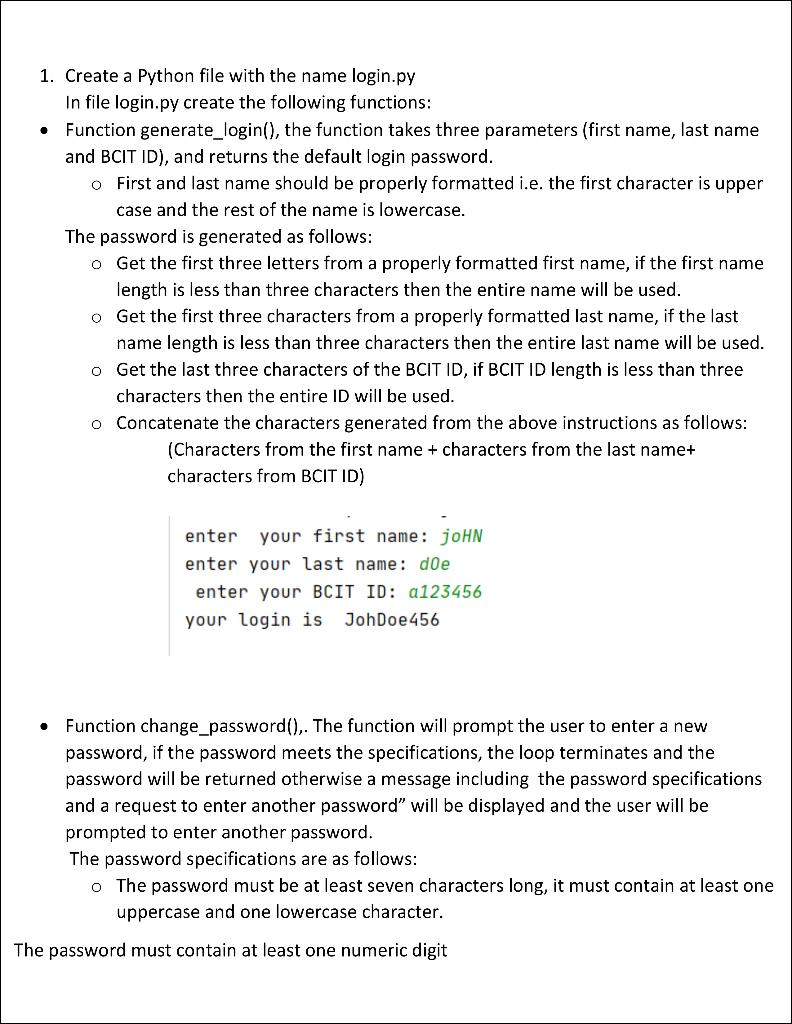
1. Create a Python file with the name login.py In file login.py create the following functions: Function generate_login(), the function takes three parameters (first name, last name and BCIT ID), and returns the default login password. o First and last name should be properly formatted i.e. the first character is upper case and the rest of the name is lowercase. The password is generated as follows: o Get the first three letters from a properly formatted first name, if the first name length is less than three characters then the entire name will be used. o Get the first three characters from a properly formatted last name, if the last name length is less than three characters then the entire last name will be used. o Get the last three characters of the BCIT ID, if BCIT ID length is less than three characters then the entire ID will be used. o Concatenate the characters generated from the above instructions as follows: (Characters from the first name + characters from the last name+ characters from BCIT ID) enter your first name: joHN enter your last name: doe enter your BCIT ID: a123456 your login is JohDoe 456 . Function change_password(),. The function will prompt the user to enter a new password, if the password meets the specifications, the loop terminates and the password will be returned otherwise a message including the password specifications and a request to enter another password" will be displayed and the user will be prompted to enter another password. The password specifications are as follows: o The password must be at least seven characters long, it must contain at least one uppercase and one lowercase character. The password must contain at least one numeric digit
Step by Step Solution
There are 3 Steps involved in it

Get step-by-step solutions from verified subject matter experts
 Study Help