







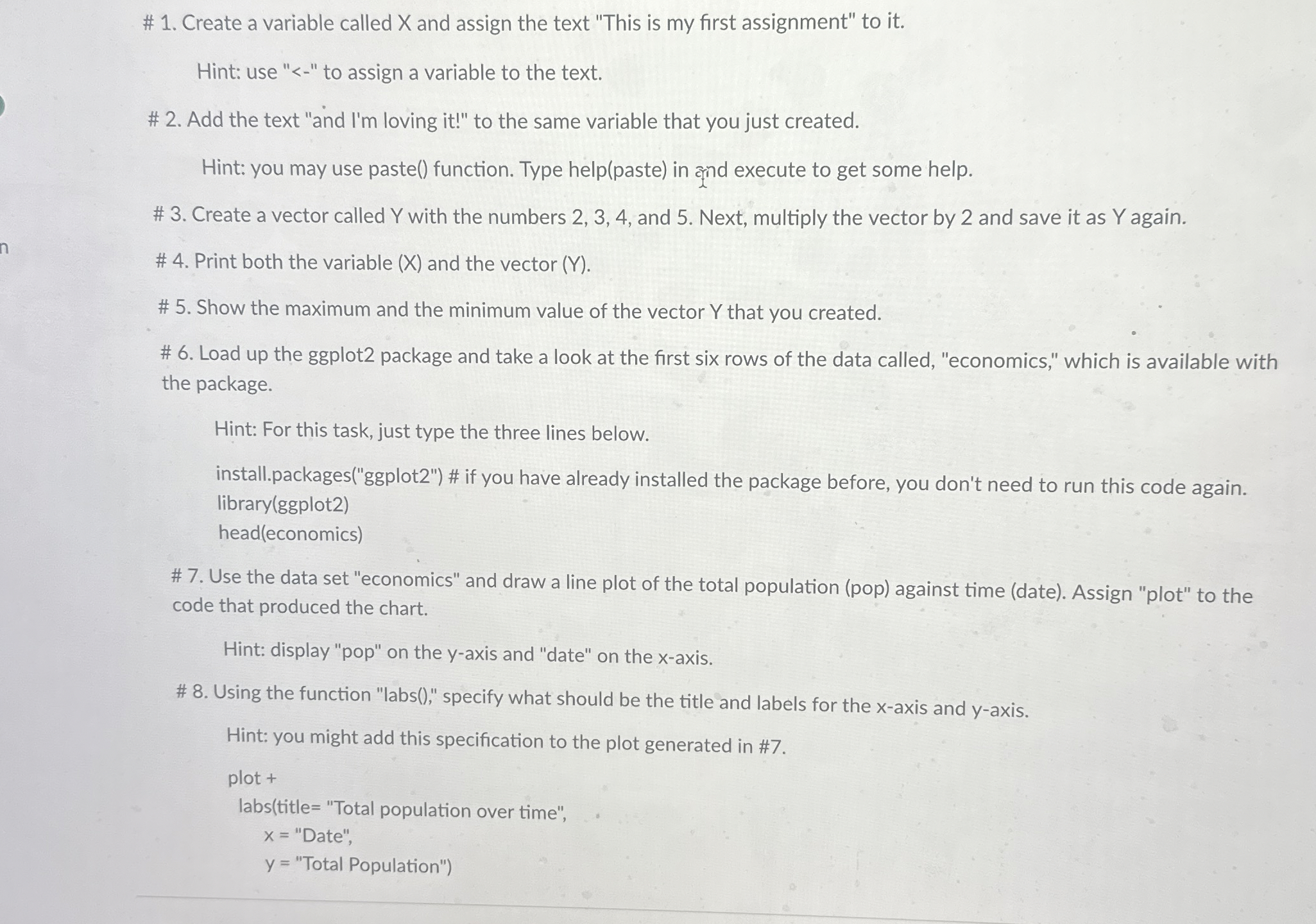
Question: # 1 . Create a variable called x and assign the text This is my first assignment to it . Hint: use -
# Create a variable called and assign the text "This is my first assignment" to it
Hint: use to assign a variable to the text.
# Add the text "and Im loving it to the same variable that you just created.
Hint: you may use paste function. Type helppaste in arind execute to get some help.
# Create a vector called with the numbers and Next, multiply the vector by and save it as again.
# Print both the variable and the vector
# Show the maximum and the minimum value of the vector that you created.
# Load up the ggplot package and take a look at the first six rows of the data called, "economics," which is available with the package.
Hint: For this task, just type the three lines below.
install.packagesggplot # if you have already installed the package before, you don't need to run this code again. libraryggplot
headeconomics
# Use the data set "economics" and draw a line plot of the total population pop against time date Assign "plot" to the code that produced the chart.
Hint: display "pop" on the axis and "date" on the axis.
# Using the function "labs specify what should be the title and labels for the axis and axis.
Hint: you might add this specification to the plot generated in #
Step by Step Solution
There are 3 Steps involved in it
1 Expert Approved Answer
Step: 1 Unlock

Question Has Been Solved by an Expert!
Get step-by-step solutions from verified subject matter experts
Step: 2 Unlock
Step: 3 Unlock
 Study Help