







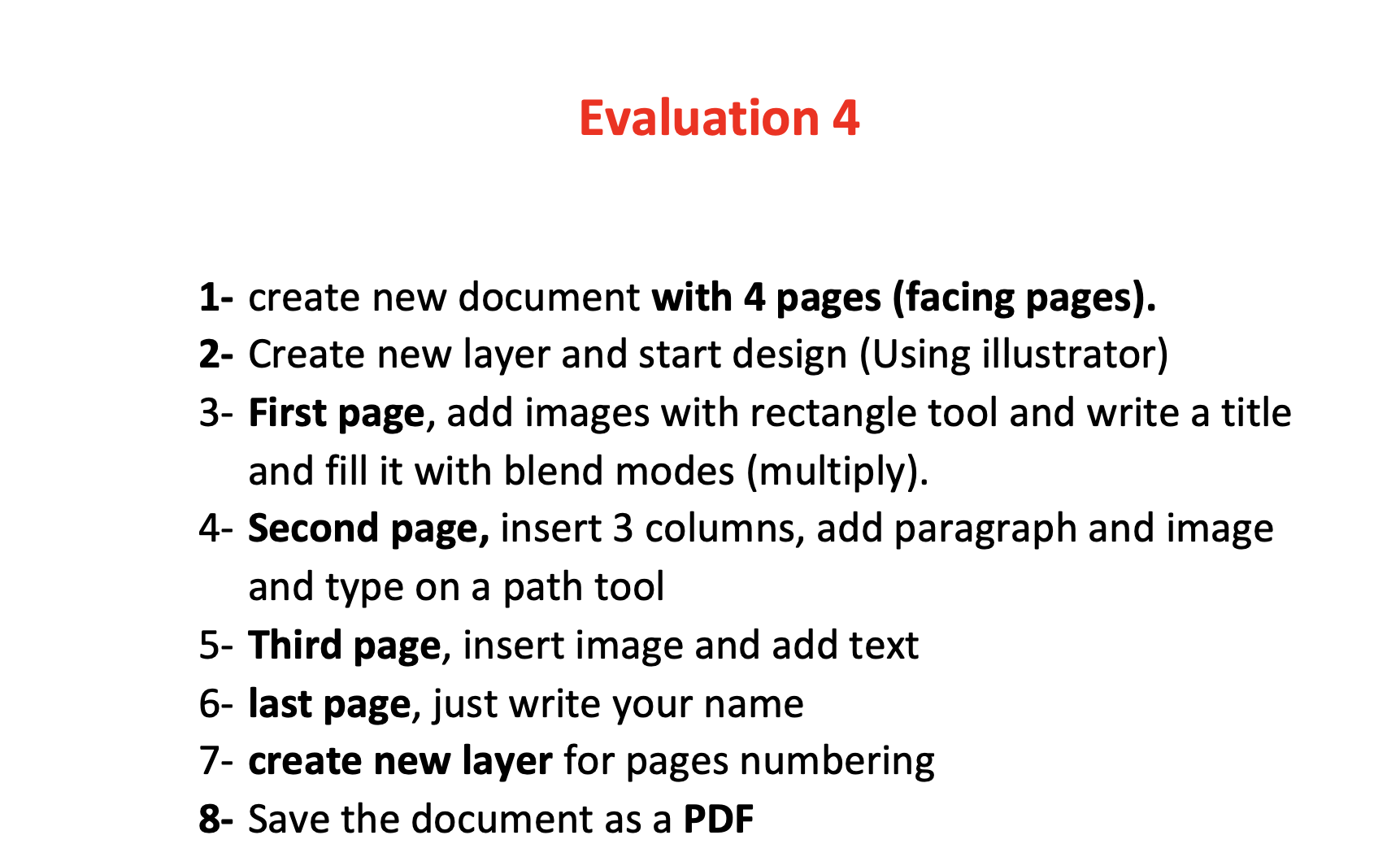
Question: 1 - create new document with 4 pages ( facing pages ) . 2 - Create new layer and start design ( Using illustrator )
create new document with pages facing pages
Create new layer and start design Using illustrator
First page, add images with rectangle tool and write a title
and fill it with blend modes multiply
Second page, insert columns, add paragraph and image
and type on a path tool
Third page, insert image and add text
last page, just write your name
create new layer for pages numbering
Save the document as a PDF
Step by Step Solution
There are 3 Steps involved in it
1 Expert Approved Answer
Step: 1 Unlock

Question Has Been Solved by an Expert!
Get step-by-step solutions from verified subject matter experts
Step: 2 Unlock
Step: 3 Unlock
 Study Help