







Question: 1. Develop a short, introductory training presentation. 2. Develop a PowerPoint Presentation of 5-6 slides - including the cover and references slides. - Include the
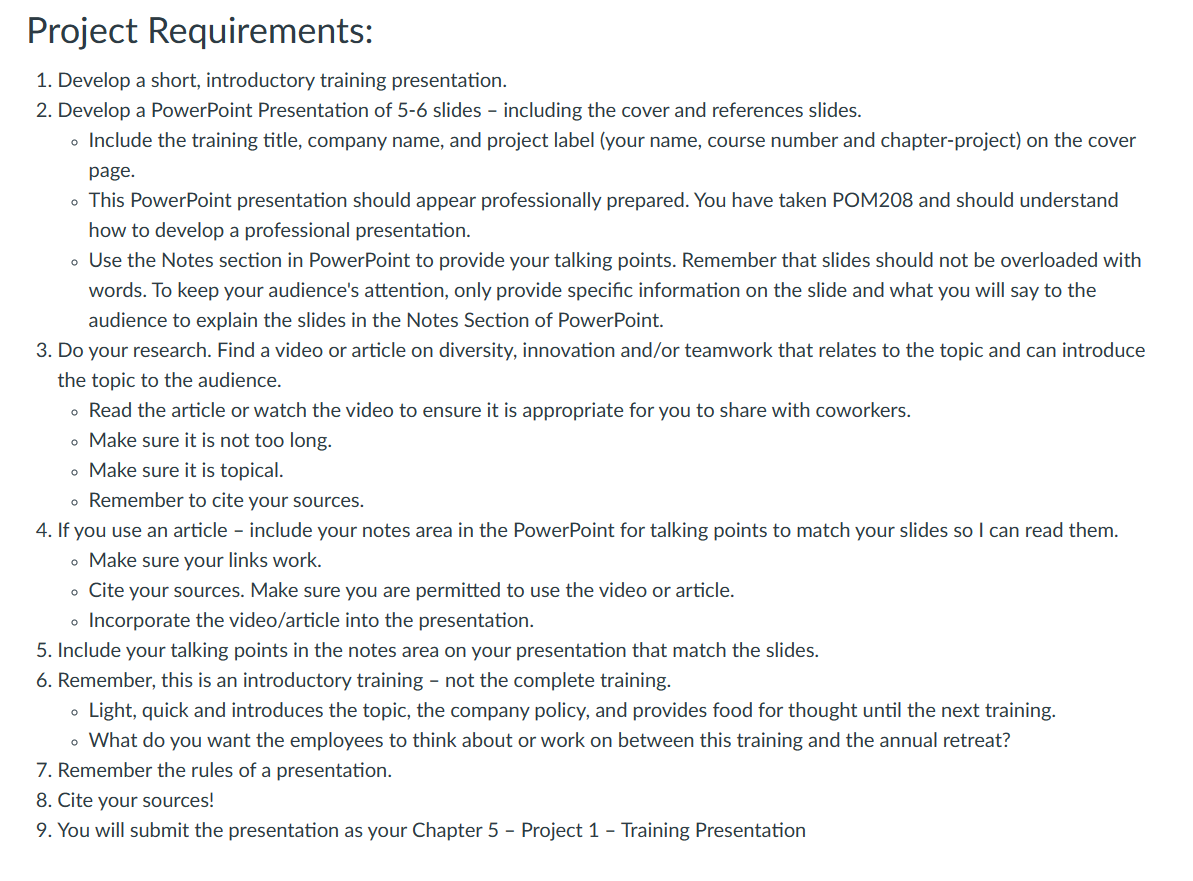
1. Develop a short, introductory training presentation. 2. Develop a PowerPoint Presentation of 5-6 slides - including the cover and references slides. - Include the training title, company name, and project label (your name, course number and chapter-project) on the cover page. - This PowerPoint presentation should appear professionally prepared. You have taken POM208 and should understand how to develop a professional presentation. - Use the Notes section in PowerPoint to provide your talking points. Remember that slides should not be overloaded with words. To keep your audience's attention, only provide specific information on the slide and what you will say to the audience to explain the slides in the Notes Section of PowerPoint. 3. Do your research. Find a video or article on diversity, innovation and/or teamwork that relates to the topic and can introduce the topic to the audience. - Read the article or watch the video to ensure it is appropriate for you to share with coworkers. - Make sure it is not too long. - Make sure it is topical. - Remember to cite your sources. 4. If you use an article - include your notes area in the PowerPoint for talking points to match your slides so I can read them. - Make sure your links work. - Cite your sources. Make sure you are permitted to use the video or article. - Incorporate the video/article into the presentation. 5. Include your talking points in the notes area on your presentation that match the slides. 6. Remember, this is an introductory training - not the complete training. - Light, quick and introduces the topic, the company policy, and provides food for thought until the next training. - What do you want the employees to think about or work on between this training and the annual retreat? 7. Remember the rules of a presentation. 8. Cite your sources! 9. You will submit the presentation as your Chapter 5 - Project 1 - Training Presentation
Step by Step Solution
There are 3 Steps involved in it

Get step-by-step solutions from verified subject matter experts
 Study Help