







Question: 1. Display all the information for all stores whose RegionID value is C. 2. Display CustomerID and CustomerName for all customers whose CustomerName begins
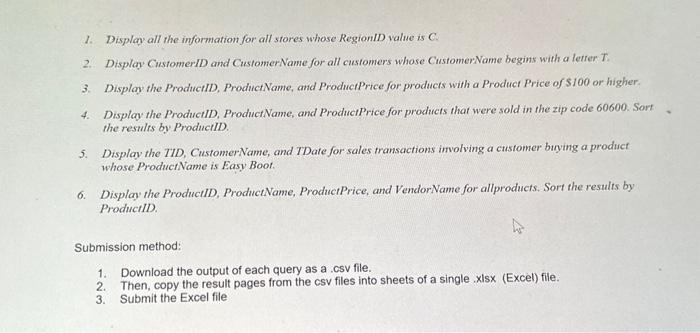
1. Display all the information for all stores whose RegionID value is C. 2. Display CustomerID and CustomerName for all customers whose CustomerName begins with a letter T. 3. Display the ProductID, ProductName, and ProductPrice for products with a Product Price of $100 or higher. 4. Display the ProductID, ProductName, and Product Price for products that were sold in the zip code 60600. Sort the results by ProductID. 5. Display the TID, CustomerName, and TDate for sales transactions involving a customer buying a product whose ProductName is Easy Boot 6. Display the ProductID, ProductName, ProductPrice, and VendorName for allproducts. Sort the results by ProductID. Submission method: 1. 2. 3. Download the output of each query as a .csv file. Then, copy the result pages from the csv files into sheets of a single .xlsx (Excel) file. Submit the Excel file
Step by Step Solution
There are 3 Steps involved in it

Get step-by-step solutions from verified subject matter experts
 Study Help