







Question: 1. Download the Chapter 7 Excel Template and save it to your computer. Please name your file with your last name, first initial and the
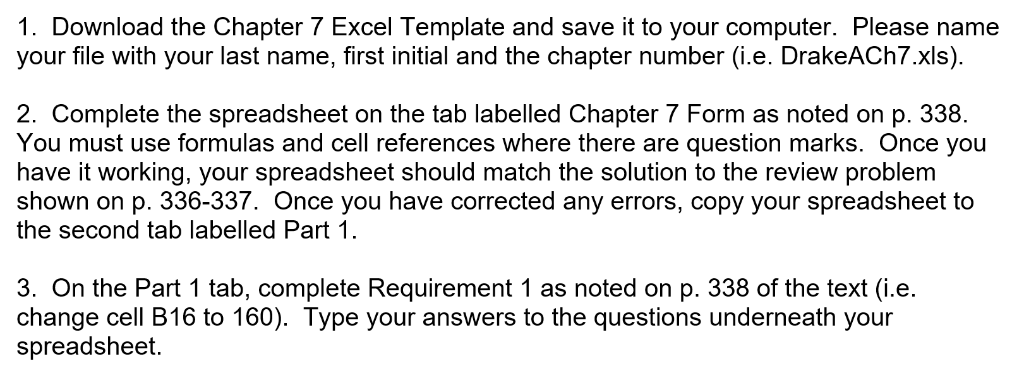
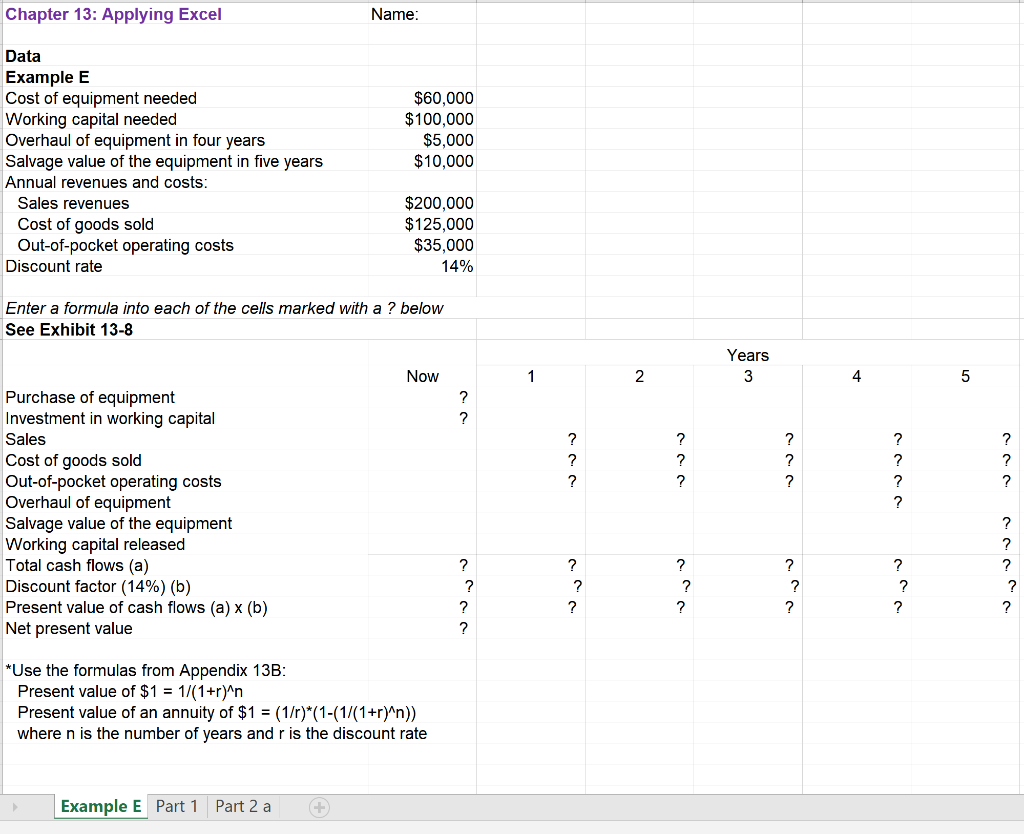
1. Download the Chapter 7 Excel Template and save it to your computer. Please name your file with your last name, first initial and the chapter number (i.e. DrakeACh7.xls). 2. Complete the spreadsheet on the tab labelled Chapter 7 Form as noted on p. 338. You must use formulas and cell references where there are question marks. Once you have it working, your spreadsheet should match the solution to the review problem shown on p. 336-337. Once you have corrected any errors, copy your spreadsheet to the second tab labelled Part 1 3. On the Part 1 tab, complete Requirement 1 as noted on p. 338 of the text (i.e. change cell B16 to 160). Type your answers to the questions underneath your spreadsheet Chapter 13:Applying Excel Name Data Example E Cost of equipment needed Working capital needed Overhaul of equipment in four years Salvage value of the equipment in five years Annual revenues and costs $60,000 $100,000 $5,000 $10,000 $200,000 $125,000 $35,000 14% Sales revenues Cost of goods sold Out-of-pocket operating costs Discount rate Enter a formula into each of the cells marked with a? below See Exhibit 13-8 Years Now 2 4 Purchase of equipment Investment in working capital Sales Cost of goods sold Out-of-pocket operating costs Overhaul of equipment Salvage value of the equipment Working capital released Total cash flows (a) Discount factor (14%) (b) Present value of cash flows (a) x (b) Net present value *Use the formulas from Appendix 13B Present value of $1 1/(1+r)Wr Present value of an annuity of $1 - (1/r)*(1-(1/(1+r^n)) where n is the number of years and r is the discount rate Example E Part 1 Part 2 a
Step by Step Solution
There are 3 Steps involved in it

Get step-by-step solutions from verified subject matter experts
 Study Help