







Question: 1 : Identify a Rogue Host in a Packet Capture File ( 0 1 completed ) ur proficiency with Wireshark has markedly improved in the
: Identify a Rogue Host in a Packet Capture File completed
ur proficiency with Wireshark has markedly improved in the last few weeks on the job.
have been dissecting traffic generated on the small branch office network from where
u work, and following Data Link and Network traffic generated on networks from the other
anch offices by reviewing some historical capture files. You are fast becoming a relied
on resource in this company, and employees are already reaching out to you for help with
resolved networking concerns.
e latest one to reach your desk is a capture file from one of the account executives who
as recently working on some documents from home. They typically connect to the office
a a VPN server in order to access their shared drive, but lately they have been experiencing
ome hiccups. A couple times they have connected, but been unable to access the company
twork as quickly as usual. They installed Wireshark on their computer to try to capture this
ehavior. They don't know enough about this kind of thing to make any determinations
lemselves, so they were hoping you could review it They've noted the IP address of their
orkstation is and the IP address of their router is Their network is
and they disconnected the rest of their devices on the network before taking
is capture.
our first instinct is that another device was attached to the network, so you decide to start
y reviewing the conversations in search of the rogue host.
Wireshark, open the workVPN capture file This PC Local Disk C: PCAPs Section
nd review the IPv conversations taking place. Search the conversations for an additional
lost on the network that is neither the employee's workstation nor
heir gateway router Apply the conversation you discover as a filter specifically,
ill traffic exchanged between the two of them from to as well as from to
Make a screen capture showing the Packet List View with your applied conversation filter.
Jour proficiency with Wireshark has markedly improved in the last few weeks on the job.
lou have been dissecting traffic generated on the small branch office network from where
ou work, and following Data Link and Network traffic generated on networks from the other
ranch offices by reviewing some historical capture files. You are fast becoming a relied
upon resource in this company, and employees are already reaching out to you for help with
unresolved networking concerns.
The latest one to reach your desk is a capture file from one of the account executives who
was recently working on some documents from home. They typically connect to the office
via a VPN server in order to access their shared drive, but lately they have been experiencing
some hiccups. A couple times they have connected, but been unable to access the company
network as quickly as usual. They installed Wireshark on their computer to try to capture this
behavior. They don't know enough about this kind of thing to make any determinations
themselves, so they were hoping you could review it They've noted the IP address of their
workstation is and the IP address of their router is Their network is
and they disconnected the rest of their devices on the network before taking
this capture.
Your first instinct is that another device was attached to the network, so you decide to start
by reviewing the conversations in search of the rogue host.
In Wireshark, open the workVPN capture file This PC Local Disk C: PCAPs Section
and review the IPv conversations taking place. Search the conversations for an additional
host on the network that is neither the employee's workstation nor
their gateway router Apply the conversation you discover as a filter specifically,
all traffic exchanged between the two of them from to as well as from to
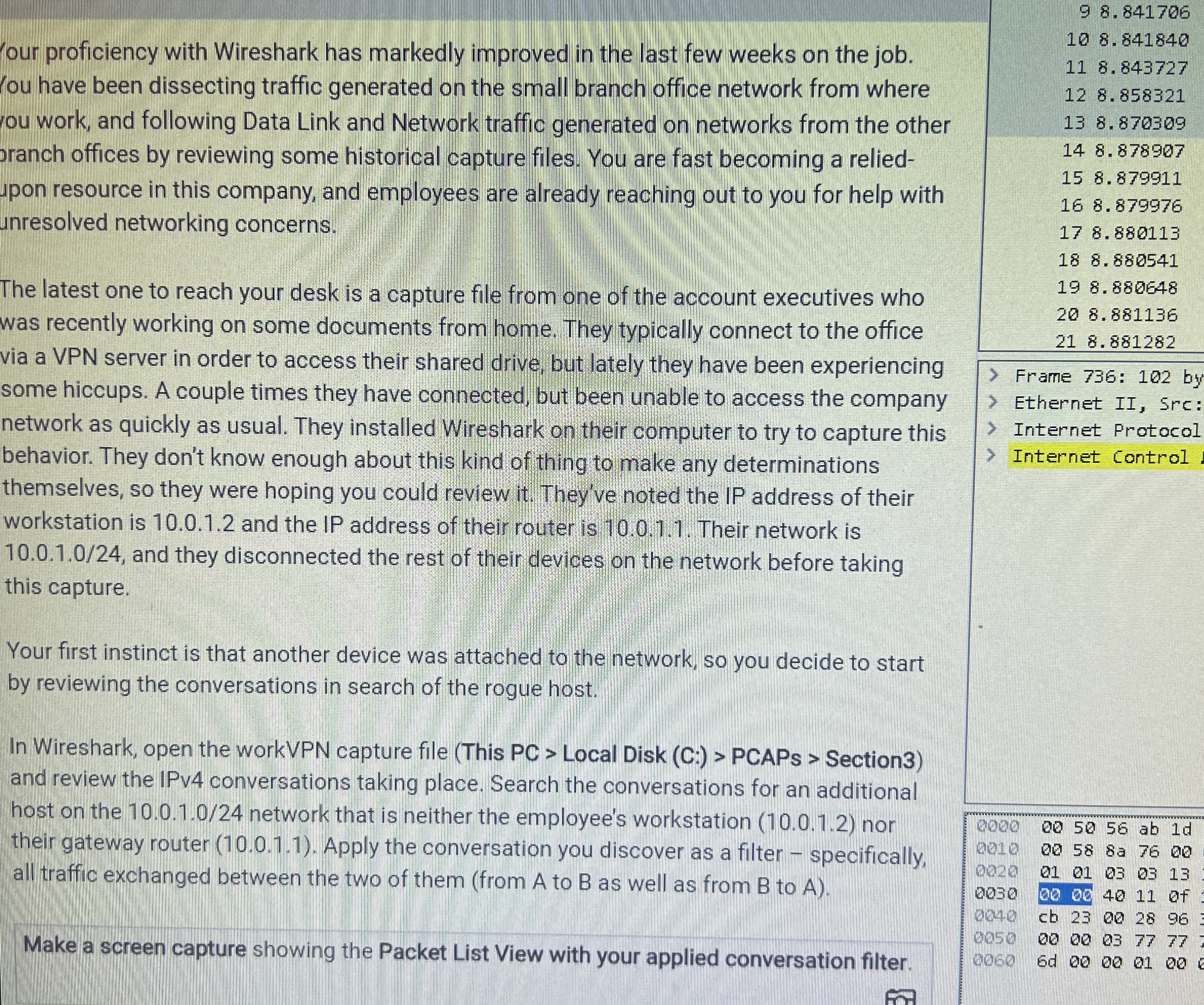
Make a screen capture showing the Packet List View with your applied conversation filter. Ethernet II Src:
Internet Protocol
Internet Control
Step by Step Solution
There are 3 Steps involved in it
1 Expert Approved Answer
Step: 1 Unlock

Question Has Been Solved by an Expert!
Get step-by-step solutions from verified subject matter experts
Step: 2 Unlock
Step: 3 Unlock
 Study Help