







Question: 1. Import the Java file LoopDemo.java provided. Execute it to ensure it works. Add the following functionality: a. Create two nested for loops, the outer
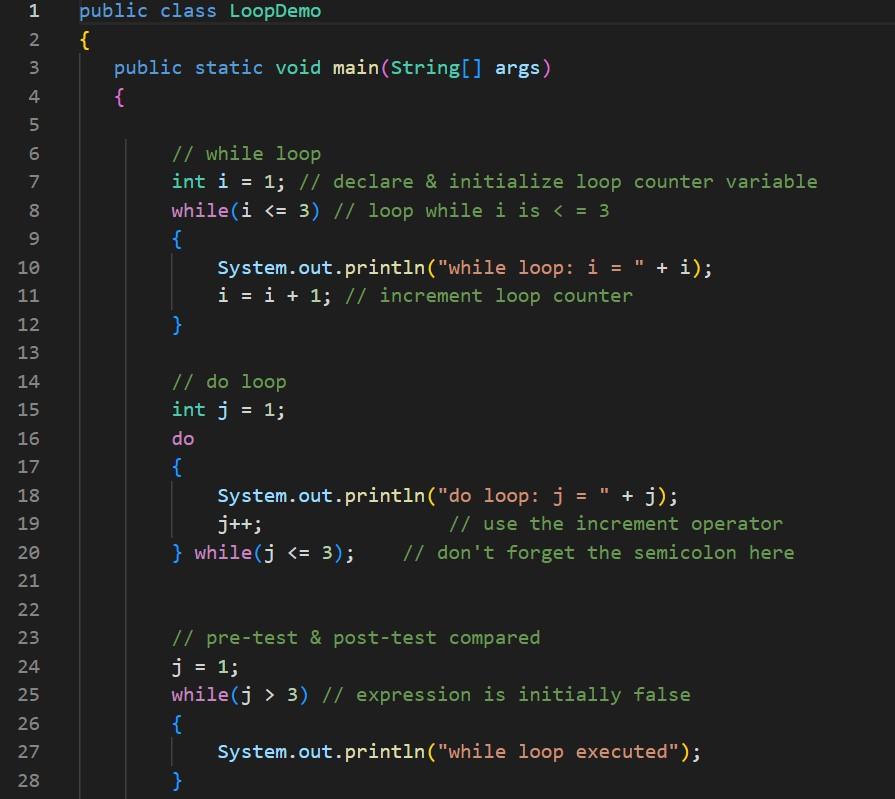
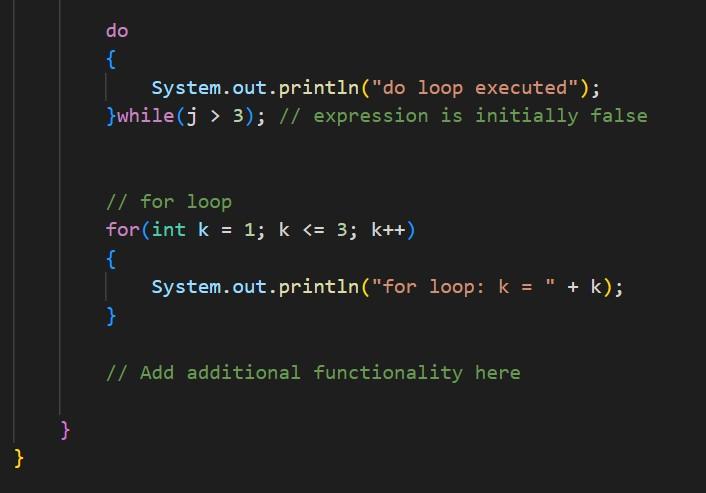
1. Import the Java file LoopDemo.java provided. Execute it to ensure it works. Add the following functionality: a. Create two nested for loops, the outer loop should start at 1 and should stop executing when its counter gets to 3. The inner loop should start at 0, and stop executing when the counter is greater than 2. The inner loop should display both the outer and inner counters. b. Create a dowhile loop that starts at 0 and counts up to 10 by 2s. The loop should display the counter each time through. c. Create a while loop that starts at 9 and counts down by 3s, and stops executing when the counter is less than or equal to zero. The counter should be displayed each time.
do \{ \}while (j>3);// expression is initially false System.out.println("do loop executed"); for (int k=1;k
Step by Step Solution
There are 3 Steps involved in it

Get step-by-step solutions from verified subject matter experts
 Study Help