







Question: 1. List up to 10 different protocols that appear in the protocol column in the unfiltered packet-listing window in step 7 above. As I don't
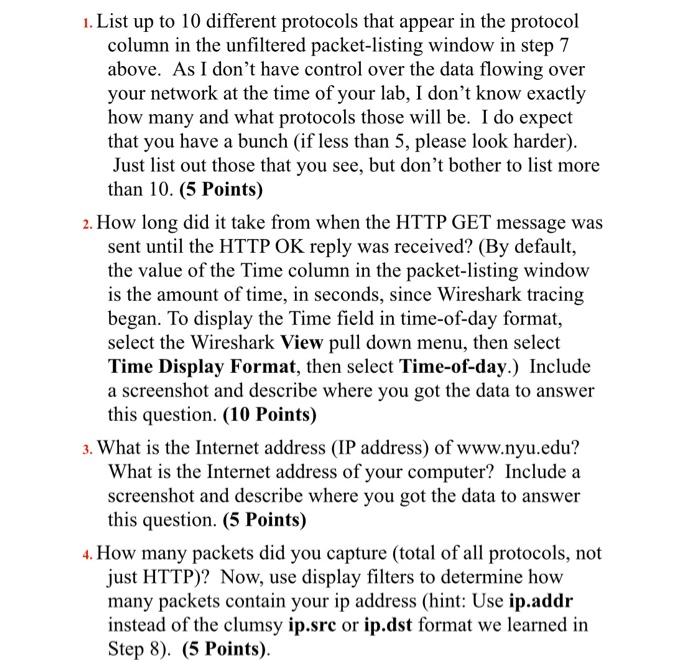
1. List up to 10 different protocols that appear in the protocol column in the unfiltered packet-listing window in step 7 above. As I don't have control over the data flowing over your network at the time of your lab, I don't know exactly how many and what protocols those will be. I do expect that you have a bunch (if less than 5, please look harder). Just list out those that you see, but don't bother to list more than 10. (5 Points) 2. How long did it take from when the HTTP GET message was sent until the HTTP OK reply was received? (By default, the value of the Time column in the packet-listing window is the amount of time, in seconds, since Wireshark tracing began. To display the Time field in time-of-day format, select the Wireshark View pull down menu, then select Time Display Format, then select Time-of-day.) Include a screenshot and describe where you got the data to answer this question. (10 Points) 3. What is the Internet address (IP address) of www.nyu.edu? What is the Internet address of your computer? Include a screenshot and describe where you got the data to answer this question. (5 Points) 4. How many packets did you capture (total of all protocols, not just HTTP)? Now, use display filters to determine how many packets contain your ip address (hint: Use ip.addr instead of the clumsy ip.src or ip.dst format we learned in Step 8). (5 Points)
Step by Step Solution
There are 3 Steps involved in it

Get step-by-step solutions from verified subject matter experts
 Study Help