







Question: 1. MMUse employee table to demonstrate Form Wizard. 2. Demonstrate 4 types of forms 3. Use the first type (columnar) to create a simple form
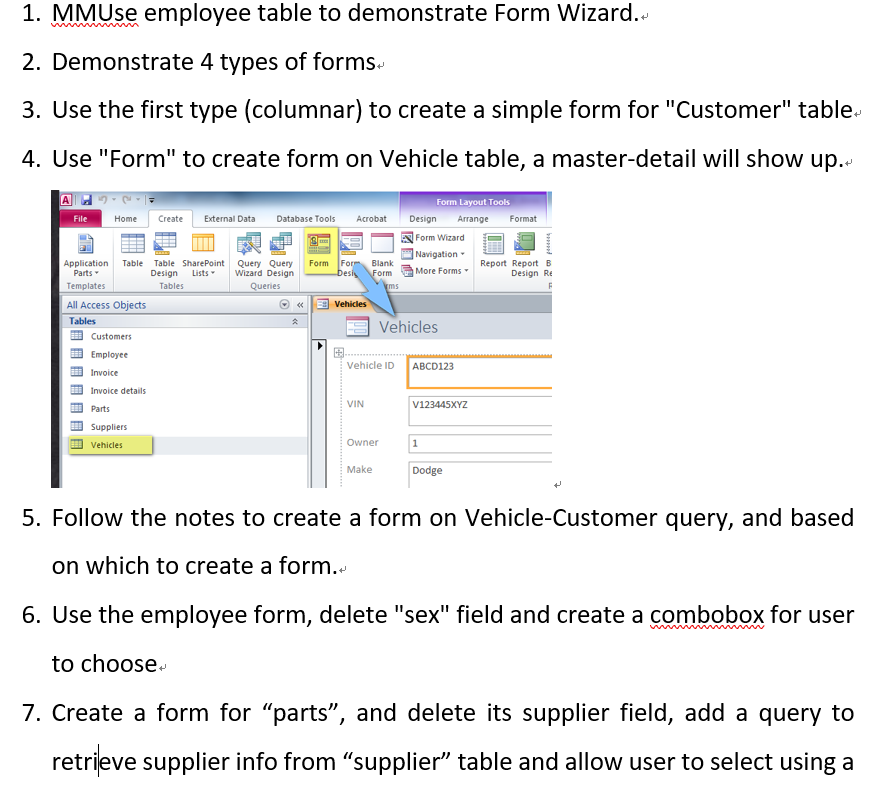

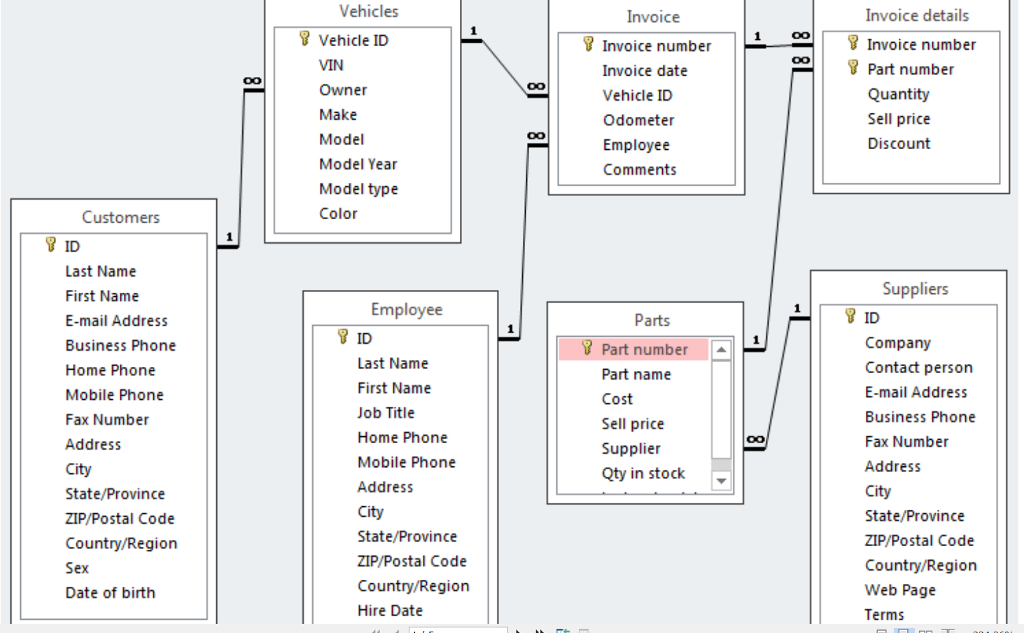



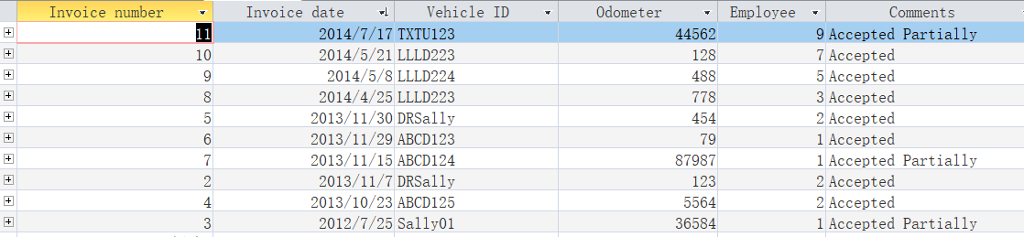
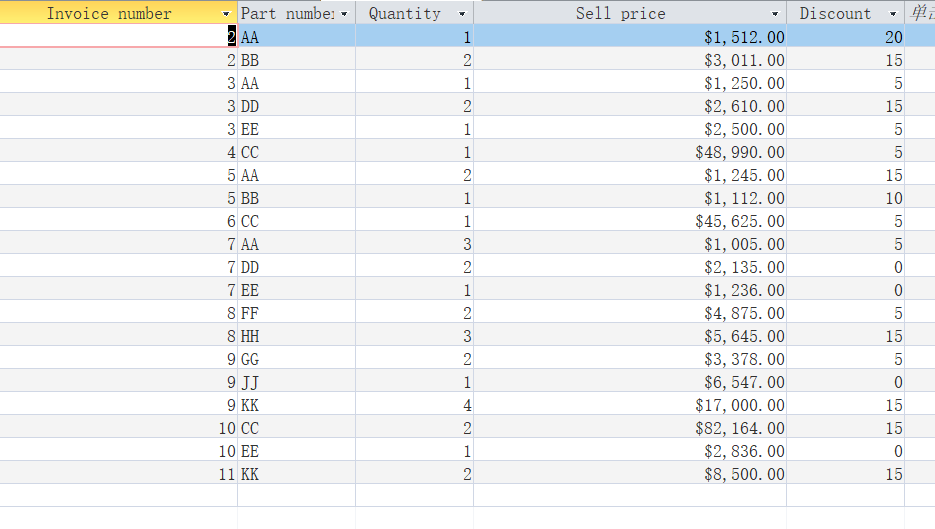
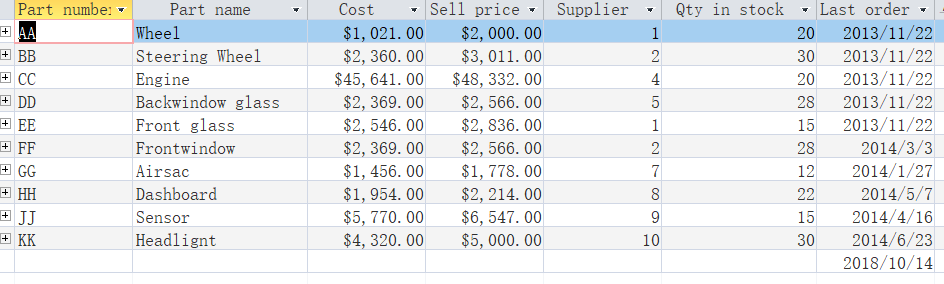

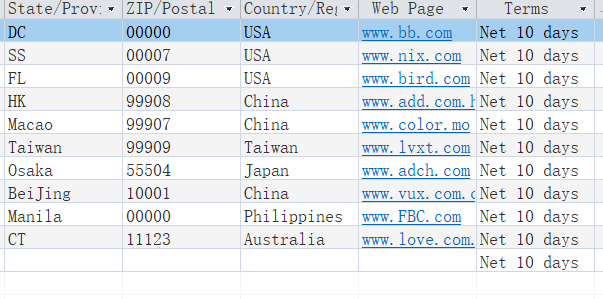
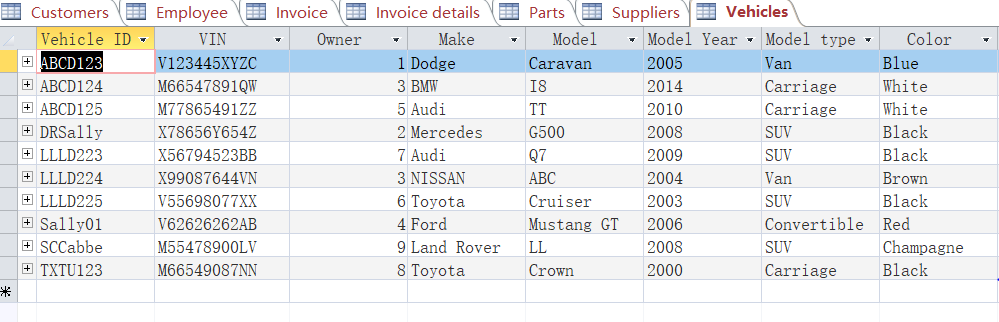
1. MMUse employee table to demonstrate Form Wizard. 2. Demonstrate 4 types of forms 3. Use the first type (columnar) to create a simple form for "Customer" table. 4. Use "Form" to create form on Vehicle table, a master-detail will show up. Form Layout Tools File Home CreateExternal Data Database Tools Acrobat Design Arrange Format IESI Form wizard- Navigation More Forms Application Table Table SharePoint Query Query Form Fo Blank Report Report B Design Re ListsWizard Design Parts Templates All Access Objects Tables EEE Customers Tables (c Vehicles Employee . Vehicle ID ABCD123 Invoice details Parts Suppliers Vehicles VIN V123445XYZ Owner Make Dodge 5. Follow the notes to create a form on Vehicle-Customer query, and based on which to create a form. 6. Use the employee form, delete "sex" field and create a combobox for user to choose. 7. Create a form for "parts", and delete its supplier field, add a query to retrieve supplier info from "supplier" table and allow user to select using a
Step by Step Solution
There are 3 Steps involved in it

Get step-by-step solutions from verified subject matter experts
 Study Help