







Question: 1 ne rollowing function simulates a random walk, using a matrix to store the random walk as it progresses. To begin with all elements are
ne rollowing function simulates a "random walk," using a matrix to store the random walk as it progresses. To begin with all elements are initialized to Then, the "middle" element is chosen to be the starting point for the random walk; a is placed in that element. Note: these numbers will eventually represent colors. Then, from this starting point another element next to the current one is chosen randomly and the color stored in that element is incremented; this repeats until one of the edges of the matrix is reached. Every time an element is chosen for the next element, it is done randomly by either adding or subtracting one tofrom each coordinate and or leaving it alone. The resulting matrix that is returned is an by matrix.
function walkmat ranwalk
walkmat ones ;
;
;
color ;
walkmat color;
while && && &&
randi;
randi ;
color color ;
walkmat mod;
end
end
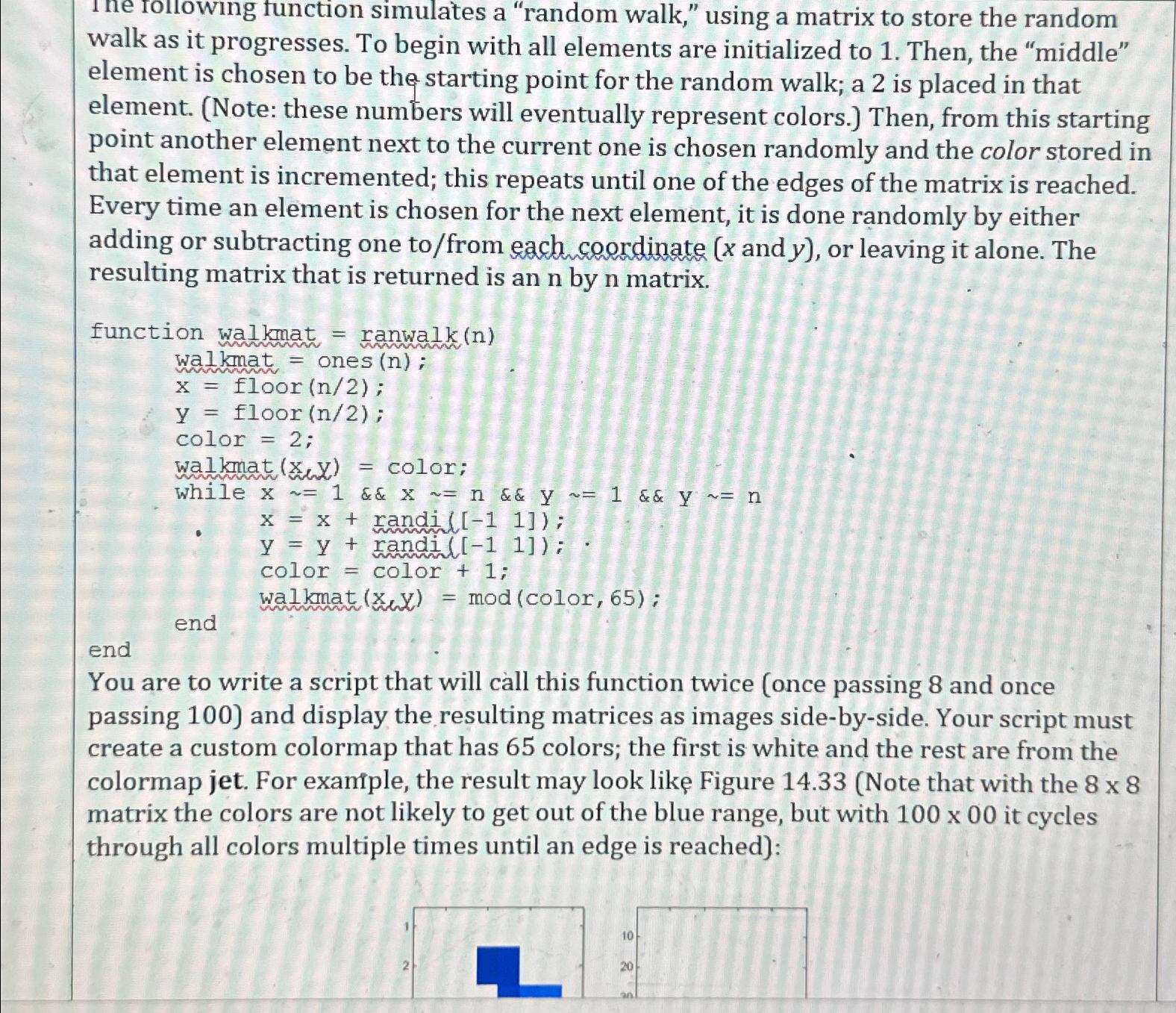
You are to write a script that will call this function twice once passing and once passing and display the resulting matrices as images sidebyside. Your script must create a custom colormap that has colors; the first is white and the rest are from the colormap jet. For example, the result may look like Figure Note that with the matrix the colors are not likely to get out of the blue range, but with it cycles through all colors multiple times until an edge is reached:
Step by Step Solution
There are 3 Steps involved in it
1 Expert Approved Answer
Step: 1 Unlock

Question Has Been Solved by an Expert!
Get step-by-step solutions from verified subject matter experts
Step: 2 Unlock
Step: 3 Unlock
 Study Help