







Question: 1. On the main server (source), create an unprivileged user called xxxxbackup (xxxx are your initials) that will be used by rsync on the backup
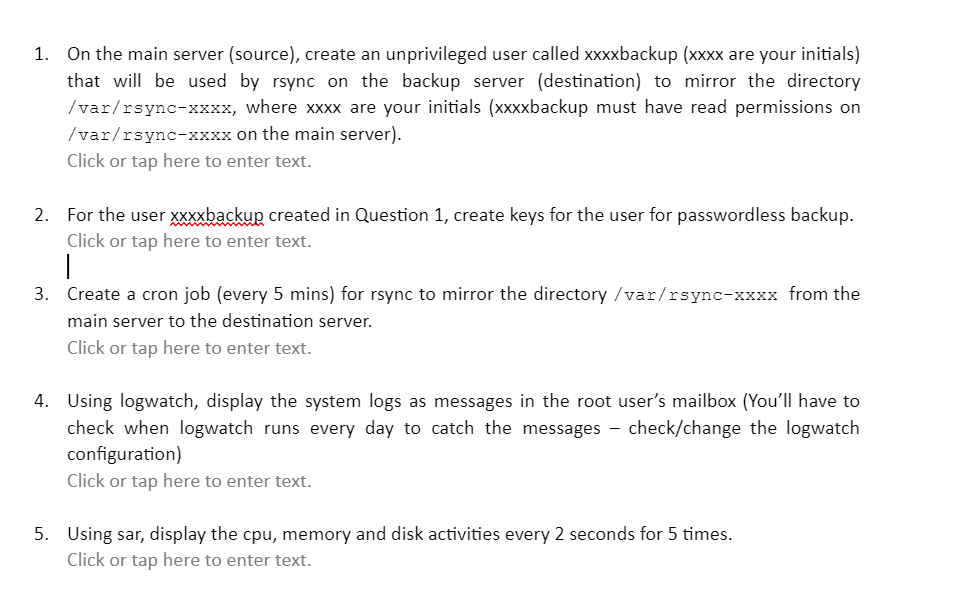
1. On the main server (source), create an unprivileged user called xxxxbackup (xxxx are your initials) that will be used by rsync on the backup server (destination) to mirror the directory /var/rsync-xxxx, where xxxx are your initials (xxxxbackup must have read permissions on /var/rsync-xxxx on the main server). Click or tap here to enter text. 2. For the user xxxxbackup created in Question 1, create keys for the user for passwordless backup. Click or tap here to enter text. 3. Create a cron job (every 5 mins) for rsync to mirror the directory/var/rsync- xxxx from the main server to the destination server. Click or tap here to enter text. 4. Using logwatch, display the system logs as messages in the root user's mailbox (You'll have to check when logwatch runs every day to catch the messages - check/change the logwatch configuration) Click or tap here to enter text. 5. Using sar, display the cpu, memory and disk activities every 2 seconds for 5 times. Click or tap here to enter text
Step by Step Solution
There are 3 Steps involved in it

Get step-by-step solutions from verified subject matter experts
 Study Help