







Question: 1. On the server instance in your student account, create a cron job that has the following properties: The job should run only on 1/21
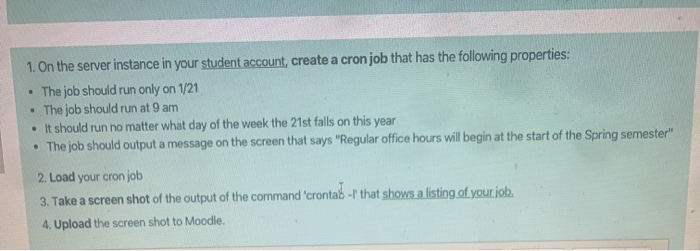
1. On the server instance in your student account, create a cron job that has the following properties: The job should run only on 1/21 The job should run at 9 am It should run no matter what day of the week the 21st falls on this year The job should output a message on the screen that says "Regular office hours will begin at the start of the Spring semester" 2. Load your cron job 3. Take a screen shot of the output of the command 'crontas -1' that shows a listing of your job. 4. Upload the screen shot to Moodle
Step by Step Solution
There are 3 Steps involved in it
1 Expert Approved Answer
Step: 1 Unlock

Question Has Been Solved by an Expert!
Get step-by-step solutions from verified subject matter experts
Step: 2 Unlock
Step: 3 Unlock
 Study Help