







Question: 1) Open the Applet: https://phet.colorado.edu/sims/html/wave-interference/latest/wave-interference en.html Click on Slits Set the following settings: select laser (the rightmost picture) select 2 slits set the slit width
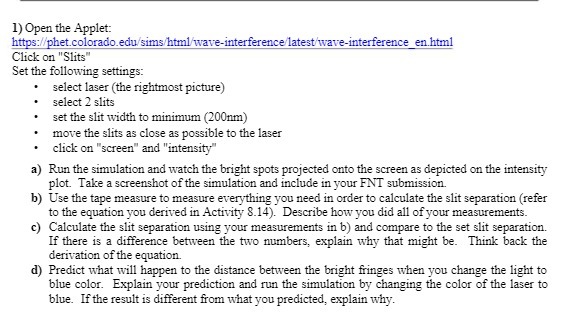
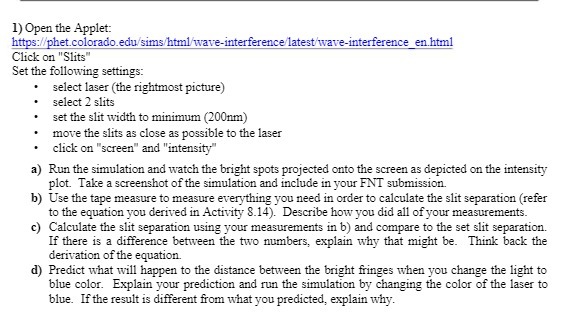
1) Open the Applet: https://phet.colorado.edu/sims/html/wave-interference/latest/wave-interference en.html Click on "Slits" Set the following settings: select laser (the rightmost picture) select 2 slits set the slit width to minimum (200nm) move the slits as close as possible to the laser click on "screen" and "intensity" a) Run the simulation and watch the bright spots projected onto the screen as depicted on the intensity plot. Take a screenshot of the simulation and include in your FNT submission. b) Use the tape measure to measure everything you need in order to calculate the slit separation (refer to the equation you derived in Activity 8.14). Describe how you did all of your measurements. c) Calculate the slit separation using your measurements in b) and compare to the set slit separation. If there is a difference between the two numbers, explain why that might be. Think back the derivation of the equation. d) Predict what will happen to the distance between the bright fringes when you change the light to blue color. Explain your prediction and run the simulation by changing the color of the laser to blue. If the result is different from what you predicted, explain why
Step by Step Solution
There are 3 Steps involved in it

Get step-by-step solutions from verified subject matter experts
 Study Help