







Question: 1. Open the file and process it's contents in memory for later processing 2. Search for all hits that are images (using a regular
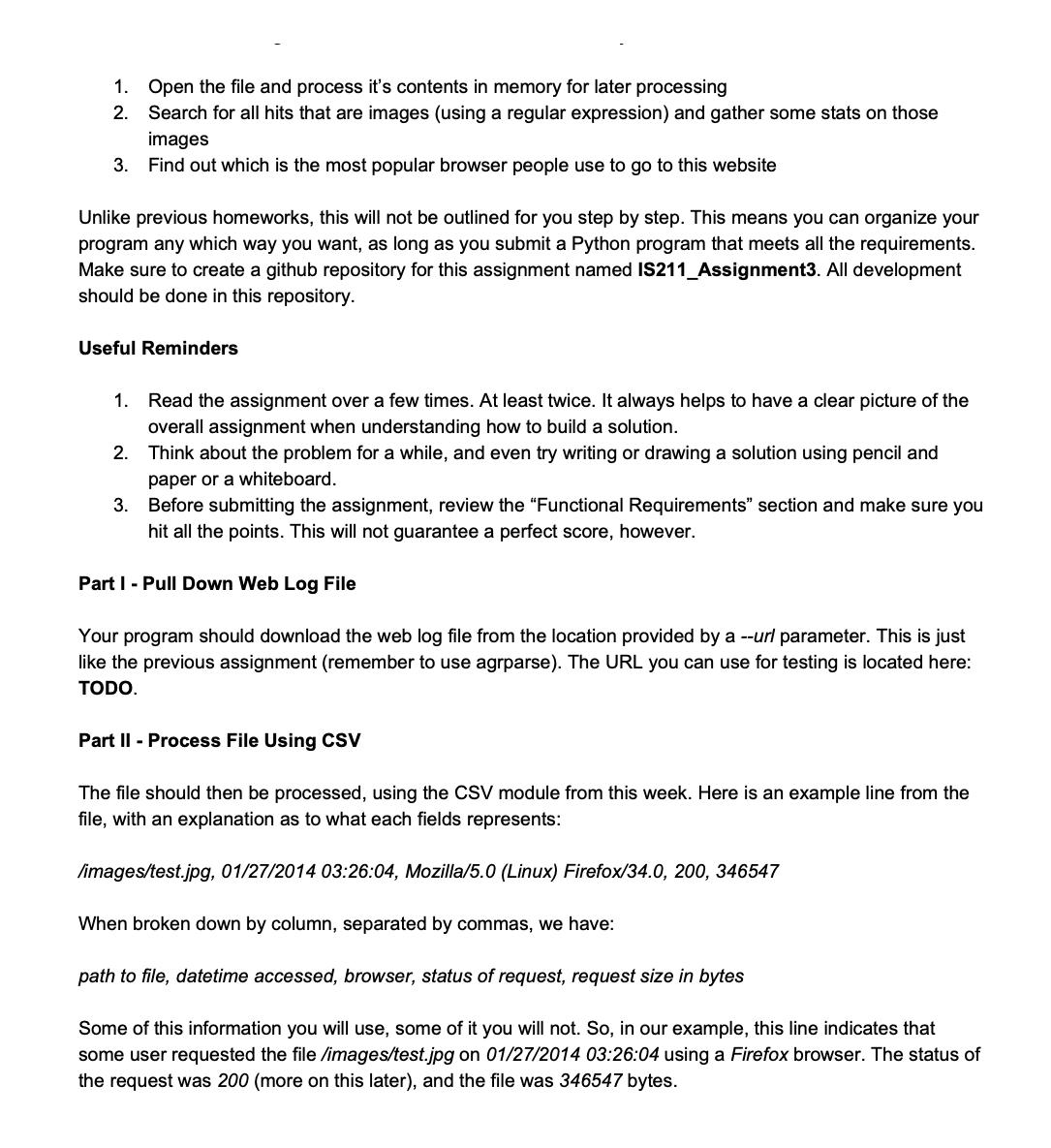
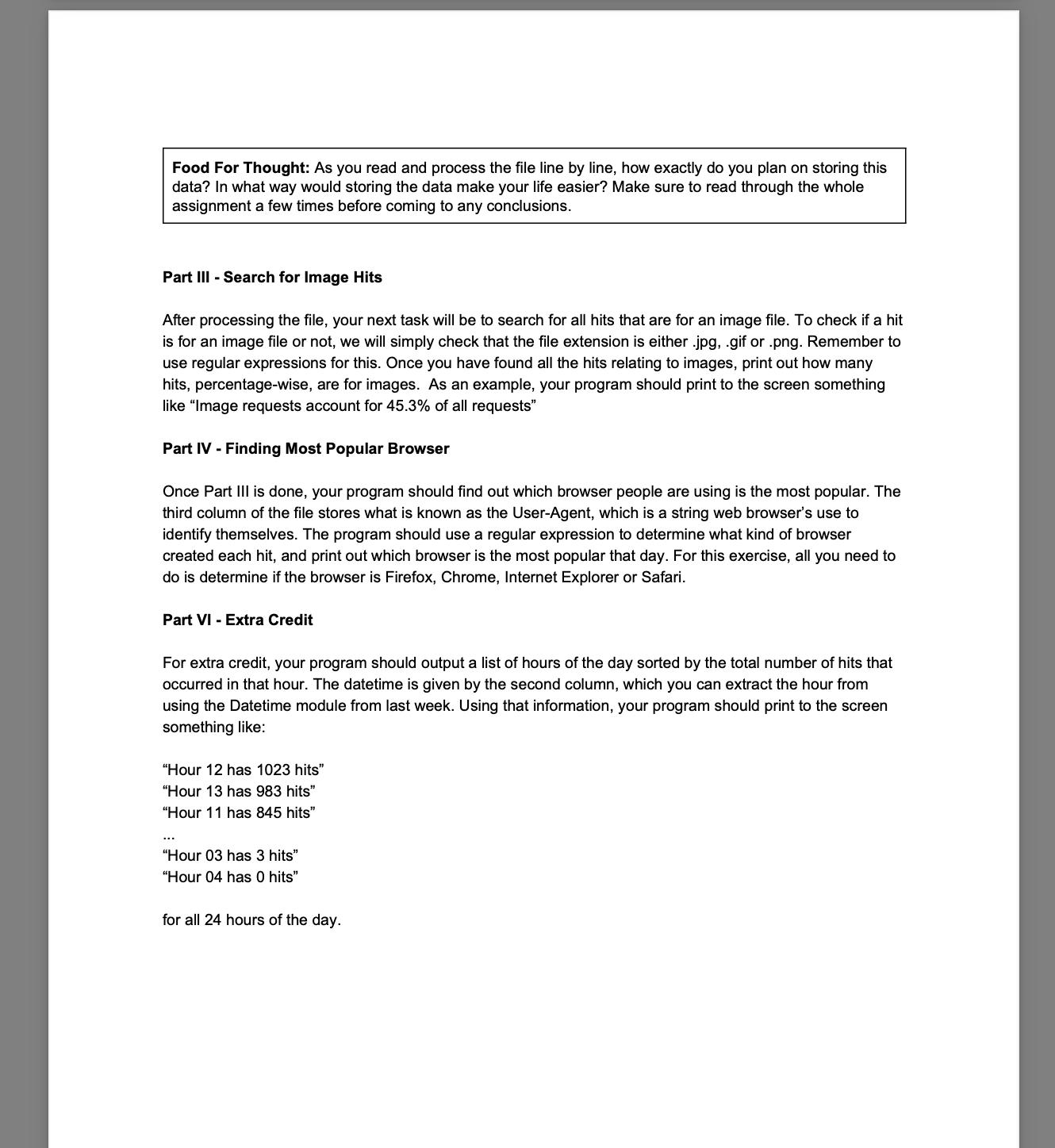
1. Open the file and process it's contents in memory for later processing 2. Search for all hits that are images (using a regular expression) and gather some stats on those images 3. Find out which is the most popular browser people use to go to this website Unlike previous homeworks, this will not be outlined for you step by step. This means you can organize your program any which way you want, as long as you submit a Python program that meets all the requirements. Make sure to create a github repository for this assignment named IS211_Assignment3. All development should be done in this repository. Useful Reminders 1. Read the assignment over a few times. At least twice. It always helps to have a clear picture of the overall assignment when understanding how to build a solution. 2. Think about the problem for a while, and even try writing or drawing a solution using pencil and paper or a whiteboard. 3. Before submitting the assignment, review the "Functional Requirements" section and make sure you hit all the points. This will not guarantee a perfect score, however. Part I - Pull Down Web Log File Your program should download the web log file from the location provided by a --url parameter. This is just like the previous assignment (remember to use agrparse). The URL you can use for testing is located here: TODO. Part II - Process File Using CSV The file should then be processed, using the CSV module from this week. Here is an example line from the file, with an explanation as to what each fields represents: /images/test.jpg, 01/27/2014 03:26:04, Mozilla/5.0 (Linux) Firefox/34.0, 200, 346547 When broken down by column, separated by commas, we have: path to file, datetime accessed, browser, status of request, request size in bytes Some of this information you will use, some of it you will not. So, in our example, this line indicates that some user requested the file /images/test.jpg on 01/27/2014 03:26:04 using a Firefox browser. The status of the request was 200 (more on this later), and the file was 346547 bytes. Food For Thought: As you read and process the file line by line, how exactly do you plan on storing this data? In what way would storing the data make your life easier? Make sure to read through the whole assignment a few times before coming to any conclusions. Part III - Search for Image Hits After processing the file, your next task will be to search for all hits that are for an image file. To check if a hit is for an image file or not, we will simply check that the file extension is either .jpg, .gif or .png. Remember to use regular expressions for this. Once you have found all the hits relating to images, print out how many hits, percentage-wise, are for images. As an example, your program should print to the screen something like "Image requests account for 45.3% of all requests" Part IV - Finding Most Popular Browser Once Part III is done, your program should find out which browser people are using is the most popular. The third column of the file stores what is known as the User-Agent, which is a string web browser's use to identify themselves. The program should use a regular expression to determine what kind of browser created each hit, and print out which browser is the most popular that day. For this exercise, all you need to do is determine if the browser is Firefox, Chrome, Internet Explorer or Safari. Part VI - Extra Credit For extra credit, your program should output a list of hours of the day sorted by the total number of hits that occurred in that hour. The datetime is given by the second column, which you can extract the hour from using the Datetime module from last week. Using that information, your program should print to the screen something like: "Hour 12 has 1023 hits" "Hour 13 has 983 hits" "Hour 11 has 845 hits" "Hour 03 has 3 hits" "Hour 04 has 0 hits" for all 24 hours of the day.
Step by Step Solution
3.45 Rating (148 Votes )
There are 3 Steps involved in it
To accomplish the tasks outlined in your assignment you can create a Python program that performs the following steps Part I Download the Web Log File Use the argparse module to accept a URL as a comm... View full answer

Get step-by-step solutions from verified subject matter experts
 Study Help