



Question: 1. Part 1: The simulation starts in early 2016 with your decision about which Partners to pick for P-Engage. Together with this case you will
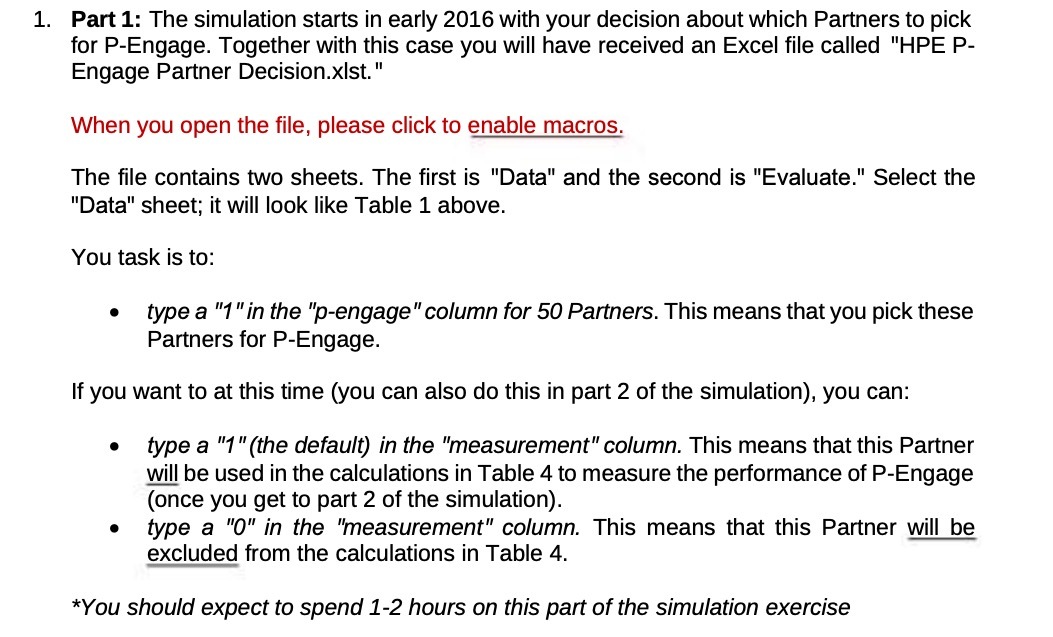
1. Part 1: The simulation starts in early 2016 with your decision about which Partners to pick for P-Engage. Together with this case you will have received an Excel file called "HPE P- Engage Partner Decisionxlst.\" When you open the file, please click to enable macros. The le contains two sheets. The first is "Data" and the second is "Evaluate." Select the "Data" sheet; it will look like Table 1 above. You task is to: . type a "1"in the 'p-engage"coiumn for 50 Partners. This means that you pick these Partners for P-Engage. If you want to at this time (you can also do this in part 2 of the simulation). you can: 0 type a "t\"(the default) in the 'hteasurement\"oolumn. This means that this Partner will be used in the calculations in Table 4 to measure the performance of P-Engage (once you get to part 2 of the simulation). 0 type a \"0\" in the 'measurement\" column. This means that this Partner will be excluded from the calculations in Table 4. *You should expect to spend 1-2 hours on this part of the simulation exercise
Step by Step Solution
There are 3 Steps involved in it

Get step-by-step solutions from verified subject matter experts