







Question: 1 pts When you include a ScreenTip with your link using the Set Hyperlink ScreenTip dialog box, how is this information viewed? Set Hyperlink ScreenTip
pts
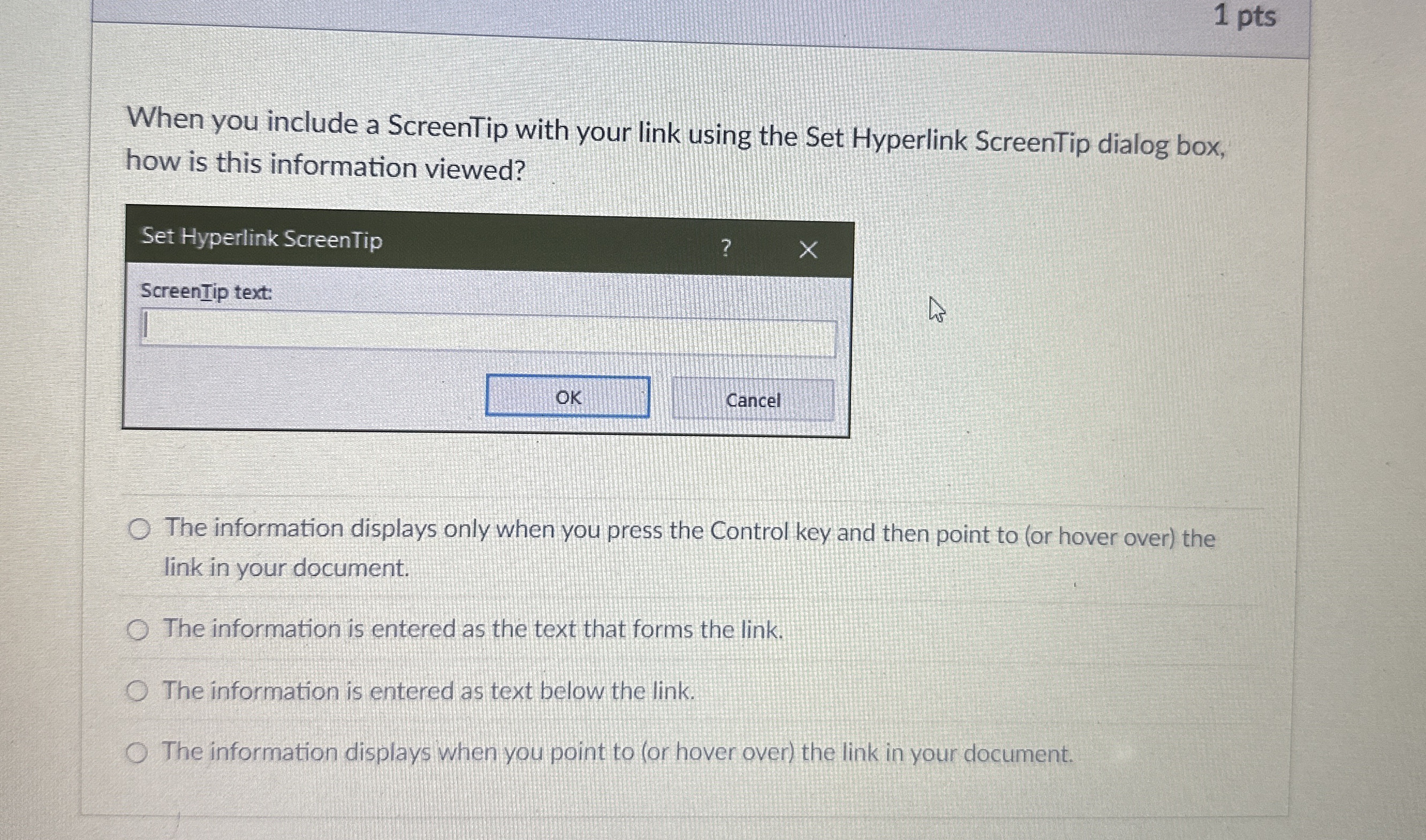
When you include a ScreenTip with your link using the Set Hyperlink ScreenTip dialog box, how is this information viewed?
Set Hyperlink ScreenTip
ScreenTip text:
Cancel
The information displays only when you press the Control key and then point to or hover over the link in your document.
The information is entered as the text that forms the link.
The information is entered as text below the link.
The information displays when you point to or hover over the link in your document pts
When you include a ScreenTip with your link using the Set Hyperlink ScreenTip dialog box, how is this information viewed?
Set Hyperlink ScreenTip
ScreenTip text:
Cancel
The information displays only when you press the Control key and then point to or hover over the link in your document.
The information is entered as the text that forms the link.
The information is entered as text below the link.
The information displays when you point to or hover over the link in your document.
Step by Step Solution
There are 3 Steps involved in it
1 Expert Approved Answer
Step: 1 Unlock

Question Has Been Solved by an Expert!
Get step-by-step solutions from verified subject matter experts
Step: 2 Unlock
Step: 3 Unlock
 Study Help