







Question: 1. Reading Data from Files Input data read from the keyboard and output data written to the screen are temporary and will be lost when
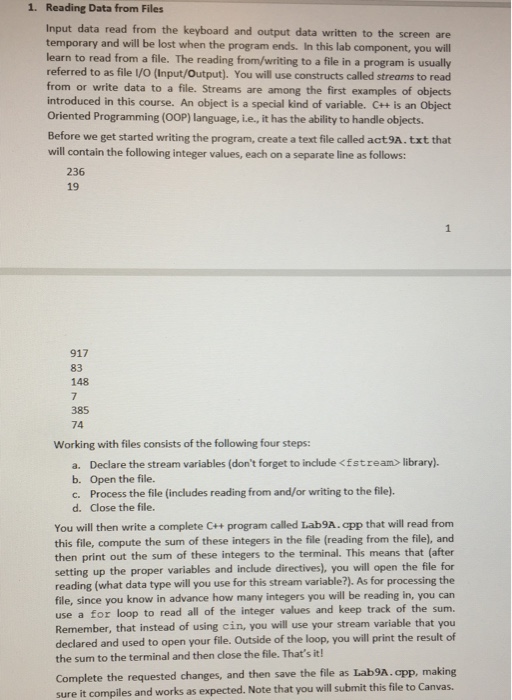
1. Reading Data from Files Input data read from the keyboard and output data written to the screen are temporary and will be lost when the program ends. In this lab component, you will learn to read from a file. The reading from/writing to a file in a program is usually referred to as file /O (Input/Output). You will use constructs called streams to read from or write data to a file. Streams are among the first examples of objects introduced in this course. An object is a special kind of variable. C++ is an Object Oriented Programming (OOP) language, i.e., it has the ability to handle objects. Before we get started writing the program, create a text file called act9A.txt that will contain the following integer values, each on a separate line as follows: 236 19 917 83 148 385 74 Working with files consists of the following four steps: a. Declare the stream variables (don't forget to include
Step by Step Solution
There are 3 Steps involved in it

Get step-by-step solutions from verified subject matter experts
 Study Help