







Question: 1. Start Wireshark and browse to https://conestoga.desire2learn.com/d21/home#_, stop and save capture, name it practicalassignment3 Include screenshot of saved capture 2. Identify the certificate used
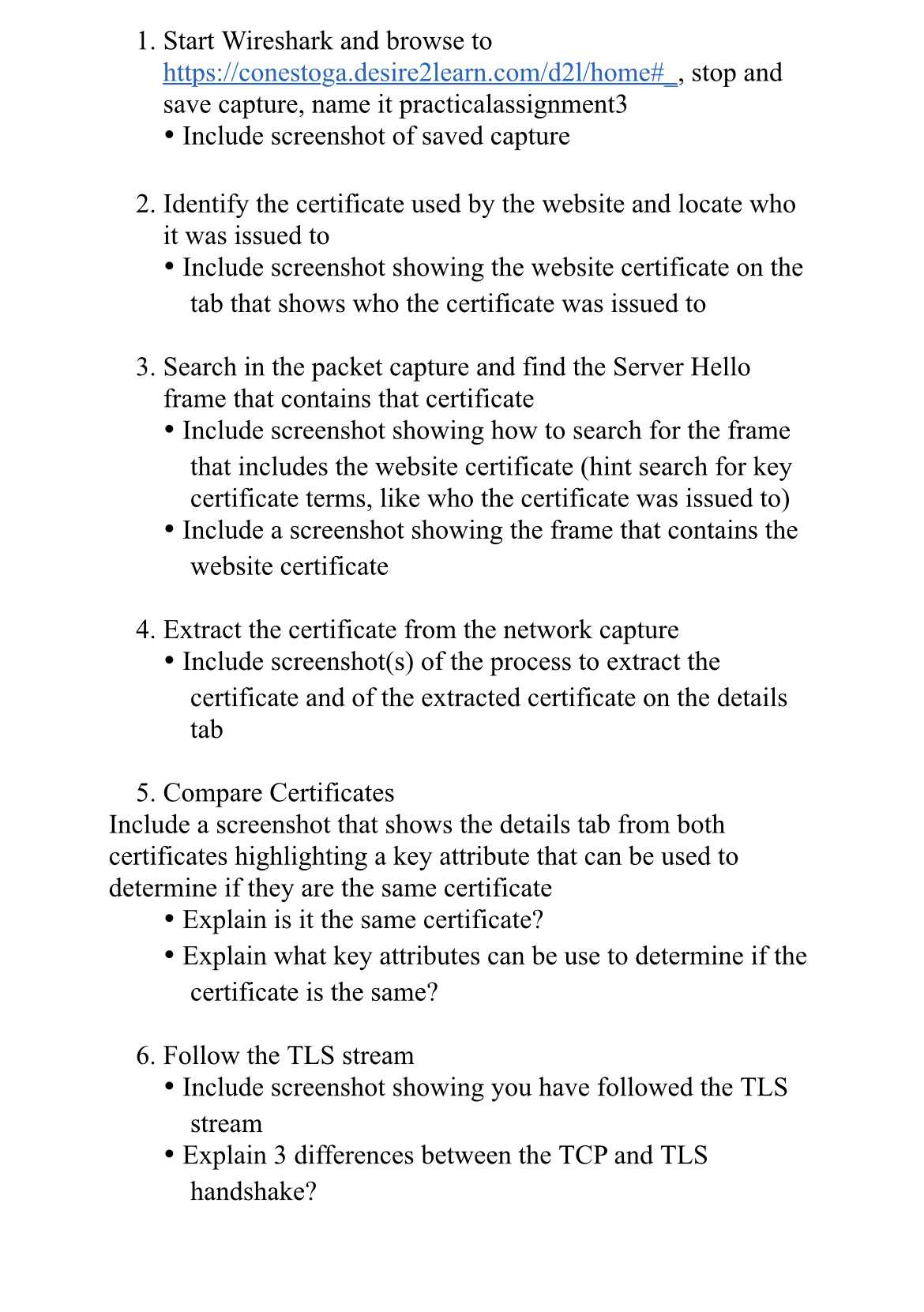
1. Start Wireshark and browse to https://conestoga.desire2learn.com/d21/home#_, stop and save capture, name it practicalassignment3 Include screenshot of saved capture 2. Identify the certificate used by the website and locate who it was issued to Include screenshot showing the website certificate on the tab that shows who the certificate was issued to 3. Search in the packet capture and find the Server Hello frame that contains that certificate Include screenshot showing how to search for the frame that includes the website certificate (hint search for key certificate terms, like who the certificate was issued to) Include a screenshot showing the frame that contains the website certificate 4. Extract the certificate from the network capture Include screenshot(s) of the process to extract the certificate and of the extracted certificate on the details tab 5. Compare Certificates Include a screenshot that shows the details tab from both certificates highlighting a key attribute that can be used to determine if they are the same certificate Explain is it the same certificate? Explain what key attributes can be use to determine if the certificate is the same? 6. Follow the TLS stream Include screenshot showing you have followed the TLS stream Explain 3 differences between the TCP and TLS handshake?
Step by Step Solution
There are 3 Steps involved in it

Get step-by-step solutions from verified subject matter experts
 Study Help