







Question: 1. Thinking process (the 2 steps) Flowchart Gin 1 or several screenshots) 3. The running las The folder's screenshot many screenshots as necessary to show
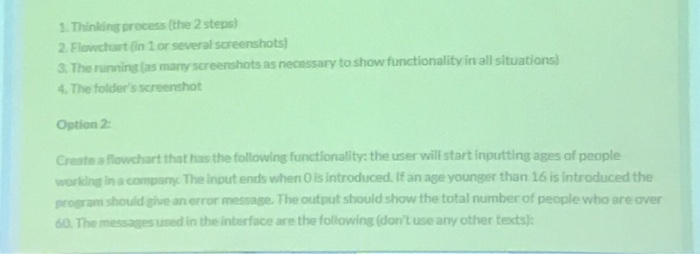

1. Thinking process (the 2 steps) Flowchart Gin 1 or several screenshots) 3. The running las The folder's screenshot many screenshots as necessary to show functionality in all situations Option 2 Create a flowchart that has the following functionality: the user will start inputting ages of people working in acompany. The Input ends when O is introduced. If an age younger than 16 is introduced the program should give an error message.The output should show the total number of people who are over 60. The messages used in the interface are the following (don't use any other texts)h Using Flowgorithm 1. Thinking process (the 2 steps) Flowchart Gin 1 or several screenshots) 3. The running las The folder's screenshot many screenshots as necessary to show functionality in all situations Option 2 Create a flowchart that has the following functionality: the user will start inputting ages of people working in acompany. The Input ends when O is introduced. If an age younger than 16 is introduced the program should give an error message.The output should show the total number of people who are over 60. The messages used in the interface are the following (don't use any other texts)h Using Flowgorithm
Step by Step Solution
There are 3 Steps involved in it

Get step-by-step solutions from verified subject matter experts
 Study Help