







Question: 1. Using cat command, add some text from the stdin to 2 or three files. Verify that these files contain the text you added. Concatenate
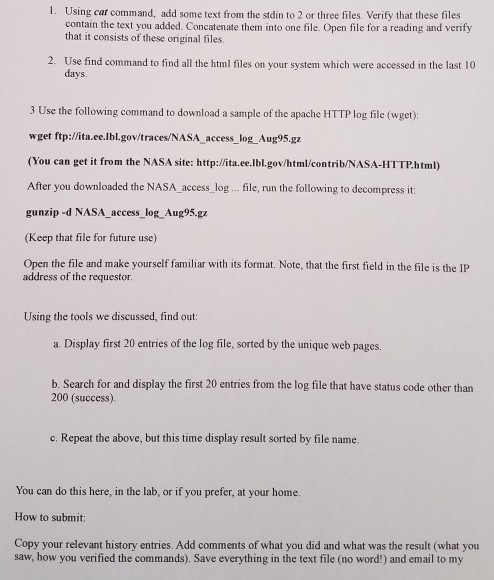
1. Using cat command, add some text from the stdin to 2 or three files. Verify that these files contain the text you added. Concatenate them into one file. Open file for a reading and verify that it consists of these original files. 2. Use find command to find all the html files on your system which were accessed in the last 10 days 3 Use the following command to download a sample of the apache HTTP log file (wget) wget ftp://ita.ee.lbl.gov/traces/NASA access log Aug95.gz (You can get it from the NASA site: http://ita.ee.lbl.gov/html/contrib/NASA-HTTP.html) After you downloaded the NASA access log.. file, run the following to decompress it gunzip -d NASA access log Aug95.gz (Keep that file for future use) Open the file and make yourself familiar with its format. Note, that the first field in the file is theIP address of the requestor Using the tools we discussed, find out: a. Display first 20 entries of the log file, sorted by the unique web pages. b. Search for and display the first 20 entries from the log file that have status code other than 200 (success) c. Repeat the above, but this time display result sorted by file name. You can do this here, in the lab, or if you prefer, at your home. How to submit: Copy your relevant history entries. Add comments of what you did and what was the result (what you saw, how you verified the commands). Save everything in the text file (no word!) and email to my
Step by Step Solution
There are 3 Steps involved in it

Get step-by-step solutions from verified subject matter experts
 Study Help