







Question: 1. What is a critical path? Give an example in your own words of a critical path in a project at your place of employment.
1. What is a critical path? Give an example in your own words of a critical path in a project at your place of employment. (Use school if you have never worked before)
2. What is slack time? How can it be adjusted? Give an example using the same place as above of when slack time happens.
3. In your own words, what is a Work Breakdown Structure (WBS)? If you were using the class as a project list 3 WBS Summary Tasks you could have.
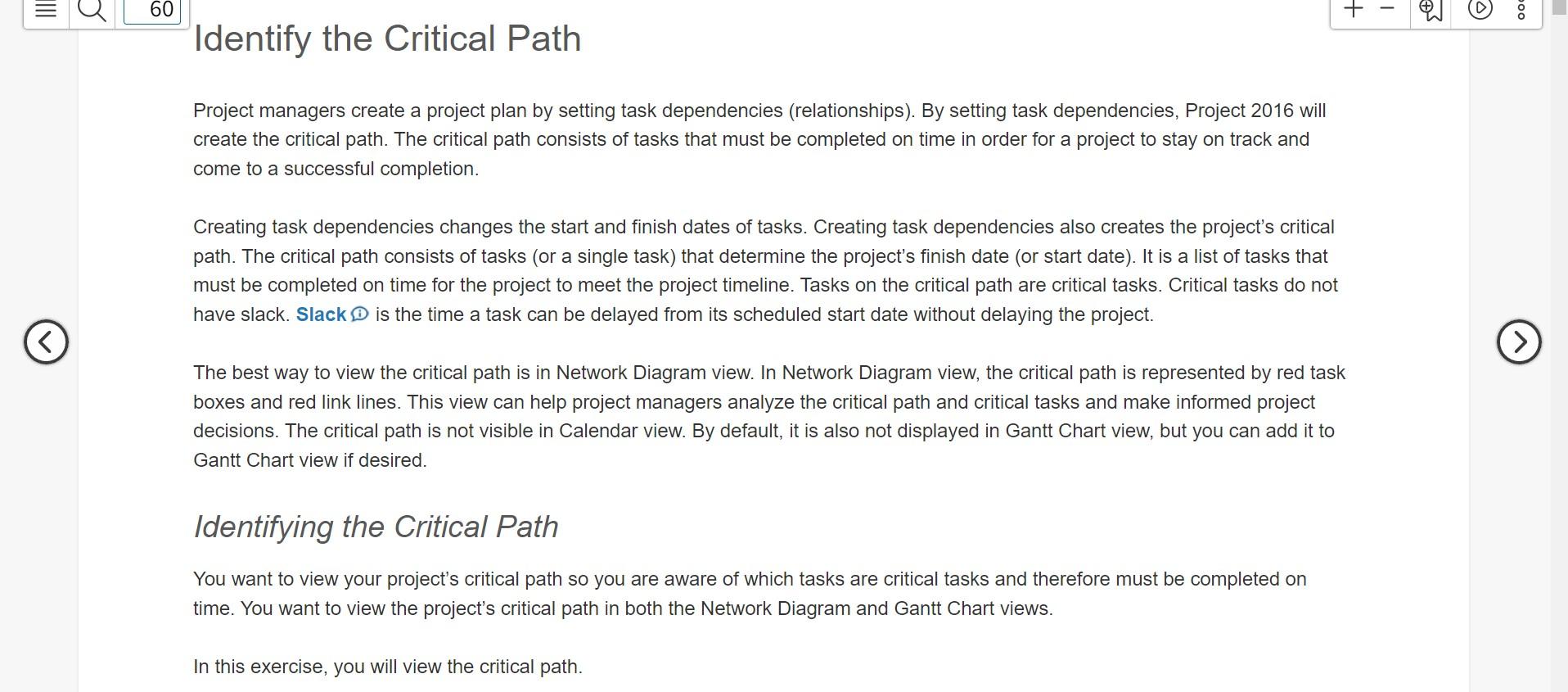
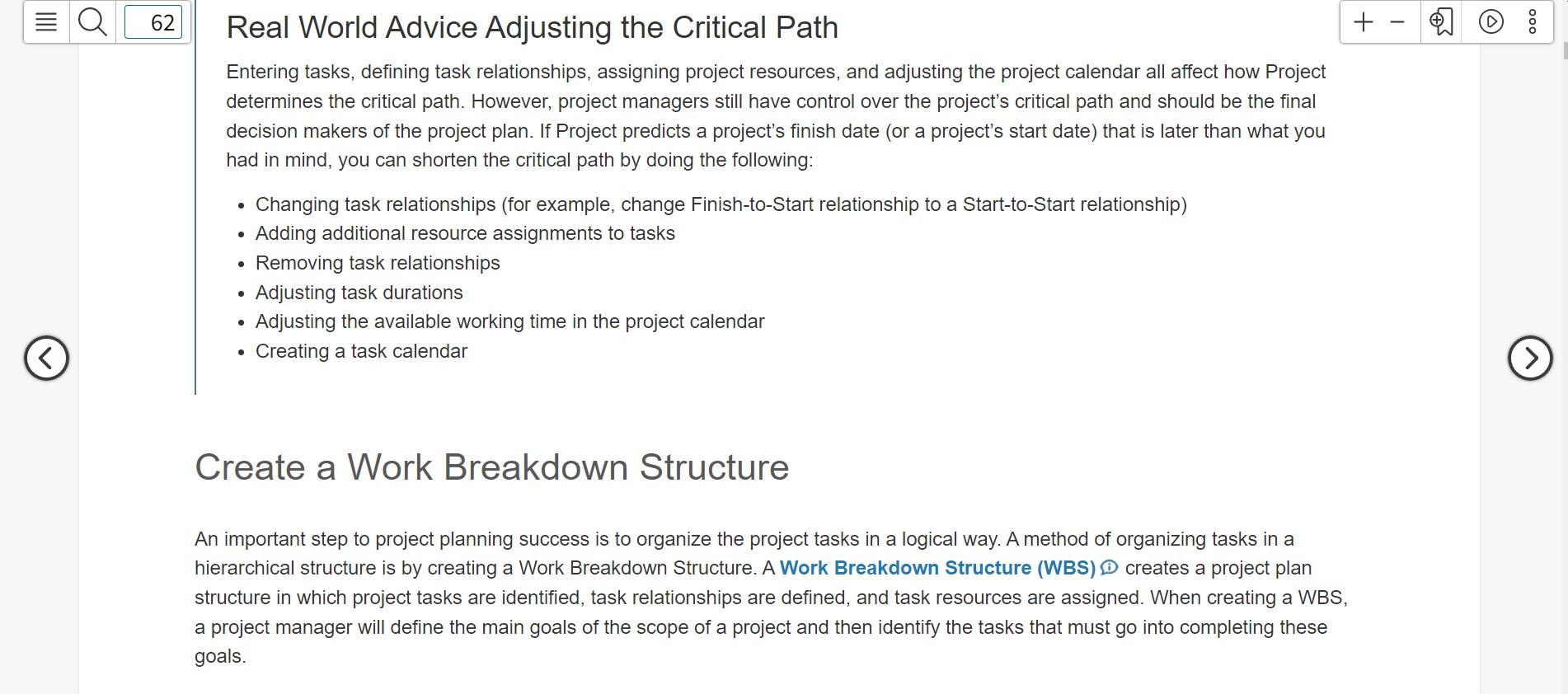
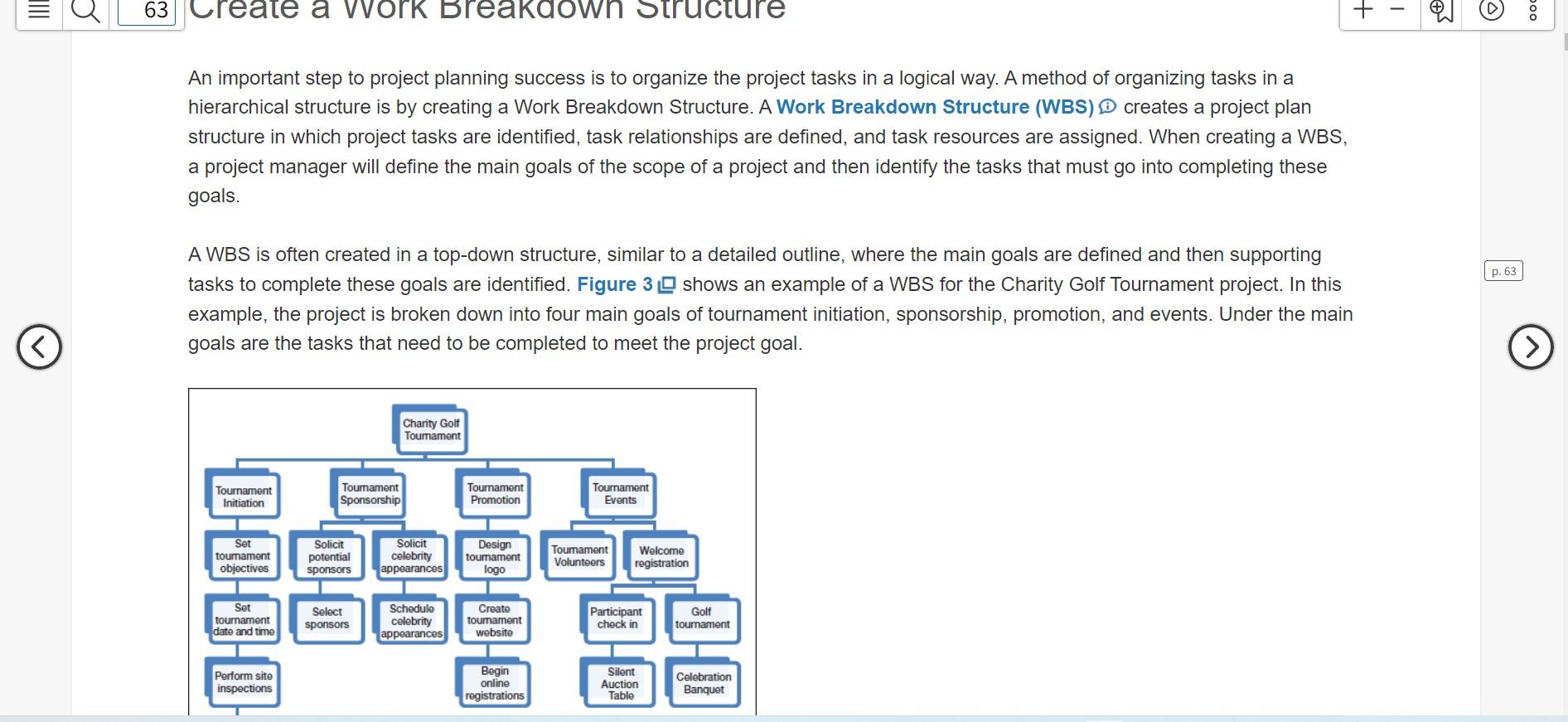
IIIE u 60 + - 000 Identify the Critical Path Project managers create a project plan by setting task dependencies (relationships). By setting task dependencies, Project 2016 will create the critical path. The critical path consists of tasks that must be completed on time in order for a project to stay on track and come to a successful completion. Creating task dependencies changes the start and finish dates of tasks. Creating task dependencies also creates the project's critical path. The critical path consists of tasks (or a single task) that determine the project's finish date (or start date). It is a list of tasks that must be completed on time for the project to meet the project timeline. Tasks on the critical path are critical tasks. Critical tasks do not have slack. Slack is the time a task can be delayed from its scheduled start date without delaying the project. The best way to view the critical path is in Network Diagram view. In Network Diagram view, the critical path is represented by red task boxes and red link lines. This view can help project managers analyze the critical path and critical tasks and make informed project decisions. The critical path is not visible in Calendar view. By default, it is also not displayed in Gantt Chart view, but you can add it to Gantt Chart view if desired. Identifying the Critical Path You want to view your project's critical path so you are aware of which tasks are critical tasks and therefore must be completed on time. You want to view the project's critical path in both the Network Diagram and Gantt Chart views. In this exercise, you will view the critical path. 62 + - D 000 Real World Advice Adjusting the Critical Path Entering tasks, defining task relationships, assigning project resources, and adjusting the project calendar all affect how Project determines the critical path. However, project managers still have control over the project's critical path and should be the final decision makers of the project plan. If Project predicts a project's finish date (or a project's start date) that is later than what you had in mind, you can shorten the critical path by doing the following: Changing task relationships (for example, change Finish-to-Start relationship to a Start-to-Start relationship) Adding additional resource assignments to tasks Removing task relationships Adjusting task durations Adjusting the available working time in the project calendar Creating a task calendar . . To create summary tasks, you can indent and outdent tasks or use the Summary button in the Insert group on the Task tab. Indenting a task moves a task to the right in the Entry table and makes it a lower level task in a WBS, such as a task that needs to be completed to achieve the main goal. Outdenting D a task moves a task to the left in the Entry table and makes it a higher level task in a WBS, such as a main goal. As shown in Figure 49, indenting and outdenting tasks can be done in the Schedule group on the Task tabStep by Step Solution
There are 3 Steps involved in it
1 Expert Approved Answer
Step: 1 Unlock

Question Has Been Solved by an Expert!
Get step-by-step solutions from verified subject matter experts
Step: 2 Unlock
Step: 3 Unlock
 Study Help