Question: 1 Working with Excel This section is meant to show you the usefulness of Excel in deriving the basic descriptive statis- tics for the interarrival
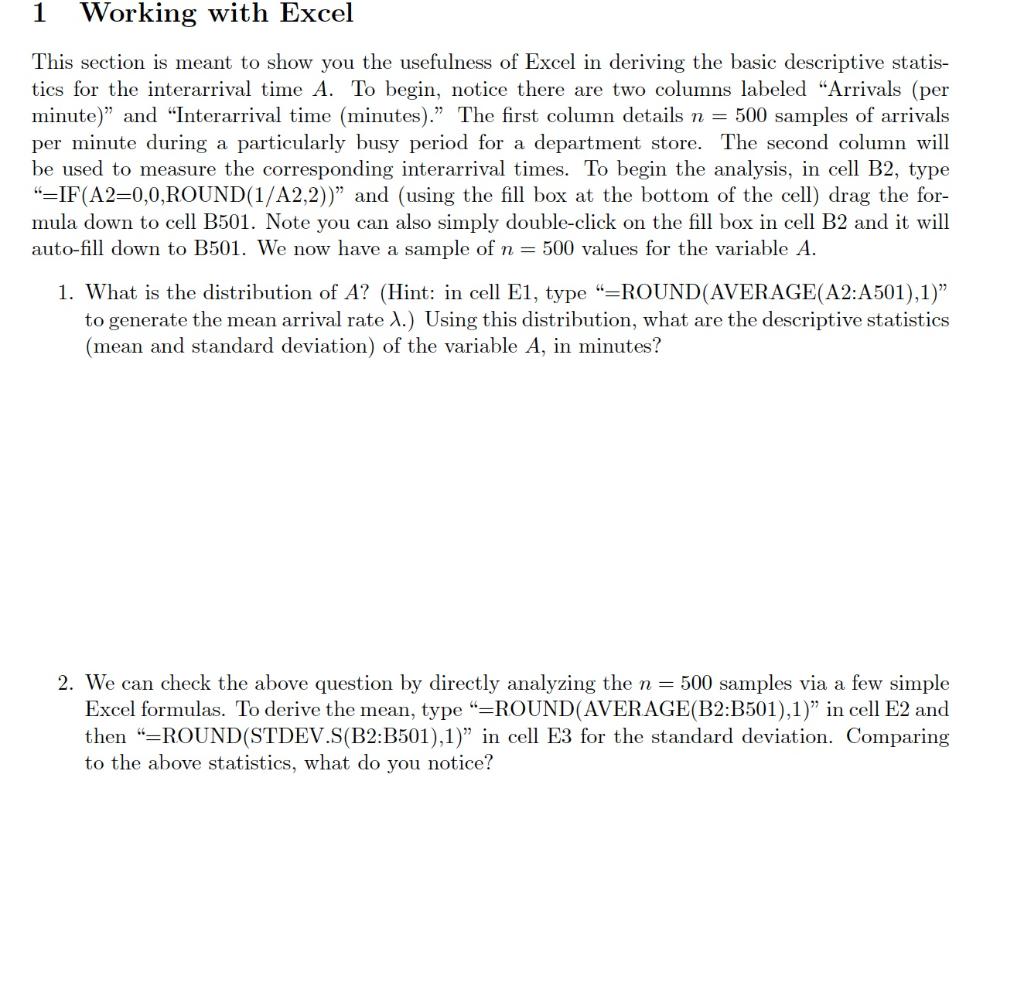
1 Working with Excel This section is meant to show you the usefulness of Excel in deriving the basic descriptive statis- tics for the interarrival time A. To begin, notice there are two columns labeled "Arrivals (per minute)" and "Interarrival time (minutes). The first column details n = 500 samples of arrivals per minute during a particularly busy period for a department store. The second column will be used to measure the corresponding interarrival times. To begin the analysis, in cell B2, type "=IF(A2=0,0,ROUND(1/A2,2))" and (using the fill box at the bottom of the cell) drag the for- mula down to cell B501. Note you can also simply double-click on the fill box in cell B2 and it will auto-fill down to B501. We now have a sample of n = 500 values for the variable A. 1. What is the distribution of A? (Hint: in cell E1, type "=ROUND(AVERAGE(A2:A501),1) to generate the mean arrival rate 1.) Using this distribution, what are the descriptive statistics (mean and standard deviation) of the variable A, in minutes? 2. We can check the above question by directly analyzing the n= 500 samples via a few simple Excel formulas. To derive the mean, type "=ROUND(AVERAGE(B2:B501),1)" in cell E2 and then "=ROUND(STDEV.S(B2:B501),1) in cell E3 for the standard deviation. Comparing to the above statistics, what do you notice? 1 Working with Excel This section is meant to show you the usefulness of Excel in deriving the basic descriptive statis- tics for the interarrival time A. To begin, notice there are two columns labeled "Arrivals (per minute)" and "Interarrival time (minutes). The first column details n = 500 samples of arrivals per minute during a particularly busy period for a department store. The second column will be used to measure the corresponding interarrival times. To begin the analysis, in cell B2, type "=IF(A2=0,0,ROUND(1/A2,2))" and (using the fill box at the bottom of the cell) drag the for- mula down to cell B501. Note you can also simply double-click on the fill box in cell B2 and it will auto-fill down to B501. We now have a sample of n = 500 values for the variable A. 1. What is the distribution of A? (Hint: in cell E1, type "=ROUND(AVERAGE(A2:A501),1) to generate the mean arrival rate 1.) Using this distribution, what are the descriptive statistics (mean and standard deviation) of the variable A, in minutes? 2. We can check the above question by directly analyzing the n= 500 samples via a few simple Excel formulas. To derive the mean, type "=ROUND(AVERAGE(B2:B501),1)" in cell E2 and then "=ROUND(STDEV.S(B2:B501),1) in cell E3 for the standard deviation. Comparing to the above statistics, what do you notice




