







Question: 1. Write a bash script called options that acts as a simple administration menu. Example output: Welcome to the BASH options menu Option 1. Quit
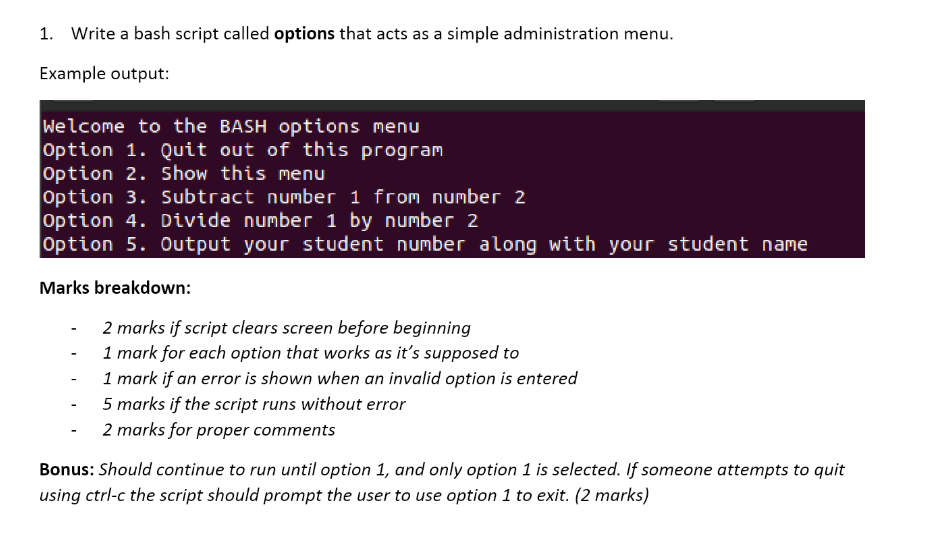
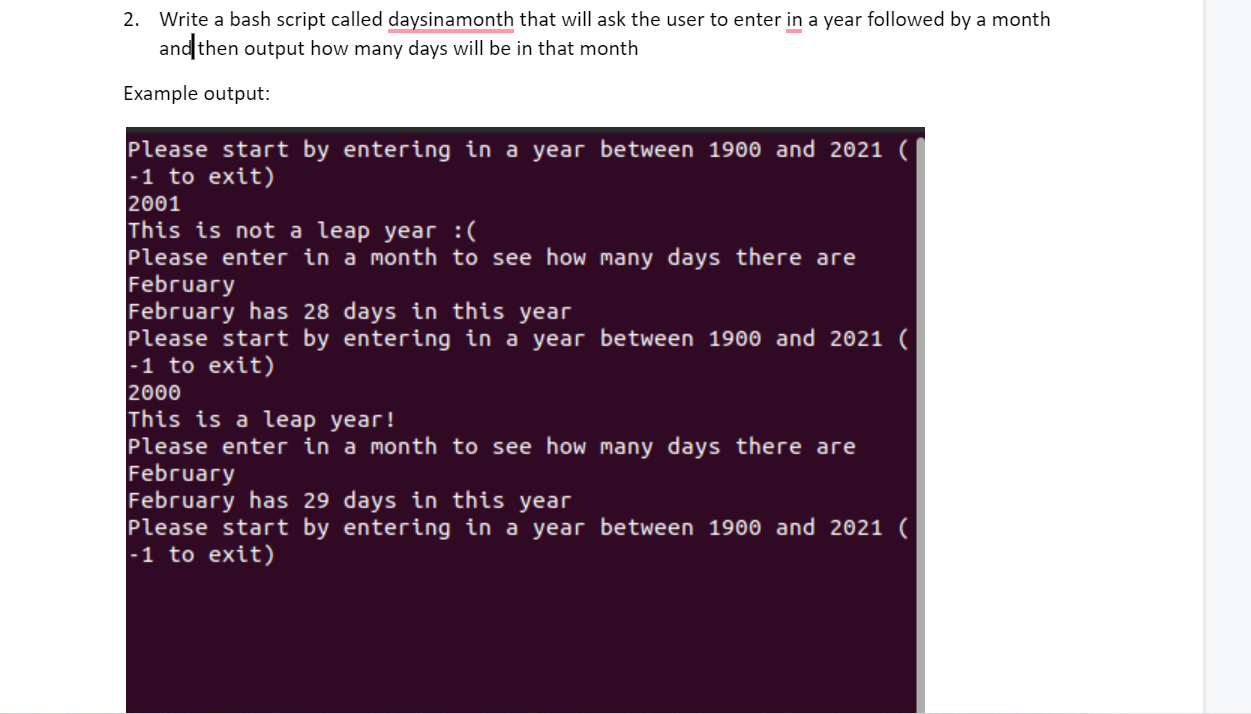
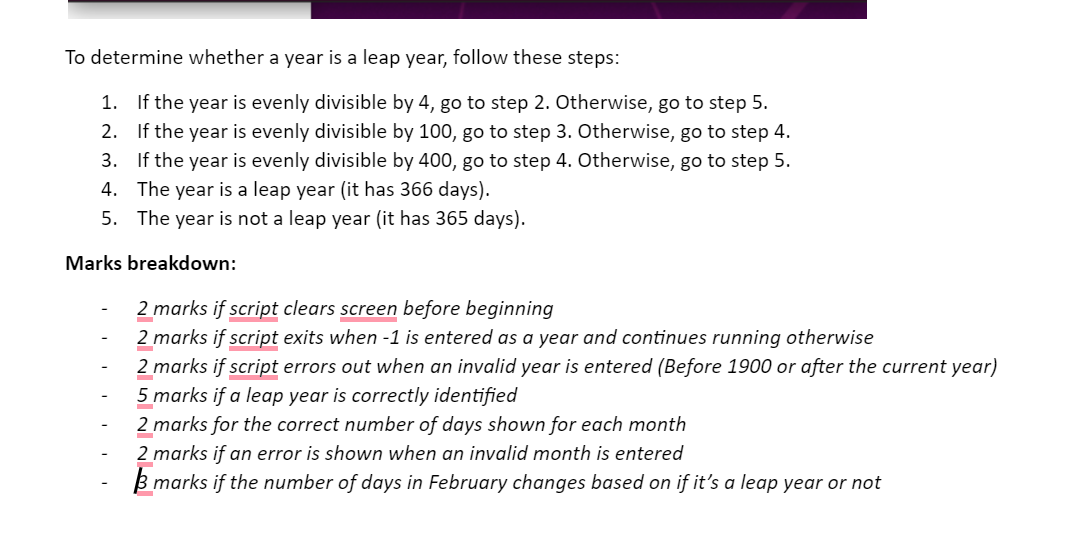
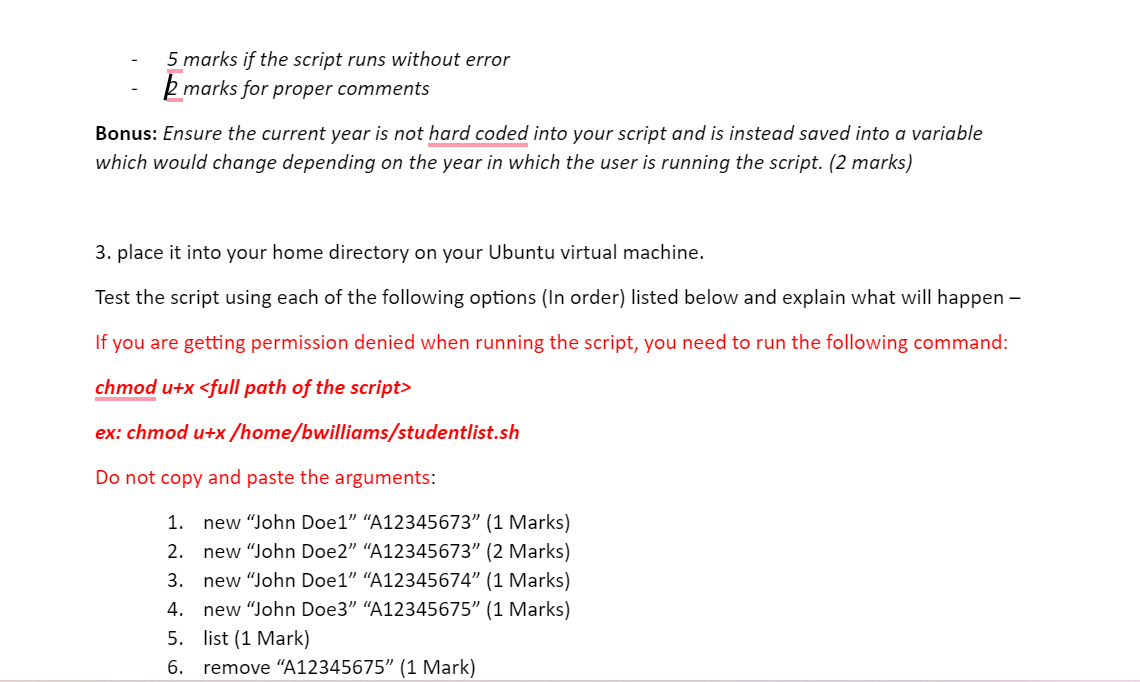

1. Write a bash script called options that acts as a simple administration menu. Example output: Welcome to the BASH options menu Option 1. Quit out of this program Option 2. Show this menu Option 3. Subtract number 1 from number 2 option 4. Divide number 1 by number 2 option 5. Output your student number along with your student name Marks breakdown: - 2 marks if script clears screen before beginning - 1 mark for each option that works as it's supposed to - 1 mark if an error is shown when an invalid option is entered - 5 marks if the script runs without error - 2 marks for proper comments Bonus: Should continue to run until option 1, and only option 1 is selected. If someone attempts to quit using ctrl-c the script should prompt the user to use option 1 to exit. (2 marks) 2. Write a bash script called daysinamonth that will ask the user to enter in a year followed by a month and then output how many days will be in that month Example output: Please start by entering in a year between 1900 and 2021 ( 1 to exit) 2001 This is not a leap year :( Please enter in a month to see how many days there are February February has 28 days in this year Please start by entering in a year between 1900 and 2021 ( -1 to exit) 2000 This is a leap year! Please enter in a month to see how many days there are February February has 29 days in this year Please start by entering in a year between 1900 and 2021 ( - 1 to exit) To determine whether a year is a leap year, follow these steps: 1. If the year is evenly divisible by 4 , go to step 2 . Otherwise, go to step 5 . 2. If the year is evenly divisible by 100 , go to step 3 . Otherwise, go to step 4. 3. If the year is evenly divisible by 400 , go to step 4 . Otherwise, go to step 5 . 4. The year is a leap year (it has 366 days). 5. The year is not a leap year (it has 365 days). Marks breakdown: - 2 marks if script clears screen before beginning - 2 marks if script exits when - 1 is entered as a year and continues running otherwise - 2 marks if script errors out when an invalid year is entered (Before 1900 or after the current year) - 5 marks if a leap year is correctly identified - 2 marks for the correct number of days shown for each month - 2 marks if an error is shown when an invalid month is entered - k marks if the number of days in February changes based on if it's a leap year or not - 5 marks if the script runs without error - 2 marks for proper comments Bonus: Ensure the current year is not hard coded into your script and is instead saved into a variable which would change depending on the year in which the user is running the script. ( 2 marks) 3. place it into your home directory on your Ubuntu virtual machine. Test the script using each of the following options (In order) listed below and explain what will happen - If you are getting permission denied when running the script, you need to run the following command: chmod u+x
Step by Step Solution
There are 3 Steps involved in it

Get step-by-step solutions from verified subject matter experts
 Study Help