







Question: 1. Write an Inner Join to pull all SKUs that have a matching product in Inventory. 2. Write a query to show the SKU, Warehouse
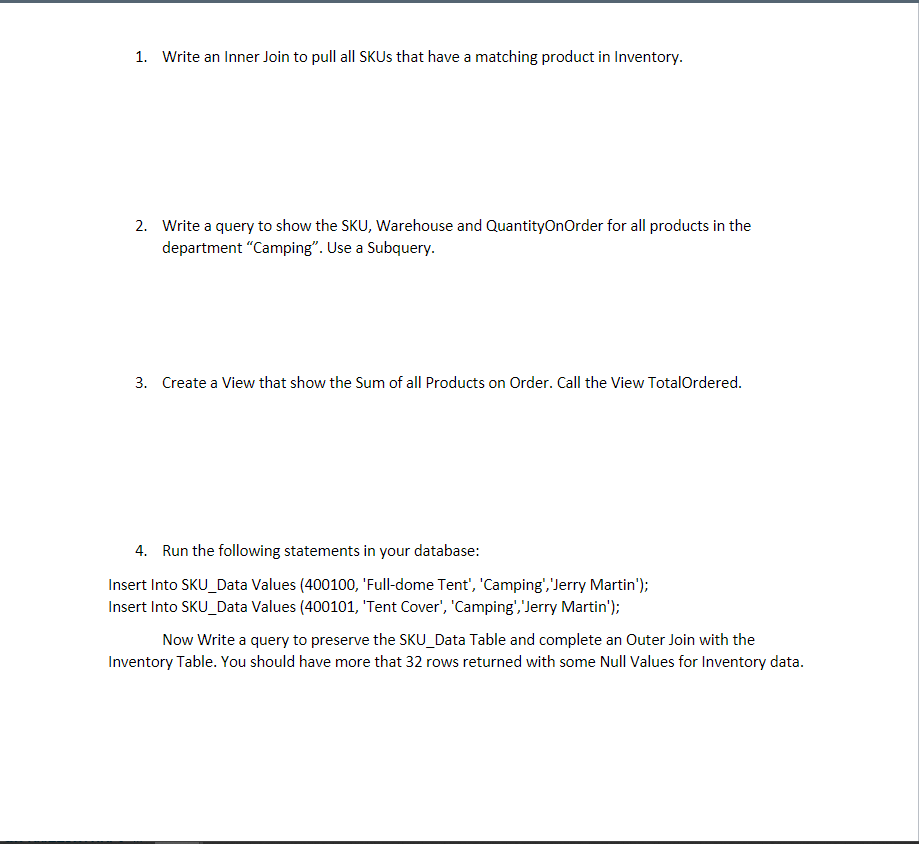
1. Write an Inner Join to pull all SKUs that have a matching product in Inventory. 2. Write a query to show the SKU, Warehouse and QuantityOnOrder for all products in the department "Camping". Use a Subquery. 3. Create a View that show the Sum of all Products on Order. Call the View TotalOrdered. 4. Run the following statements in your database: Insert Into SKU_Data Values (400100, 'Full-dome Tent', 'Camping','Jerry Martin'); Insert Into SKU_Data Values (400101, 'Tent Cover', 'Camping','Jerry Martin'); Now Write a query to preserve the SKU_Data Table and complete an Outer Join with the Inventory Table. You should have more that 32 rows returned with some Null Values for Inventory data
Step by Step Solution
There are 3 Steps involved in it

Get step-by-step solutions from verified subject matter experts
 Study Help