







Question: $10: 58^{pi}$ 49 an all EIA WS 2: Servlets & Databases Worksheet 2: Servlets & Databases This worksheet should be completed before you begin the
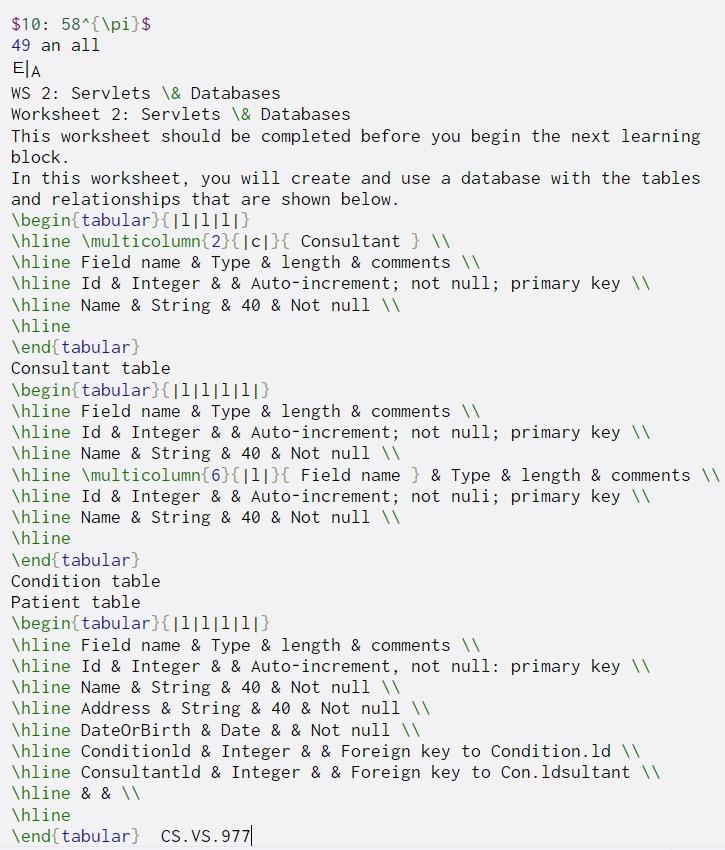
$10: 58^{\pi}$ 49 an all EIA WS 2: Servlets \& Databases Worksheet 2: Servlets & Databases This worksheet should be completed before you begin the next learning block. In this worksheet, you will create and use a database with the tables and relationships that are shown below. \begin{tabular}{|1|1|1|} \hline \multicolumn{2}{|c}{ Consultant } \hline Field name & Type & length & comments \hline Id & Integer & & Auto-increment; not null; primary key Thline Name & String & 40 & Not null \hline \end{tabular) Consultant table \begin{tabular}{|1|llll} \hline Field name & Type & length & comments \hline Id & Integer & & Auto-increment; not null; primary key \hline Name & String & 40 & Not null Thline \multicolumn{6}{[1]}{ Field name } & Type & length & comments \hline Id & Integer & & Auto-increment; not nuli; primary key \hline Name & String & 40 & Not null \hline \end{tabular) Condition table Patient table \begin{tabular}{|1|1|1[1]} \hline Field name & Type & length & comments \hline Id & Integer & & Auto-increment, not null: primary key \hline Name & String & 40 & Not null \hline Address & String & 40 & Not null \hline DateOrBirth & Date & & Not null Thline Conditionld & Integer & & Foreign key to Condition. ld \hline Consultantld & Integer & & Foreign key to Con.ldsultant Thline & & \hline \end{tabular} CS.VS.977|
Step by Step Solution
There are 3 Steps involved in it

Get step-by-step solutions from verified subject matter experts
 Study Help