







Question: 10. angle using the instructions from construction 3 on pages 199-200 of your textbook. You can use any tools available in Geogebra to construct your
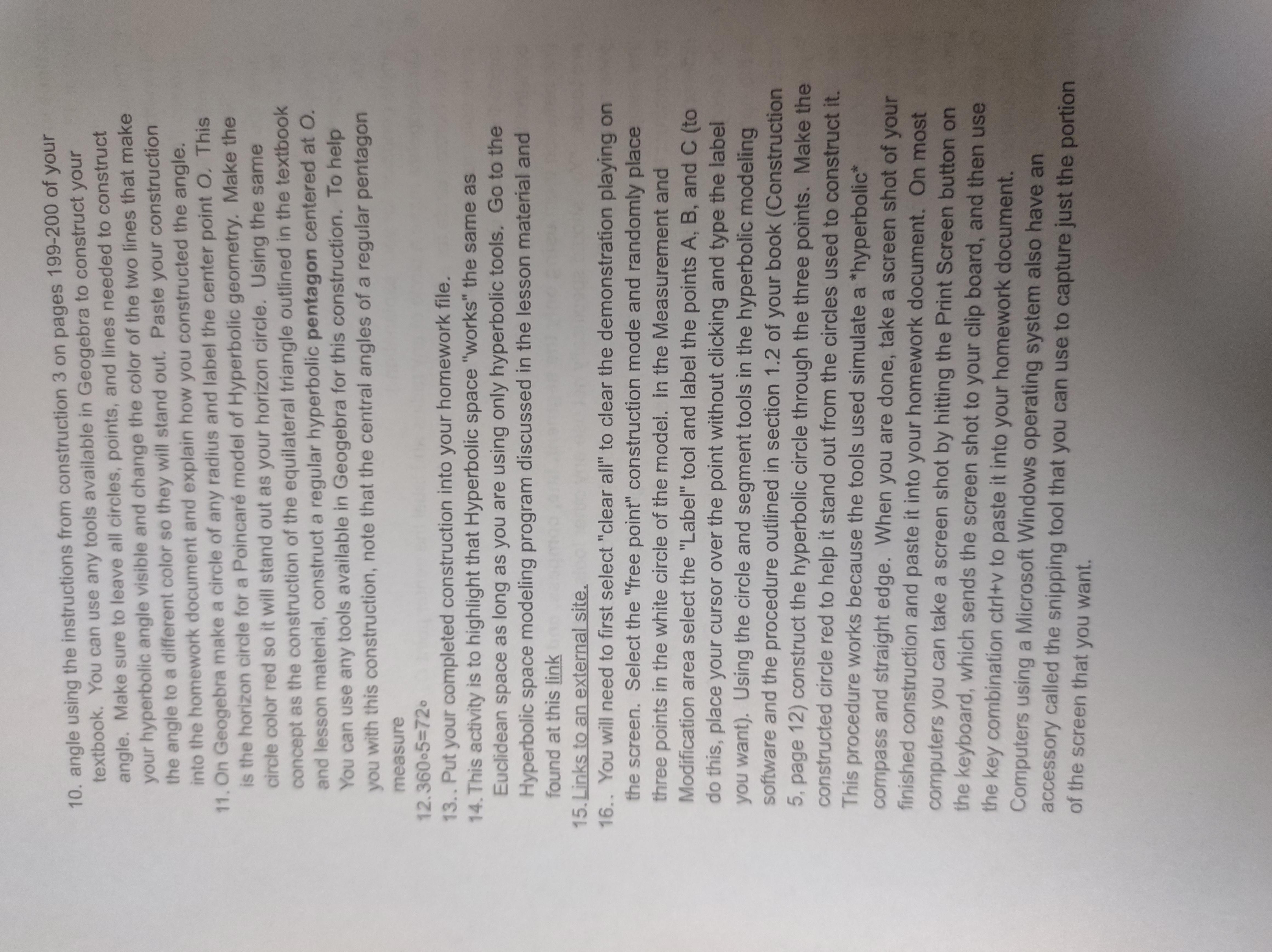
10. angle using the instructions from construction 3 on pages 199-200 of your textbook. You can use any tools available in Geogebra to construct your angle. Make sure to leave all circles, points, and lines needed to construct your hyperbolic angle visible and change the color of the two lines that make the angle to a different color so they will stand out. Paste your construction into the homework document and explain how you constructed the angle. 11. On Geogebra make a circle of any radius and label the center point O. This is the horizon circle for a Poincare model of Hyperbolic geometry. Make the circle color red so it will stand out as your horizon circle. Using the same concept as the construction of the equilateral triangle outlined in the textbook and lesson material, construct a regular hyperbolic pentagon centered at O. You can use any tools available in Geogebra for this construction. To help you with this construction, note that the central angles of a regular pentagon measure 12.360.5=720 13.. Put your completed construction into your homework file. 14. This activity is to highlight that Hyperbolic space "works" the same as Euclidean space as long as you are using only hyperbolic tools. Go to the Hyperbolic space modeling program discussed in the lesson material and found at this link 15. Links to an external site. 16.. You will need to first select "clear all" to clear the demonstration playing on the screen. Select the "free point" construction mode and randomly place three points in the white circle of the model. In the Measurement and Modification area select the "Label" tool and label the points A, B, and C (to do this, place your cursor over the point without clicking and type the label you want). Using the circle and segment tools in the hyperbolic modeling software and the procedure outlined in section 1.2 of your book (Construction 5, page 12) construct the hyperbolic circle through the three points. Make the constructed circle red to help it stand out from the circles used to construct it. This procedure works because the tools used simulate a *hyperbolic* compass and straight edge. When you are done, take a screen shot of your finished construction and paste it into your homework document. On most computers you can take a screen shot by hitting the Print Screen button on the keyboard, which sends the screen shot to your clip board, and then use the key combination ctri+v to paste it into your homework document. Computers using a Microsoft Windows operating system also have an accessory called the snipping tool that you can use to capture just the portion of the screen that you want
Step by Step Solution
There are 3 Steps involved in it

Get step-by-step solutions from verified subject matter experts
 Study Help