







Question: 11. When you're using the Start, End, Angle option for drawing an arc, the rubber band A. won't appear. B. shows the angle and length
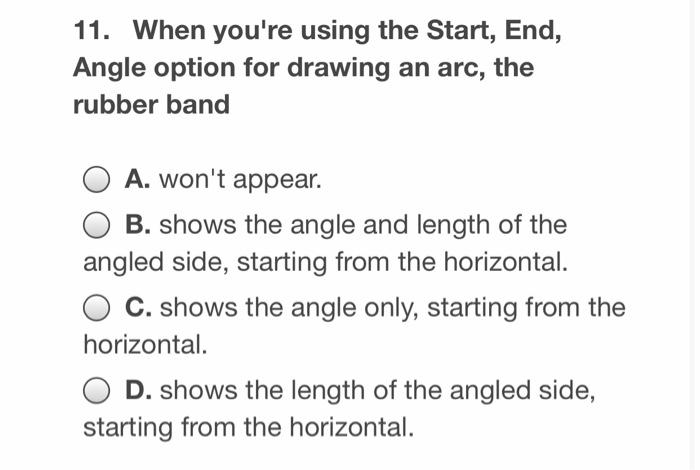
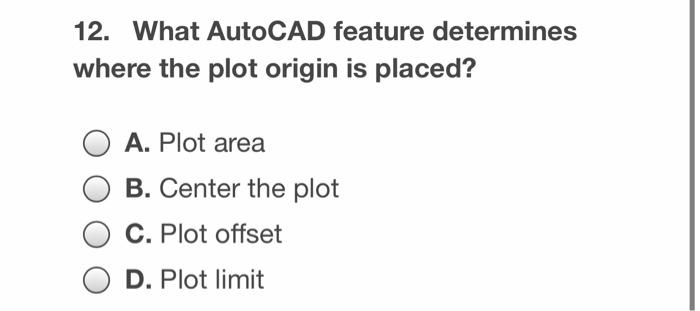
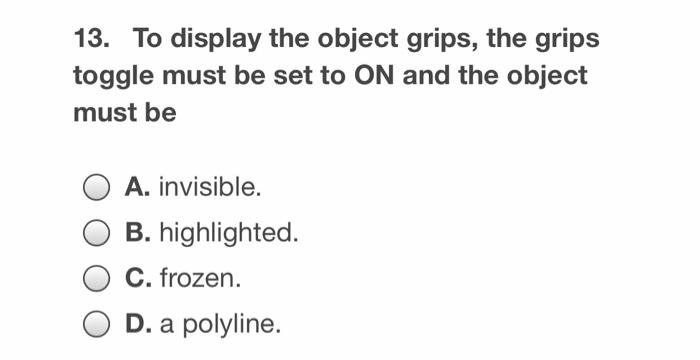
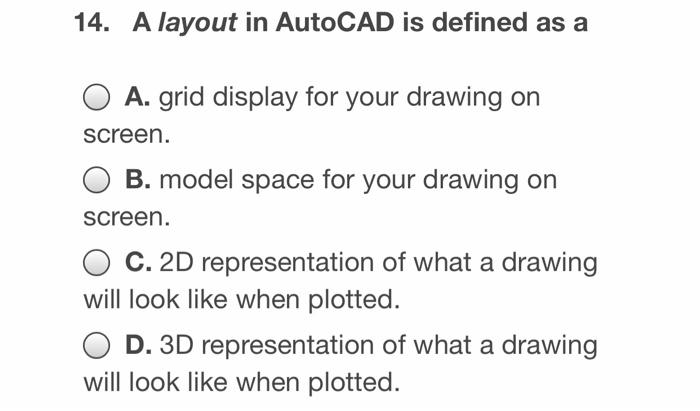
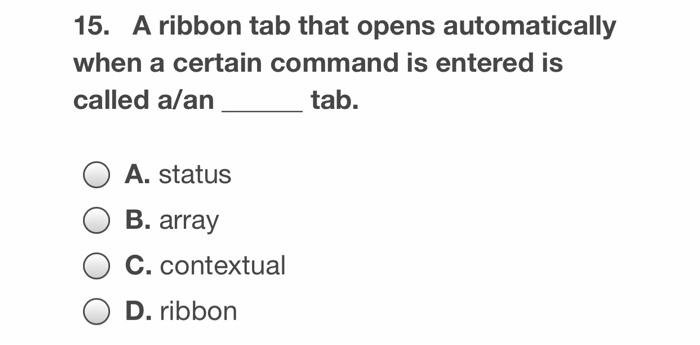
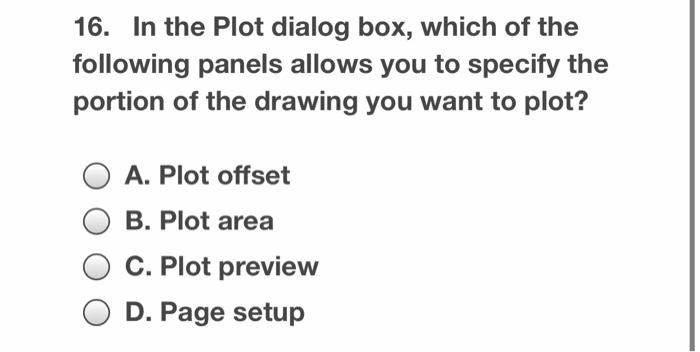
11. When you're using the Start, End, Angle option for drawing an arc, the rubber band A. won't appear. B. shows the angle and length of the angled side, starting from the horizontal. C. shows the angle only, starting from the horizontal. D. shows the length of the angled side, starting from the horizontal. 12. What AutoCAD feature determines where the plot origin is placed? A. Plot area B. Center the plot C. Plot offset D. Plot limit 13. To display the object grips, the grips toggle must be set to ON and the object must be A. invisible. B. highlighted. C. frozen. . D. a polyline. 14. A layout in AutoCAD is defined as a A. grid display for your drawing on screen. B. model space for your drawing on screen. C. 2D representation of what a drawing will look like when plotted. D. 3D representation of what a drawing will look like when plotted. 15. A ribbon tab that opens automatically when a certain command is entered is called alan tab. . A. status B. array C. contextual D. ribbon 16. In the Plot dialog box, which of the following panels allows you to specify the portion of the drawing you want to plot? A. Plot offset B. Plot area C. Plot preview D. Page setup
Step by Step Solution
There are 3 Steps involved in it

Get step-by-step solutions from verified subject matter experts
 Study Help