







Question: 12. 13. 14. 15. In cell G9 enter a function that will determine the OrderID of the most expensive order placed. You may use the
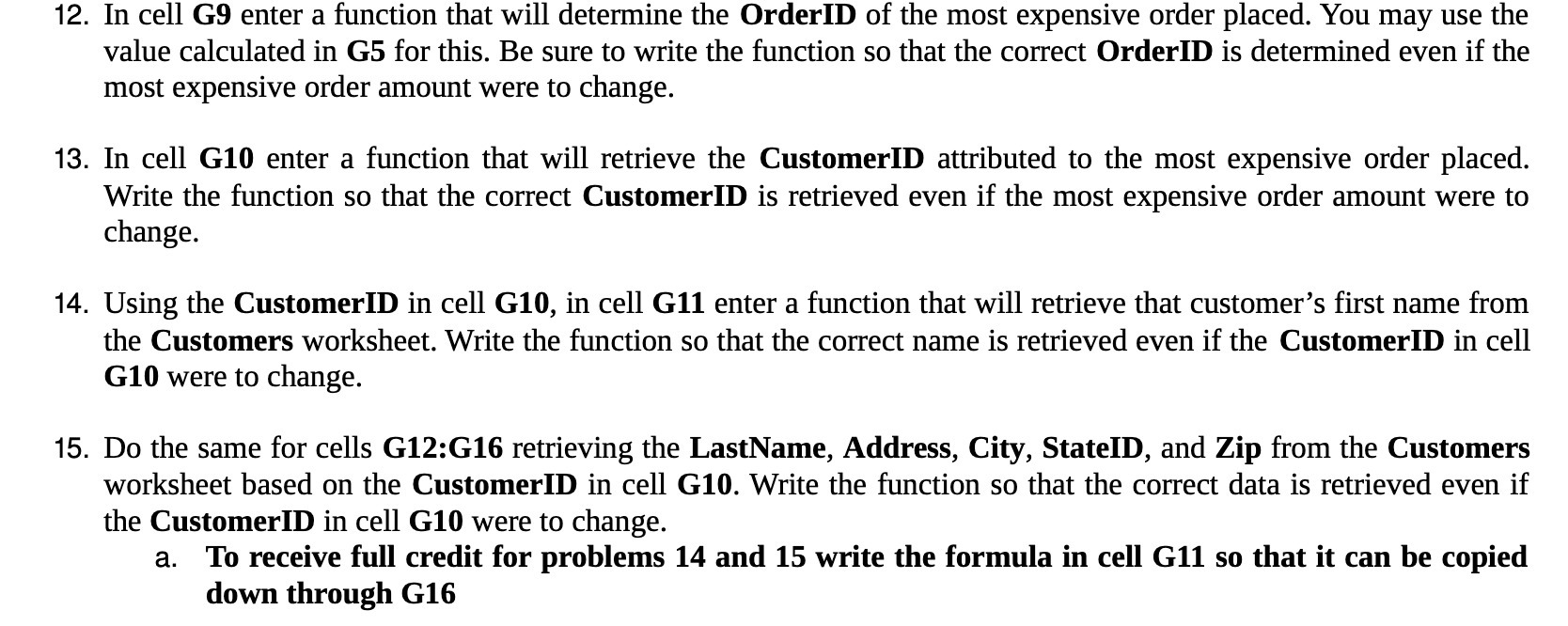
12. 13. 14. 15. In cell G9 enter a function that will determine the OrderID of the most expensive order placed. You may use the value calculated in G5 for this. Be sure to write the function so that the correct OrderID is determined even if the most expensive order amount were to change. In cell G10 enter a function that will retrieve the CustomerID attributed to the most expensive order placed. Write the function so that the correct CustomerID is retrieved even if the most expensive order amount were to change. Using the CustomerID in cell G10, in cell G11 enter a function that will retrieve that customer's first name from the Customers worksheet. Write the function so that the correct name is retrieved even if the CustomerID in cell G10 were to change. Do the same for cells G12:G16 retrieving the LastName, Address, City, StateID, and Zip from the Customers Worksheet based on the CustomerID in cell G10. Write the function so that the correct data is retrieved even if the CustomerID in cell G10 were to change. a. To receive full credit for problems 14 and 15 write the formula in cell G11 so that it can be copied down through G16
Step by Step Solution
There are 3 Steps involved in it

Get step-by-step solutions from verified subject matter experts
 Study Help